Photo type · styled product shots
Product photography in a styled scene — no studio, no photographer
For product photography in aiModelka, any photo of the item you already have will do — a bag, shoes, a watch or jewelry shot by a window or on a table. aiModelka places it in a scene — on a café table, on old stone steps, on a model's wrist — and arranges it the way a stylist would. In a few minutes you have product shots ready for your listing and your social media.
10 free sessions (10 photos) at sign-up · no card required
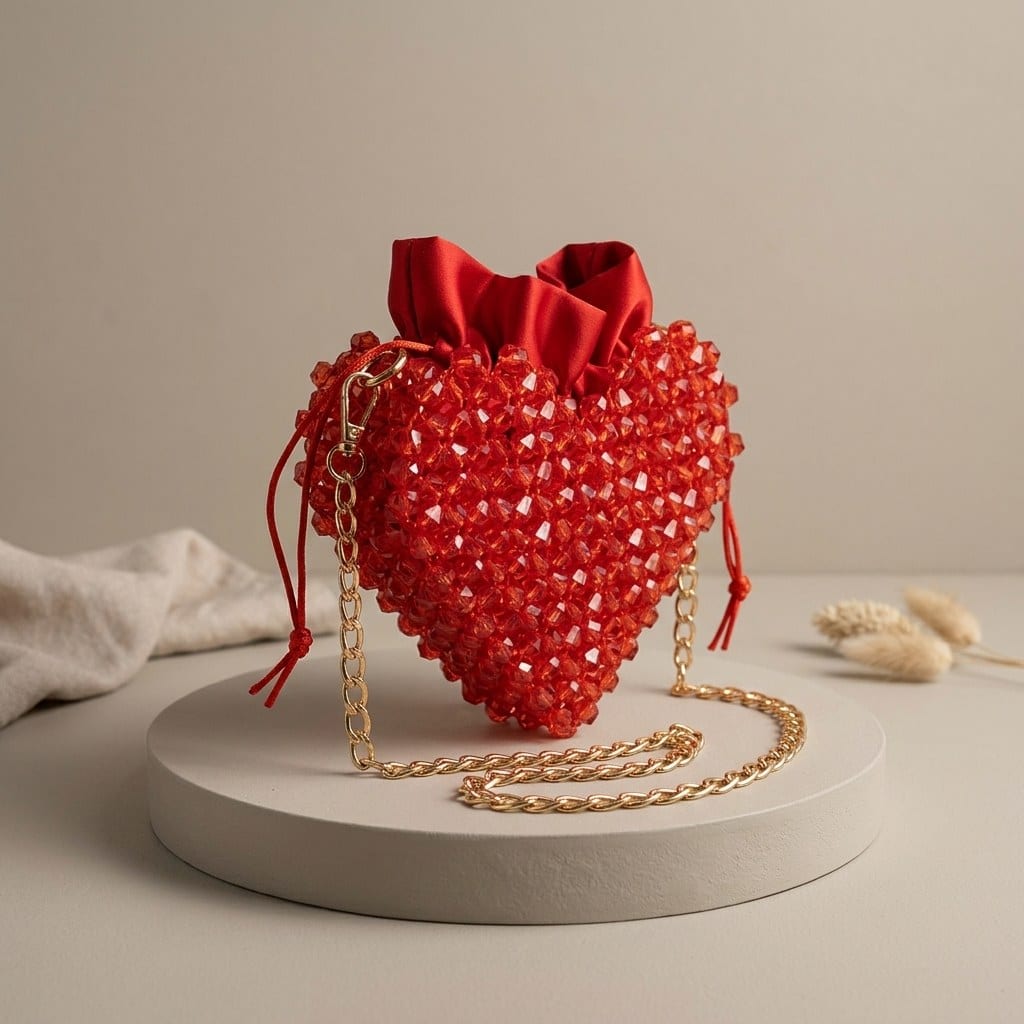
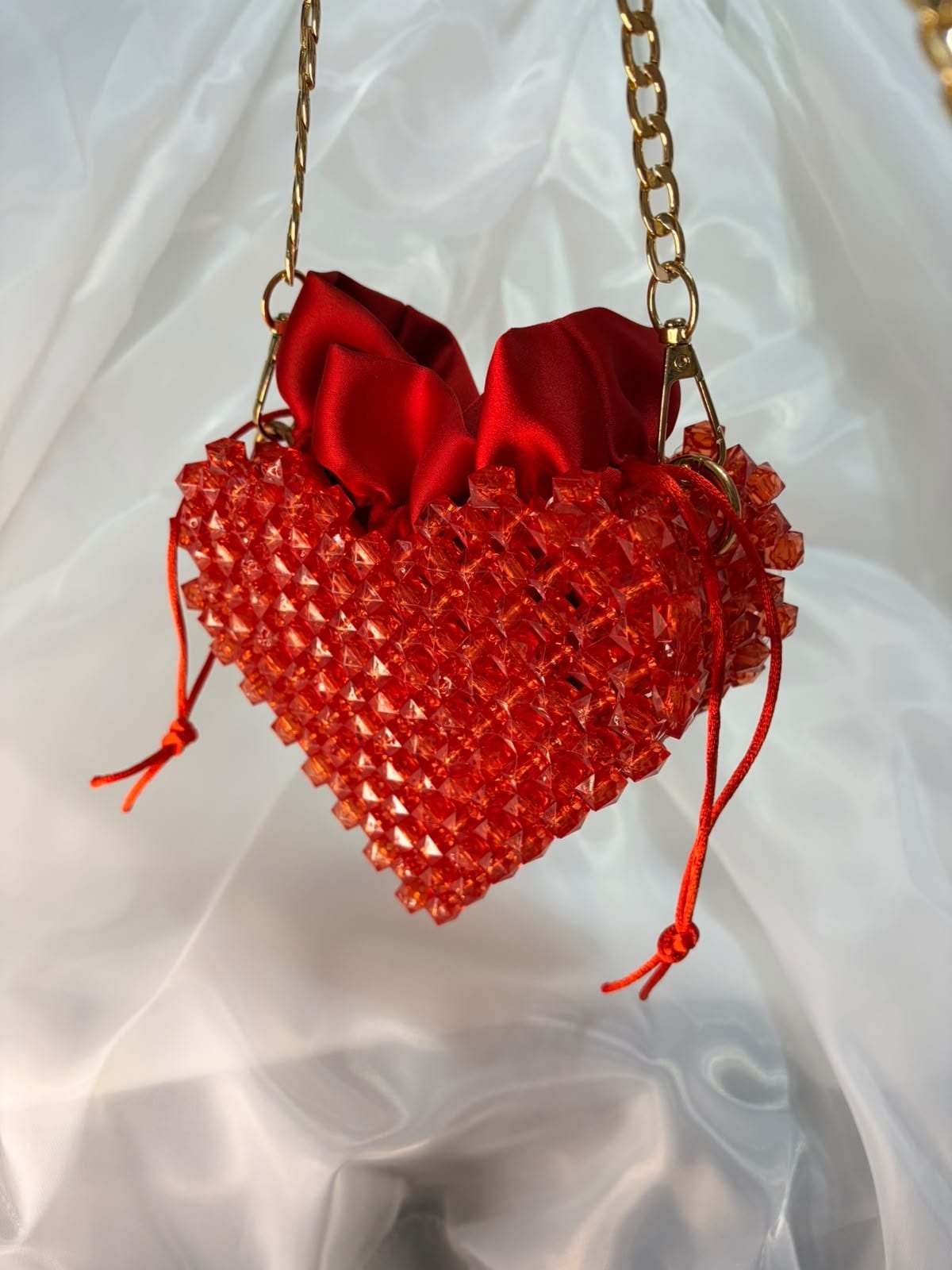
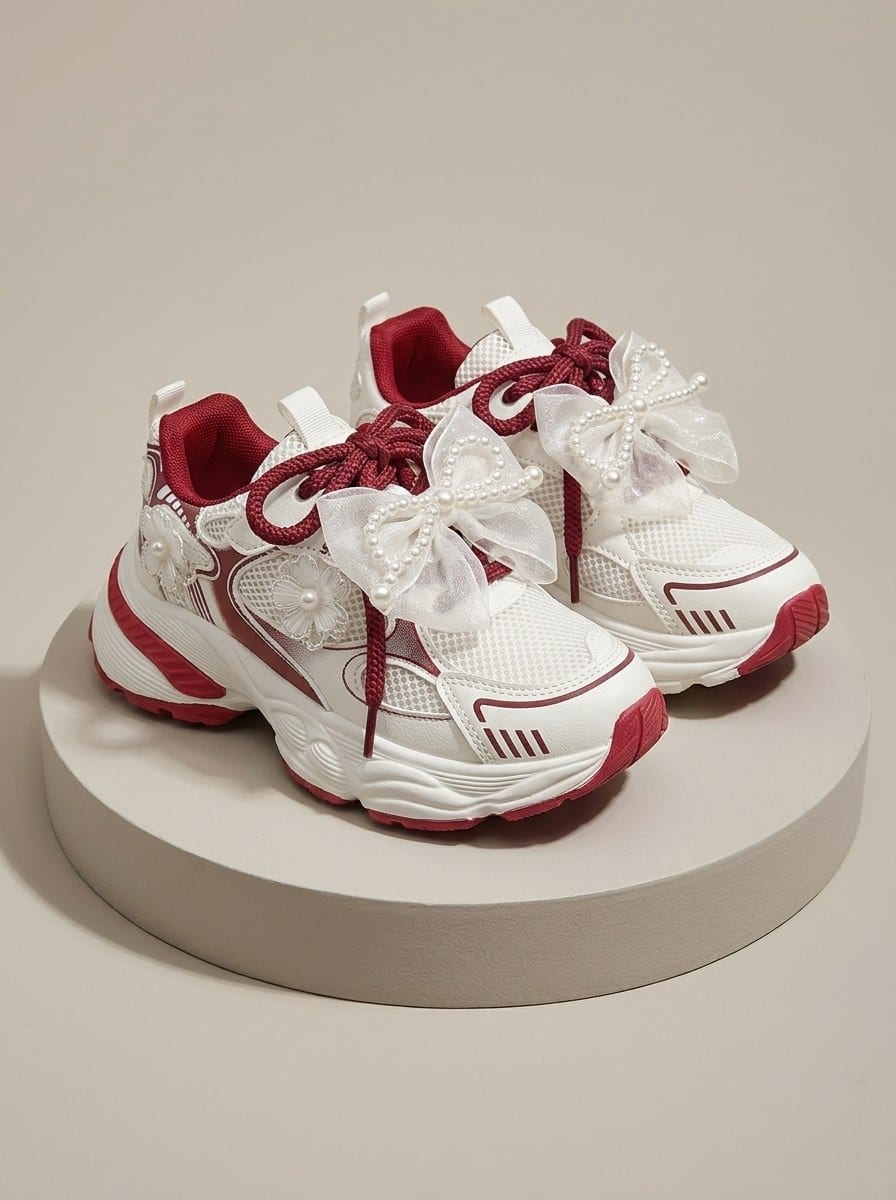
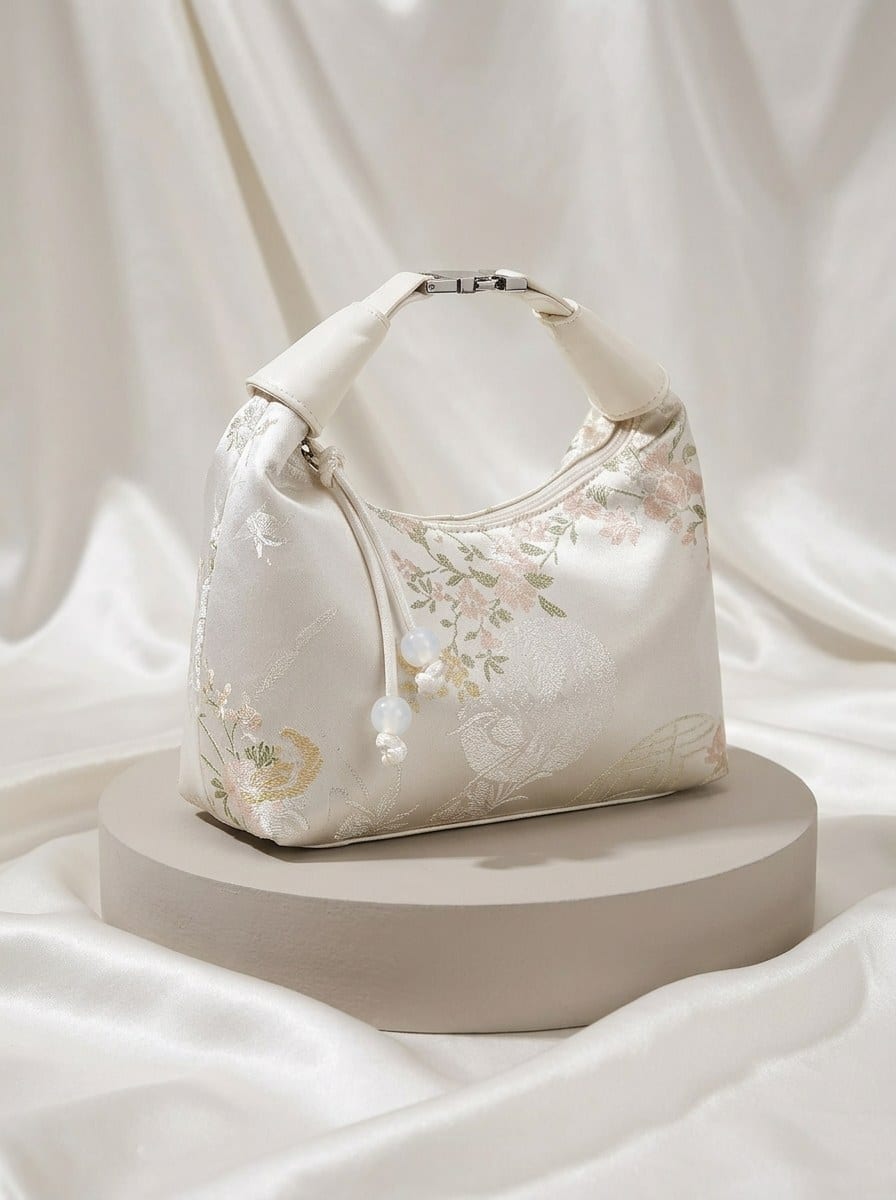
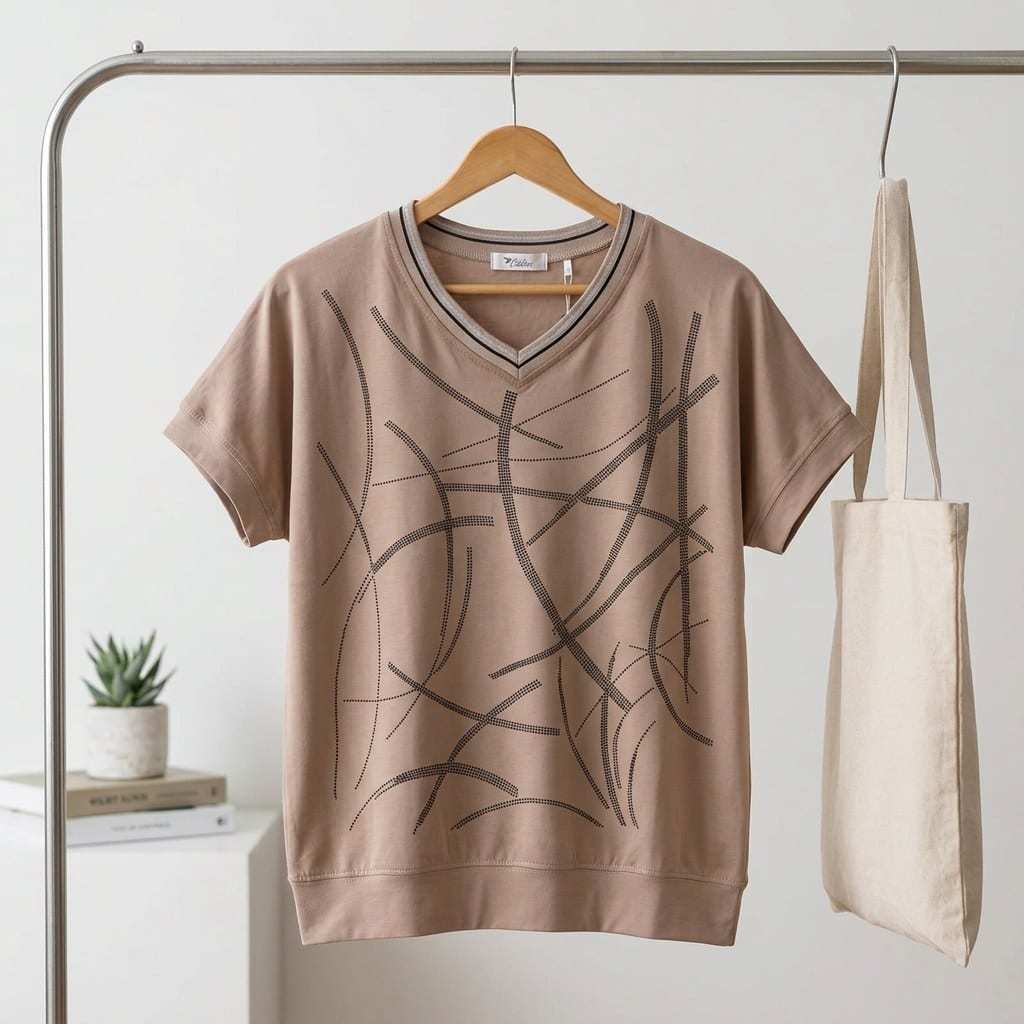
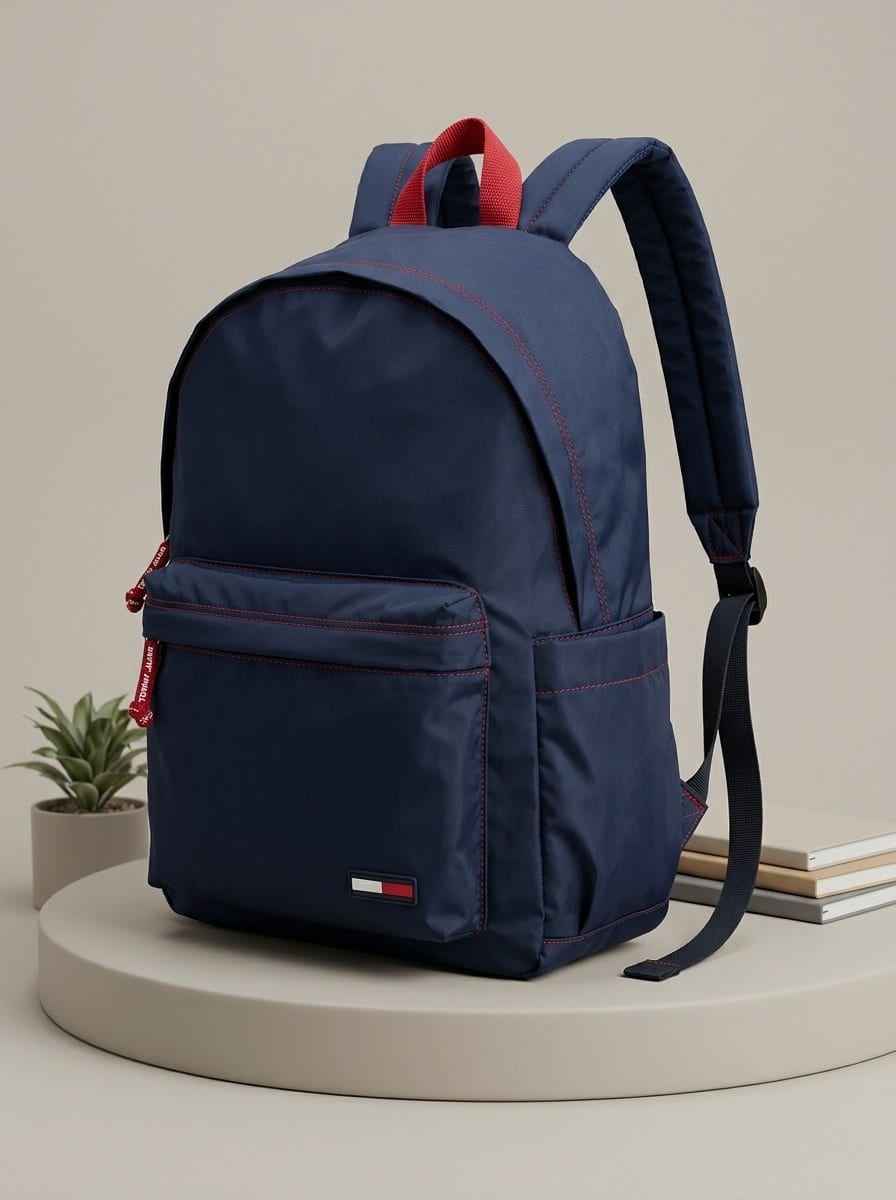
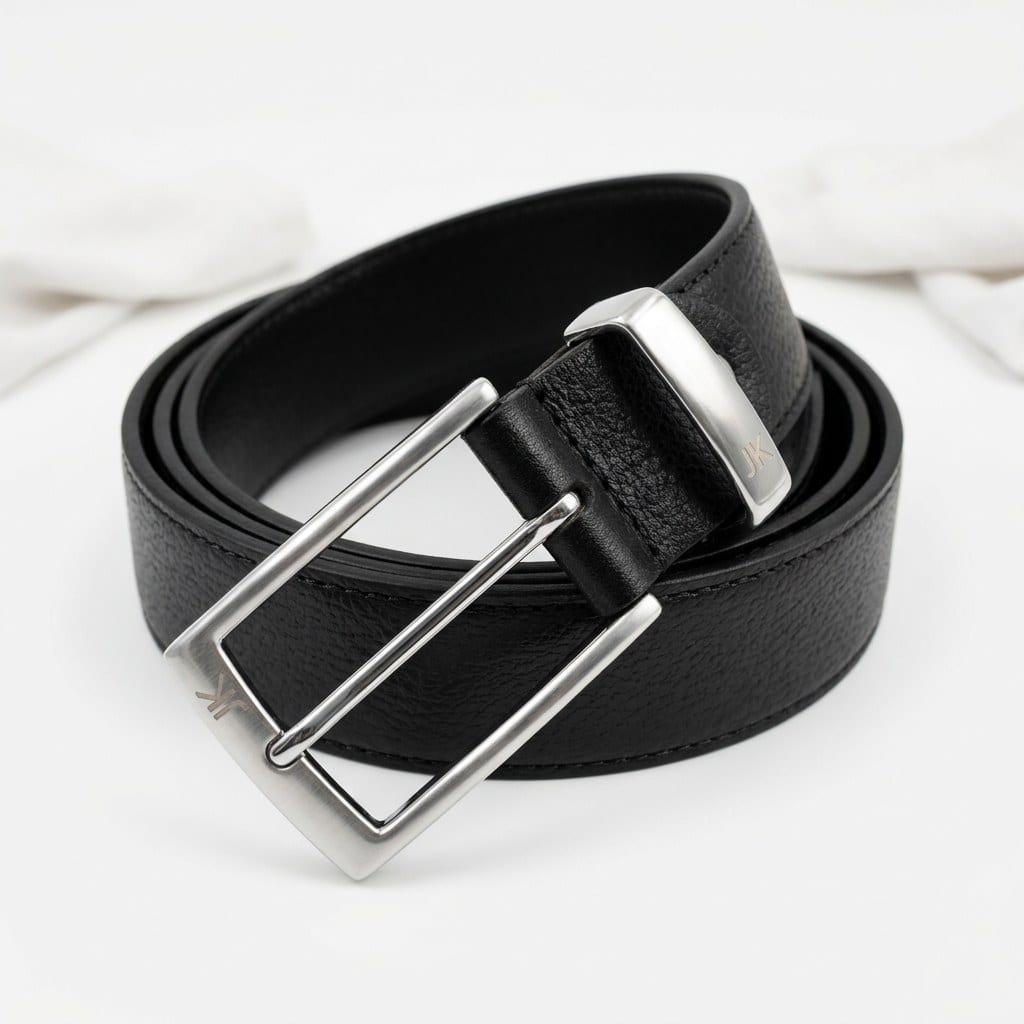
Product photography shows one item close up, with every detail visible — a bag, shoes, a watch, a piece of jewelry. It comes in two kinds. A packshot shows the product on a plain white background, the way most marketplaces require. Lifestyle product photography shows it where it's used: a bag on the shoulder, sneakers on old steps, earrings worn. A lifestyle image tells shoppers more about the item and makes a listing stand out in search results and social feeds. Normally that takes a product studio, props and a photographer. In aiModelka, both packshots and styled lifestyle shots come from a single ordinary photo of the item.
- Product listings
- Social media
- Ads
- Marketplaces
Before → after
Product photography examples
Every one of these product shots was made in aiModelka from an ordinary snapshot. In the corner of each one is the original photo of the item.
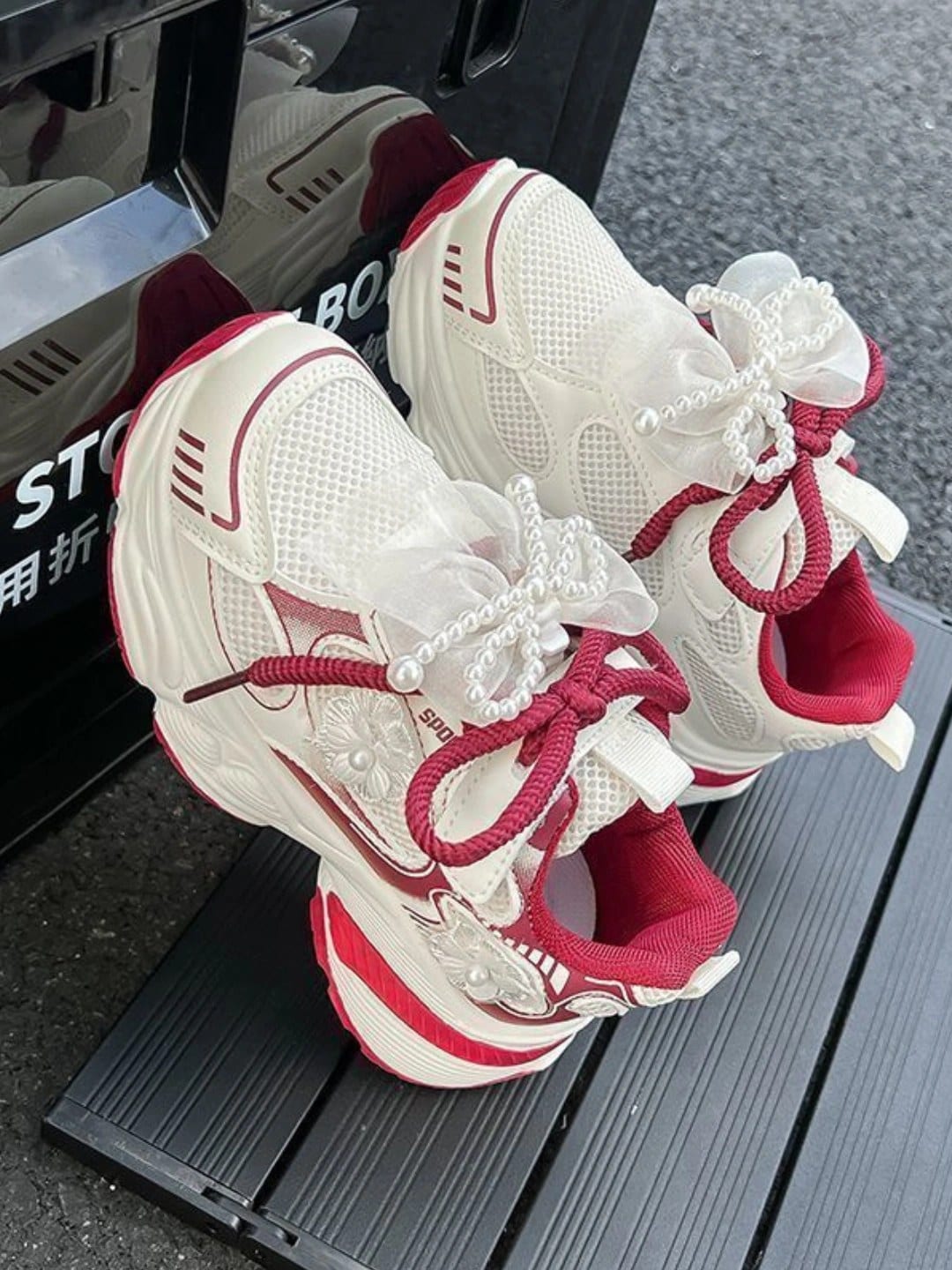
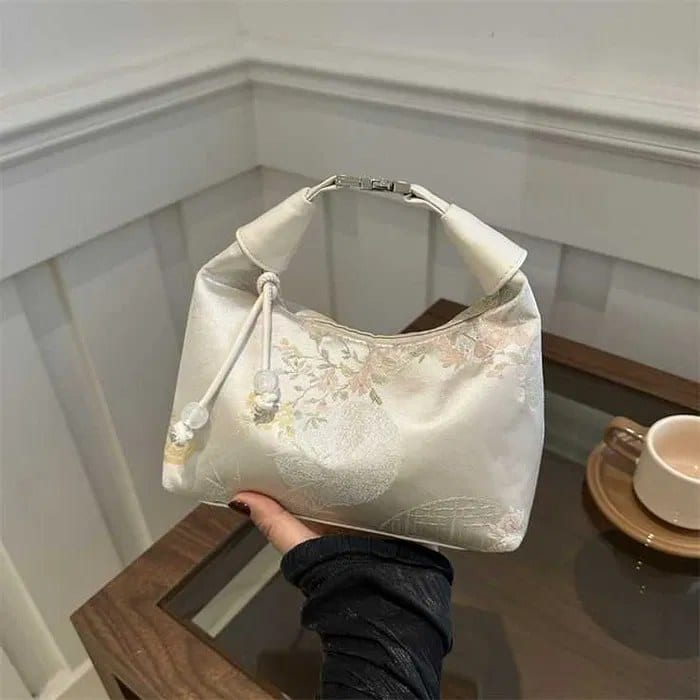
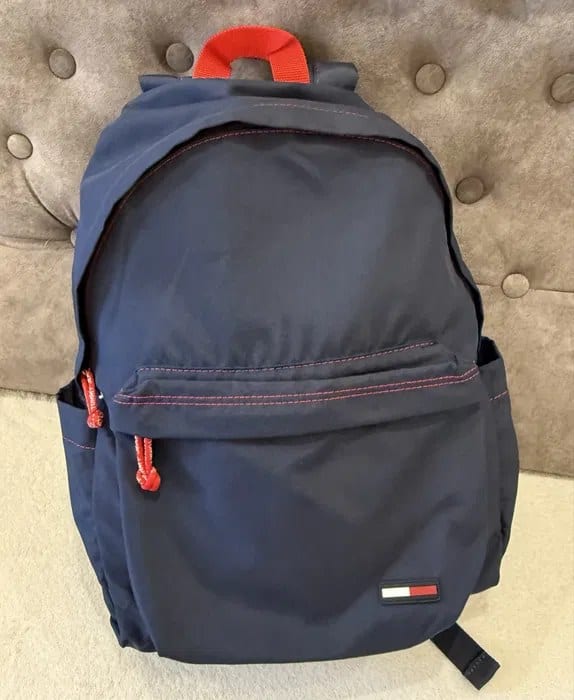
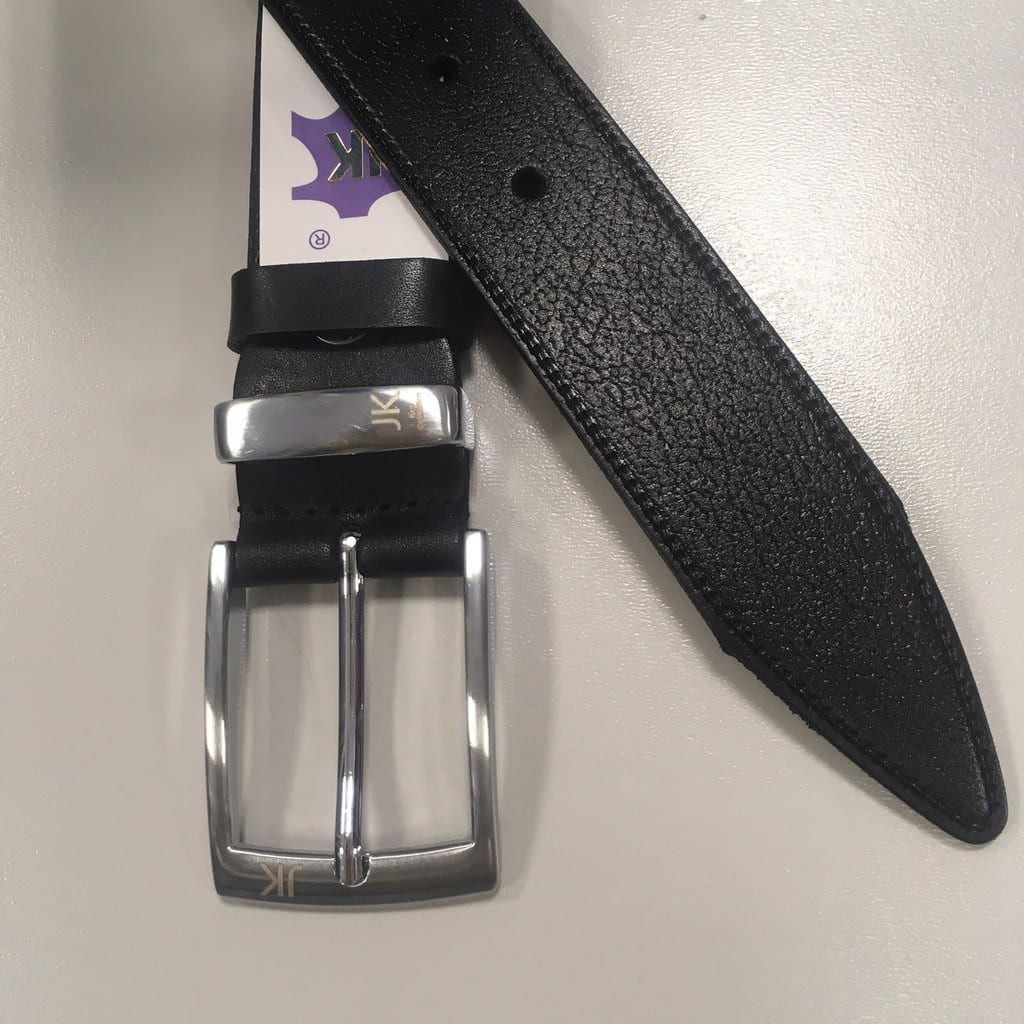
Photos from this gallery are free to use — in articles, social media, presentations — under the CC BY 4.0 license: credit aimodelka.com with a link.
Scenes
Dozens of scenes to choose from
Dozens of realistic scenes in five groups: studio, interior, street, nature and scenes with a model — a bag in hand, a watch on a wrist, sunglasses on a model. There is a plain white studio background for marketplaces, too. In every scene the item is arranged afresh, the way a stylist would do it, not the way it lay in your photo. Pick several scenes in one session.
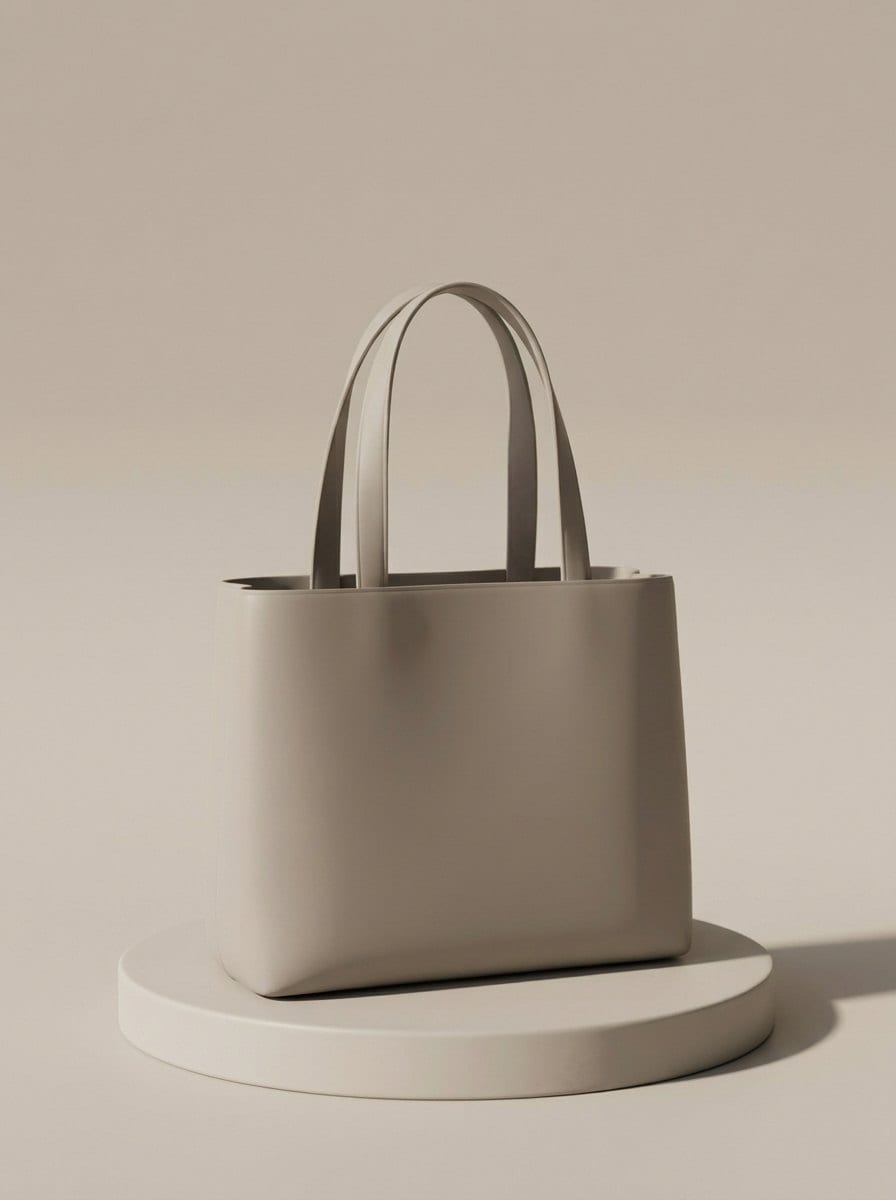
Studio · podium
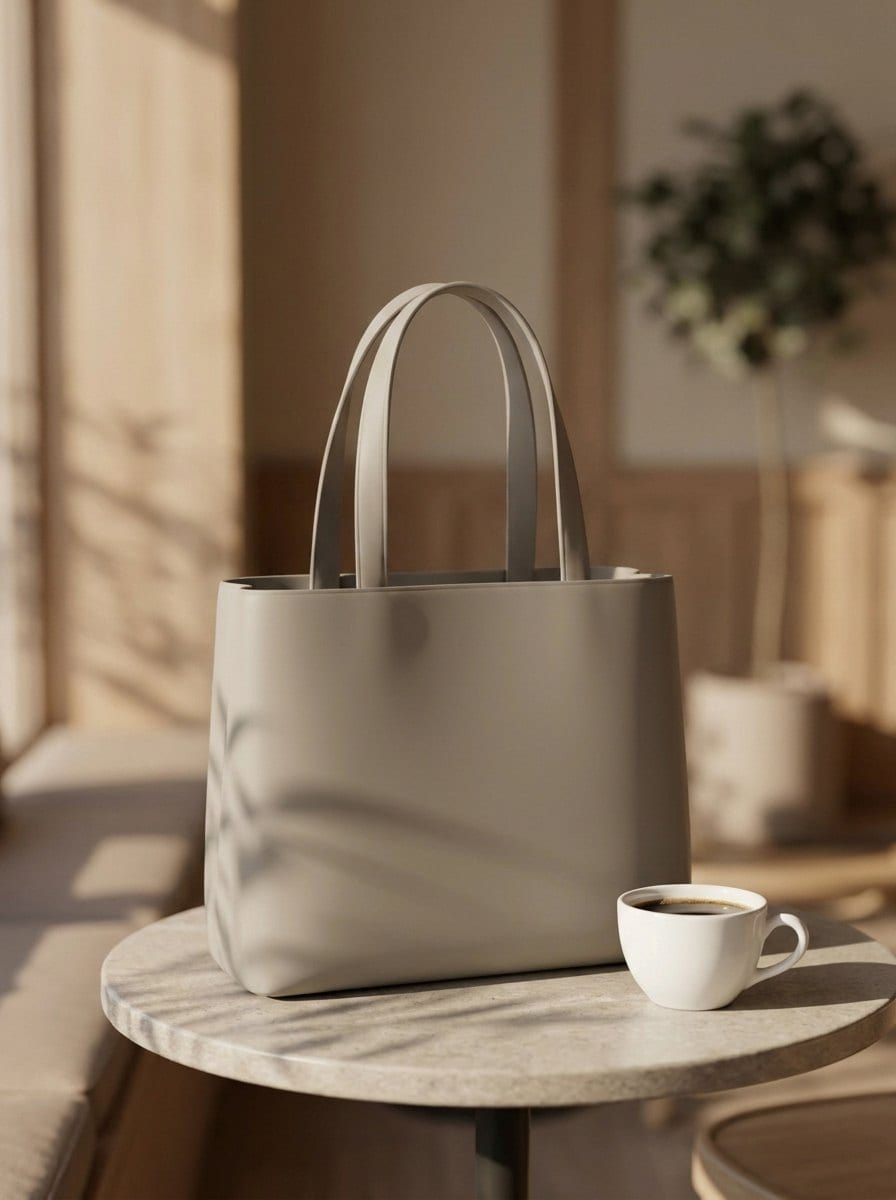
Interior · café
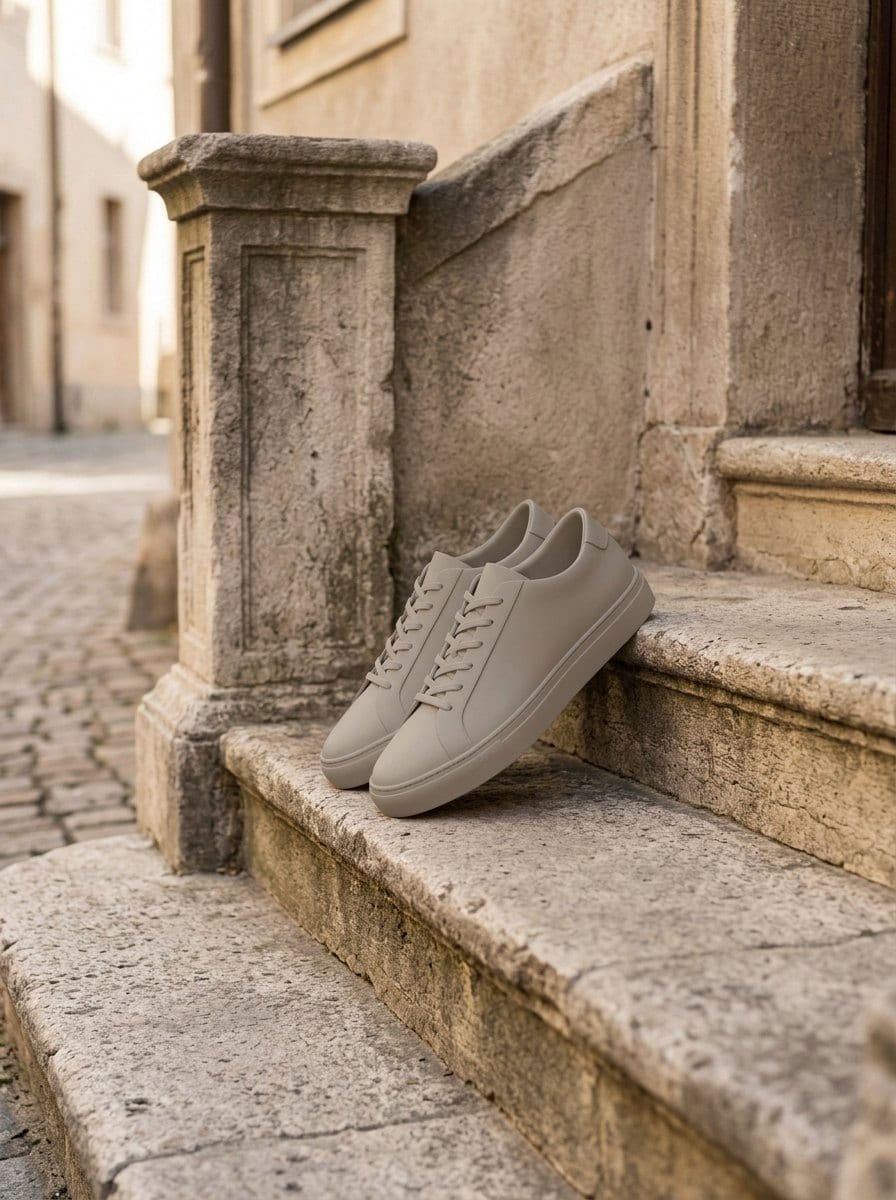
Street · old steps
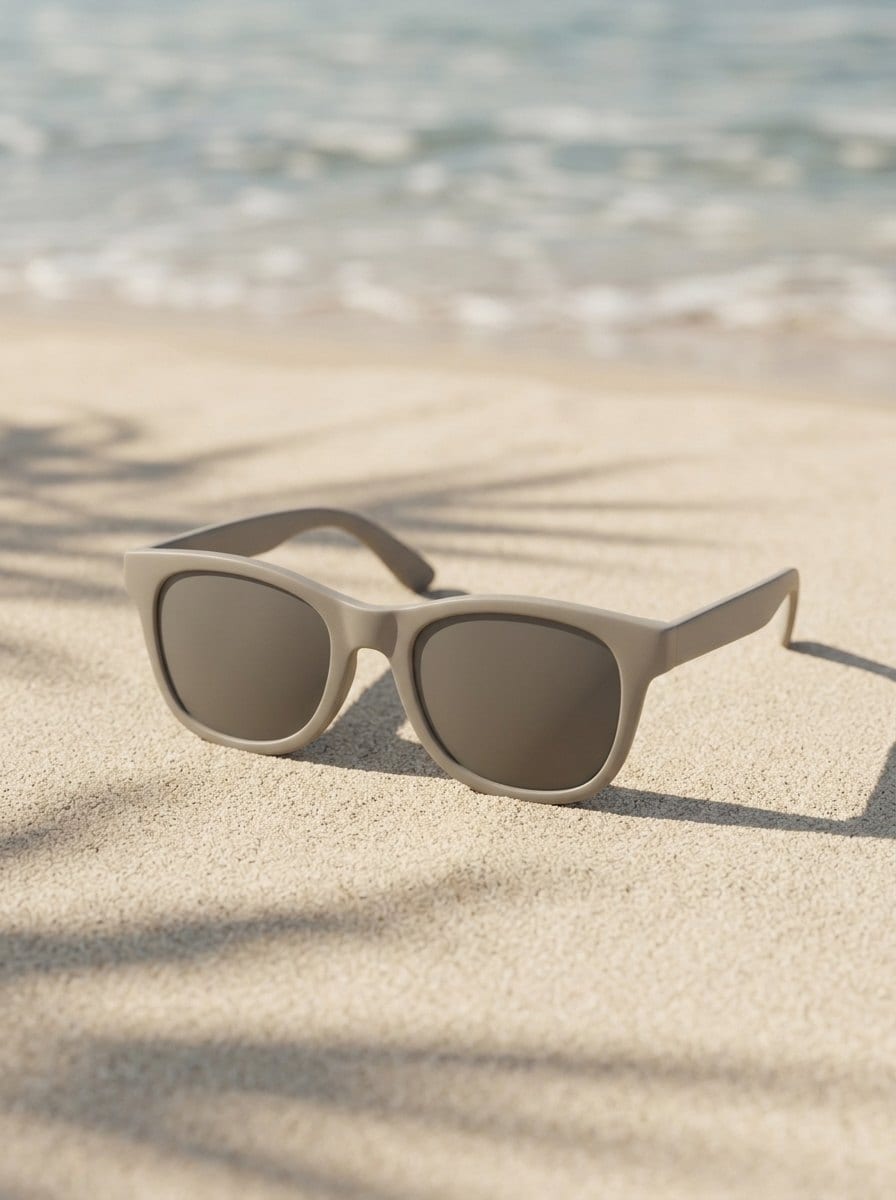
Nature · beach
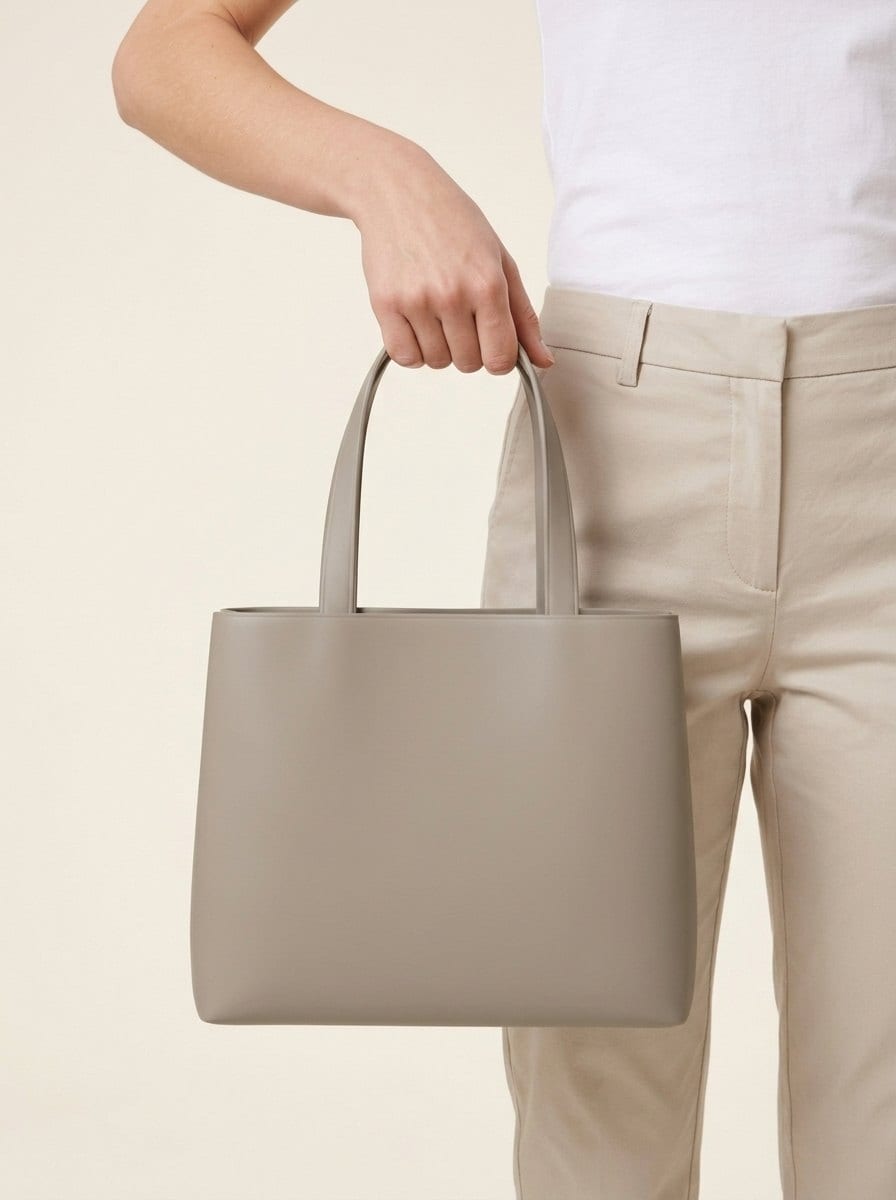
With a model · in hand
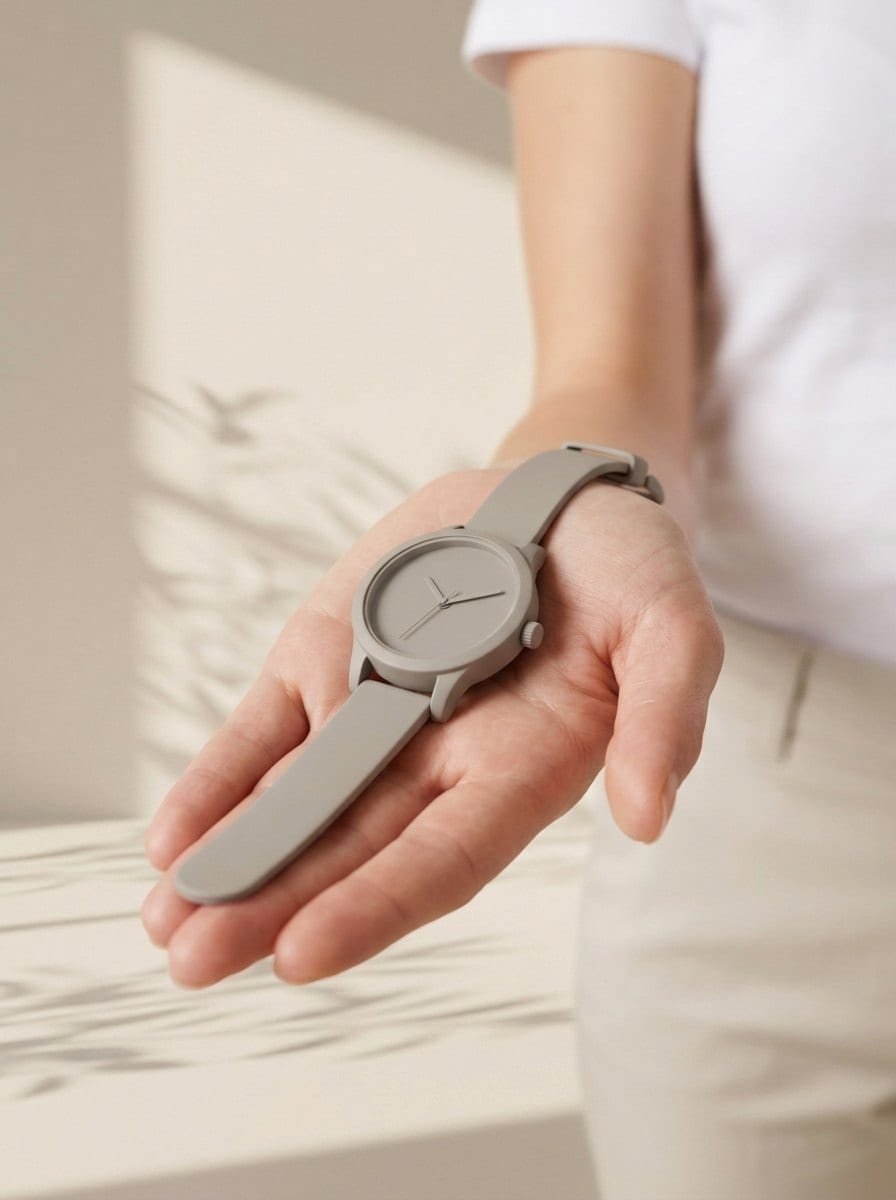
With a model · in the palm
How to photograph the item
A phone and daylight are enough — five rules for a good photo
aiModelka builds the photo from your snapshot: the shape, color and details of the item are taken from it. The clearer they are, the more accurate the result.
 DoDon’t
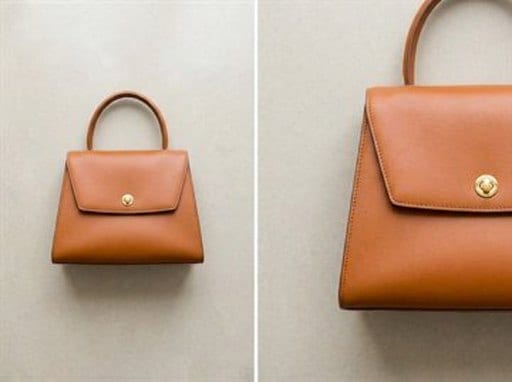
The whole item in the frame
Leave some room around the edges. If an edge is cut off in your photo, the service has to guess what it looks like.
 DoDon’t
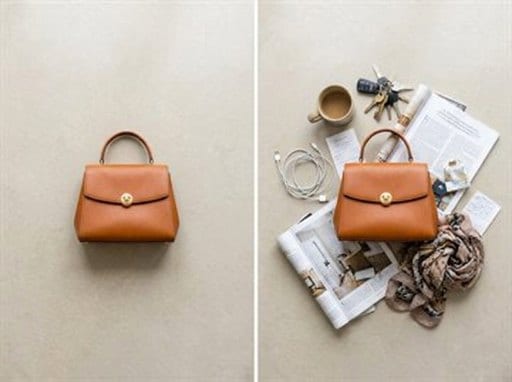
One item, nothing extra
No other items, no packaging, no text over the photo. A pair of shoes or earrings counts as one item.
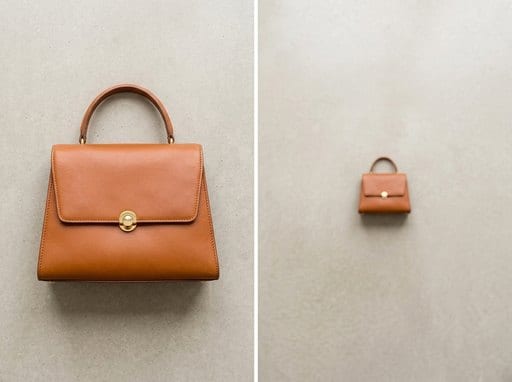 DoDon’t
Details are visible
Get closer and wait for the focus. Clasps, logo and texture should be clearly visible.
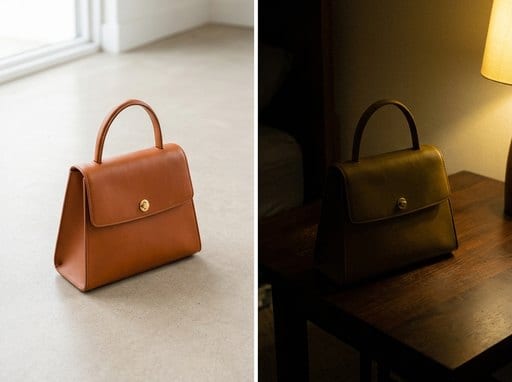 DoDon’t
Daylight and a plain background
No flash, no yellow lamps. A plain background the item doesn't blend into.
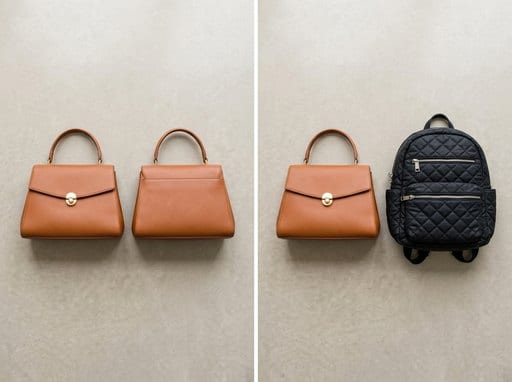 DoDon’t
All photos show one item
The main photo, the other side and the close-up are the same item. If they are different items, the service merges them into one.
How an AI photoshoot works
Three steps — exactly what you do inside the service.
- Step 1
Upload the product
One photo of the whole item on a plain background. The other side and a close-up of details are optional.
Step 1Upload the product
One photo of the whole item on a plain background. The other side and a close-up of details are optional.
- Step 2
Choose a scene
Scene, camera angle and aspect ratio. You can tick several scenes at once.
Step 2Choose a scene
Scene, camera angle and aspect ratio. You can tick several scenes at once.
- Step 3
Get the photos
A few minutes later you get several ready variants. Download the one you like — or order it in 2K or 4K — or send it straight to your WooCommerce product.
Step 3Get the photos
A few minutes later you get several ready variants. Download the one you like — or order it in 2K or 4K — or send it straight to your WooCommerce product.
What to shoot
For accessories and shoes
A small item gets lost on an empty background. A scene gives it size, mood and a story: shoppers see how the bag looks in hand and the watch on a wrist. That is what accessory photography in a scene is for: bags, shoes and watches shown in use, and jewelry product photos with the piece worn rather than lying flat.
- Bags
- Backpacks
- Belts
- Shoes
- Hats
- Jewelry
- Watches
- Glasses and scarves
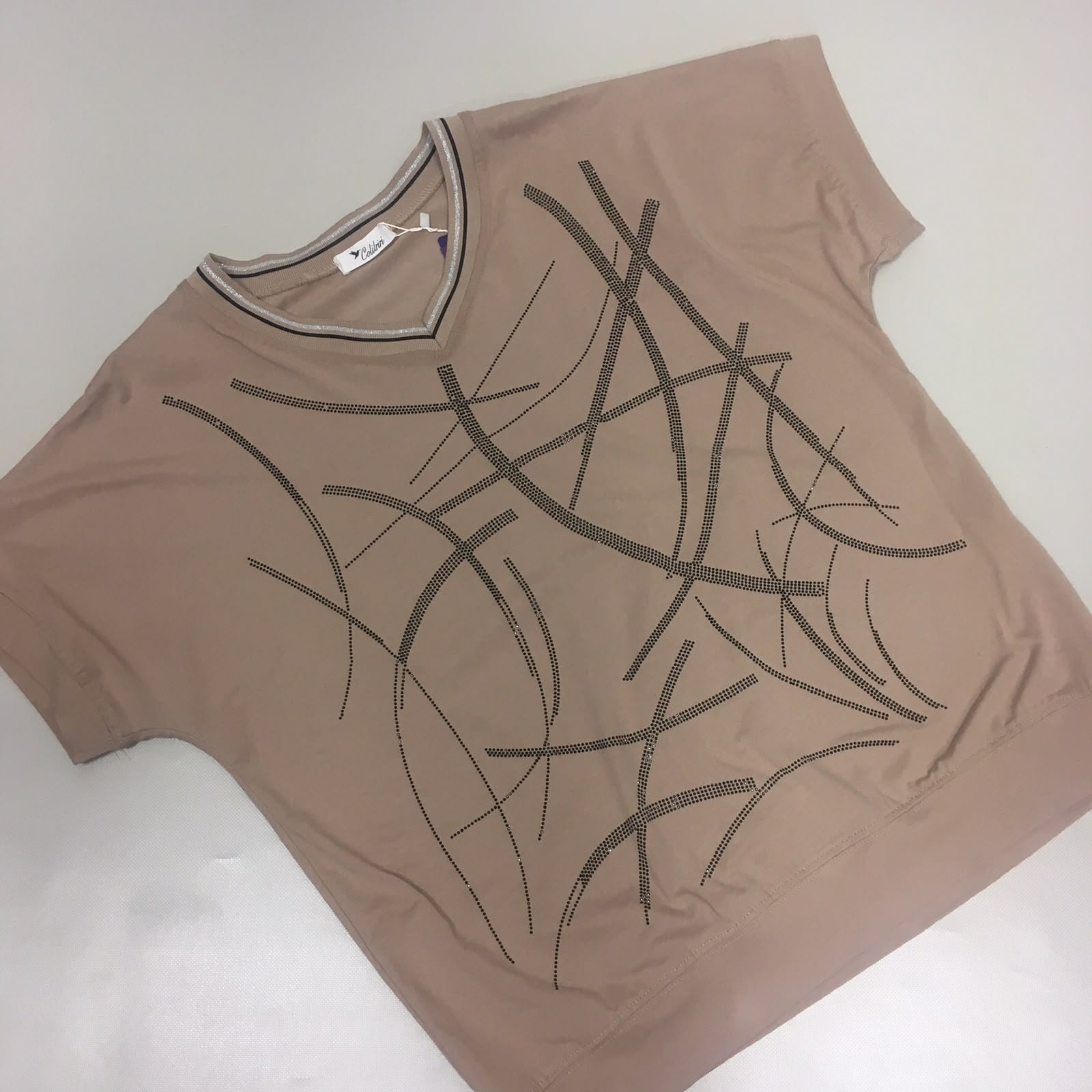
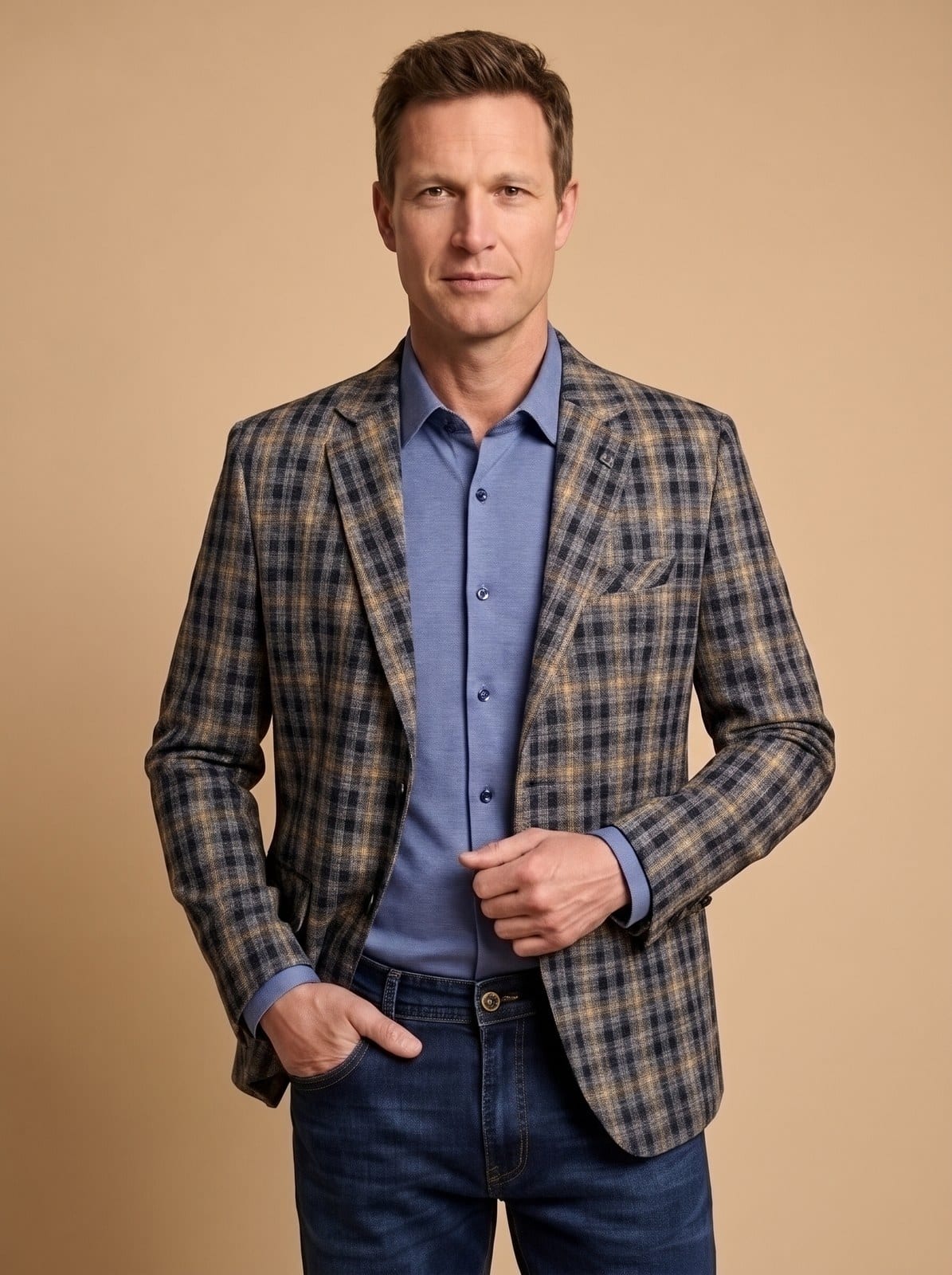
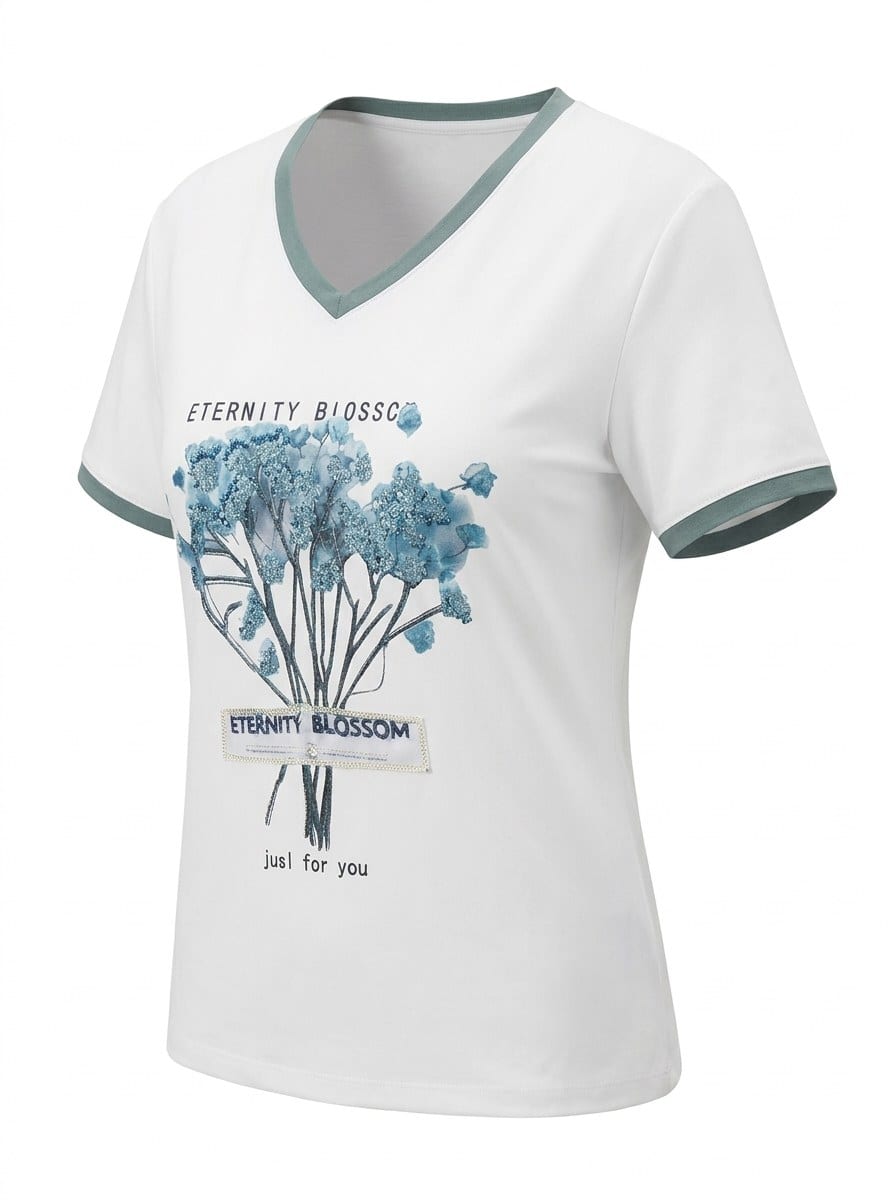
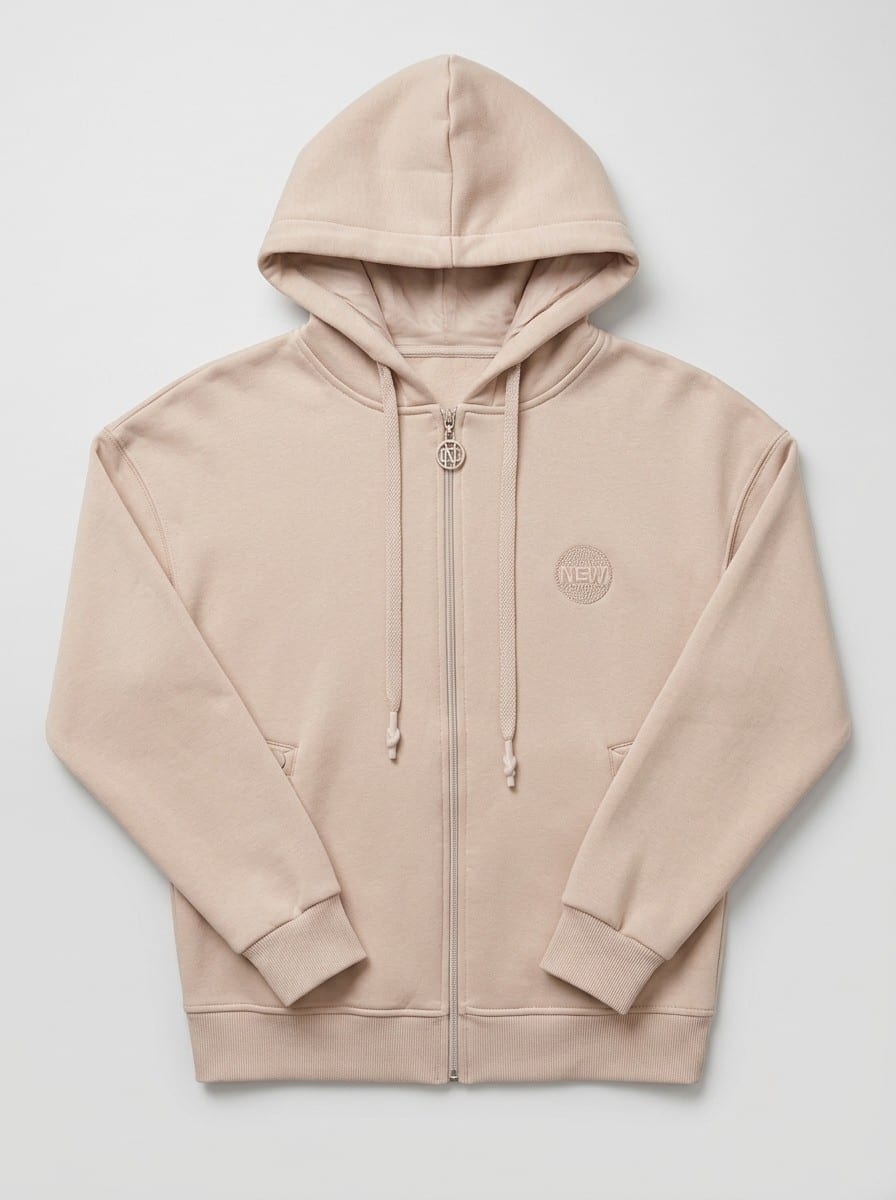
Clothing calls for other photo types
Free plugin · WooCommerce
Product photography straight from your WooCommerce product page
If your store runs on WordPress, install the free aiModelka plugin. Open a product, upload its photo — and the finished styled shot goes straight into the product gallery or becomes the main image. No need to leave your store admin.
Price
Same price as every other photo type
From $0.13 per photo. A plan from $12 a month, or a $10 credit pack with no subscription. A larger size, 2K or 4K, is ordered separately and only for the photo you choose.
10 free sessions (10 photos) at sign-up · no card required
Product photography questions
What is product photography?
Product photography is a close-up photo of the item on its own: a bag, shoes, a watch, jewelry. A packshot is studio product photography on a plain white background, made for marketplaces; a lifestyle shot places the item where it's used. aiModelka makes both kinds from a single ordinary photo of the item.
Which products work with styled product shots?
Bags, backpacks, belts, shoes, hats, jewelry, watches, glasses and scarves. Clothing is accepted too, but the clothing photo types usually suit it better. Upload a photo of the item, choose a scene, and the service arranges the item for that scene.
Which photos do I need?
One photo of the item — whole, in focus, on a plain quiet background. The other side and a close-up are optional; with them clasps, logos and stones come out more accurately — jewelry photos especially. A pair of shoes or earrings counts as one item.
Which scenes are available?
Dozens of scenes in five groups: studio (including a plain white background), interior, street, nature and scenes with a model — a bag in hand or on the shoulder, sunglasses on a model, a watch on a wrist, a ring, earrings, shoes on feet. You can pick several scenes in one session — each becomes a separate photo.
Which camera angles are available?
Three: front, three-quarter and from above. One angle applies to all scenes in a session.
Will the product look exactly like mine?
The shape, color and details are taken from your photos, but small details don't always match pixel for pixel. Check the result before saving, and keep one real photo in the listing.
Can I shoot several products in one scene?
Not yet: one session handles one item. A pair of shoes or earrings counts as one item.
How much does AI product photography cost?
The same as any other photo type in aiModelka. Each finished variant costs credits — you choose how many variants to generate; a larger size, 2K or 4K, is ordered separately and only for the photo you choose. The free sessions you get at sign-up work for product shots too.
No photographer, no studio
Your first product photography session is free
Try it free10 free sessions (10 photos) at sign-up · no card required