Photo type · clothes on an AI model
Your clothes on models — AI fashion model photos without a photoshoot
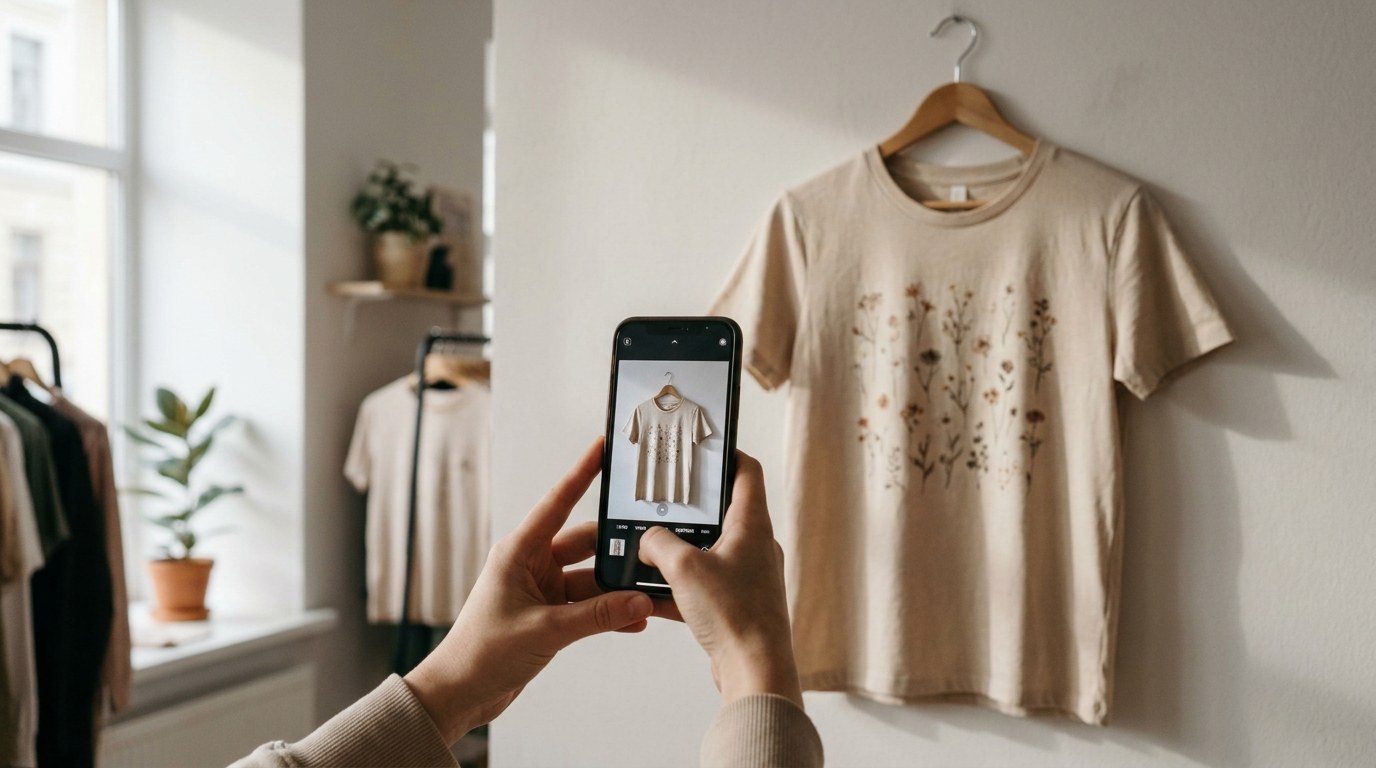
Any photo of the garment you already have will do — on the floor, on a hanger, on a mannequin or on a person. aiModelka puts it on a virtual model in the pose and on the background you choose. In a few minutes you have your clothes on models in a studio photo, ready for your listing. No model, no photographer, no studio.
10 free sessions (10 photos) at sign-up · no card required
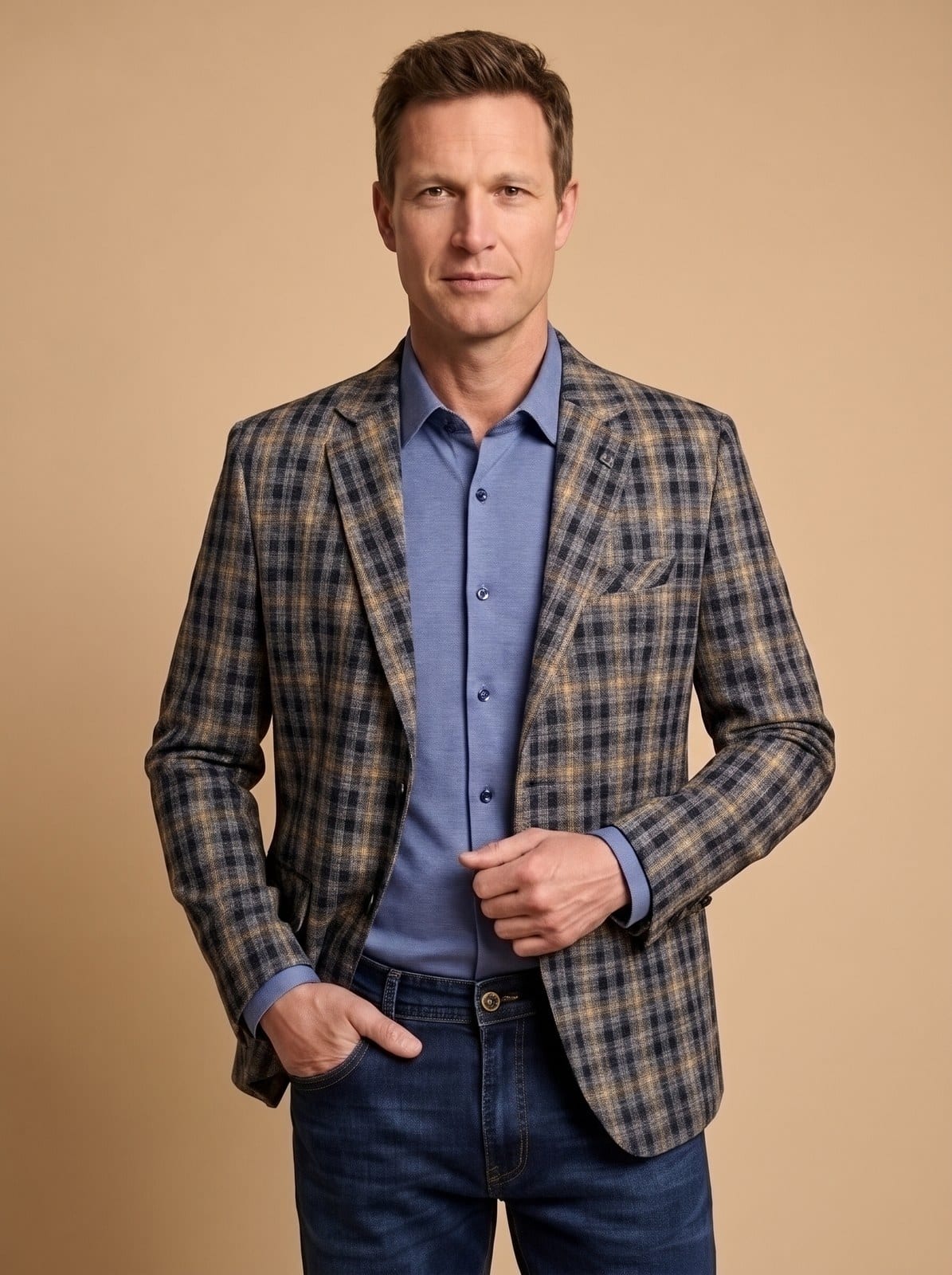
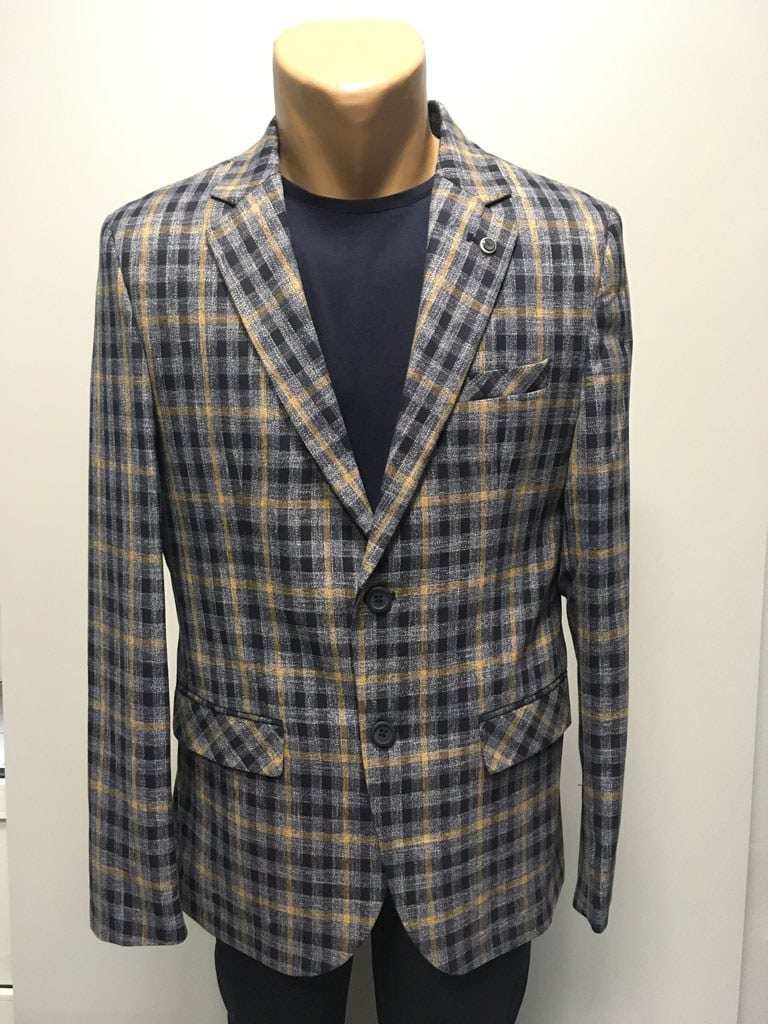
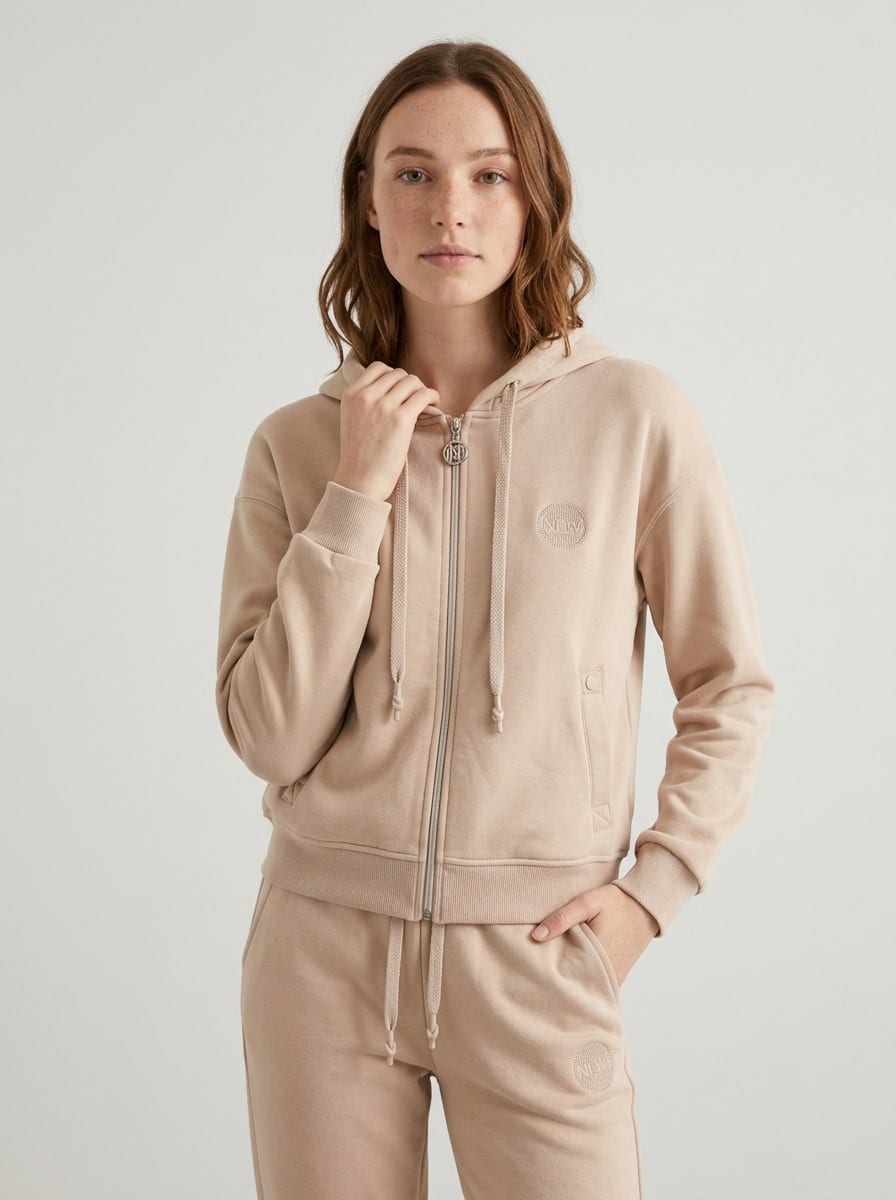
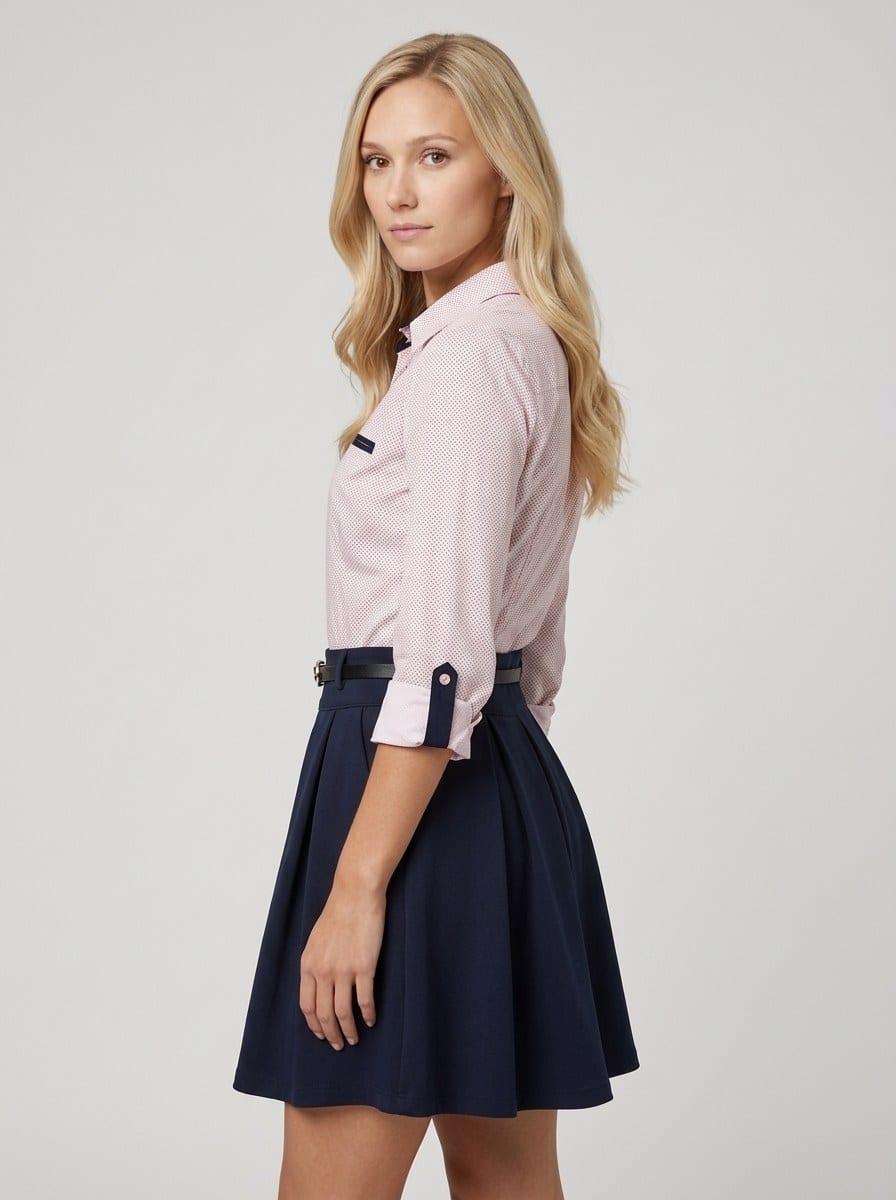
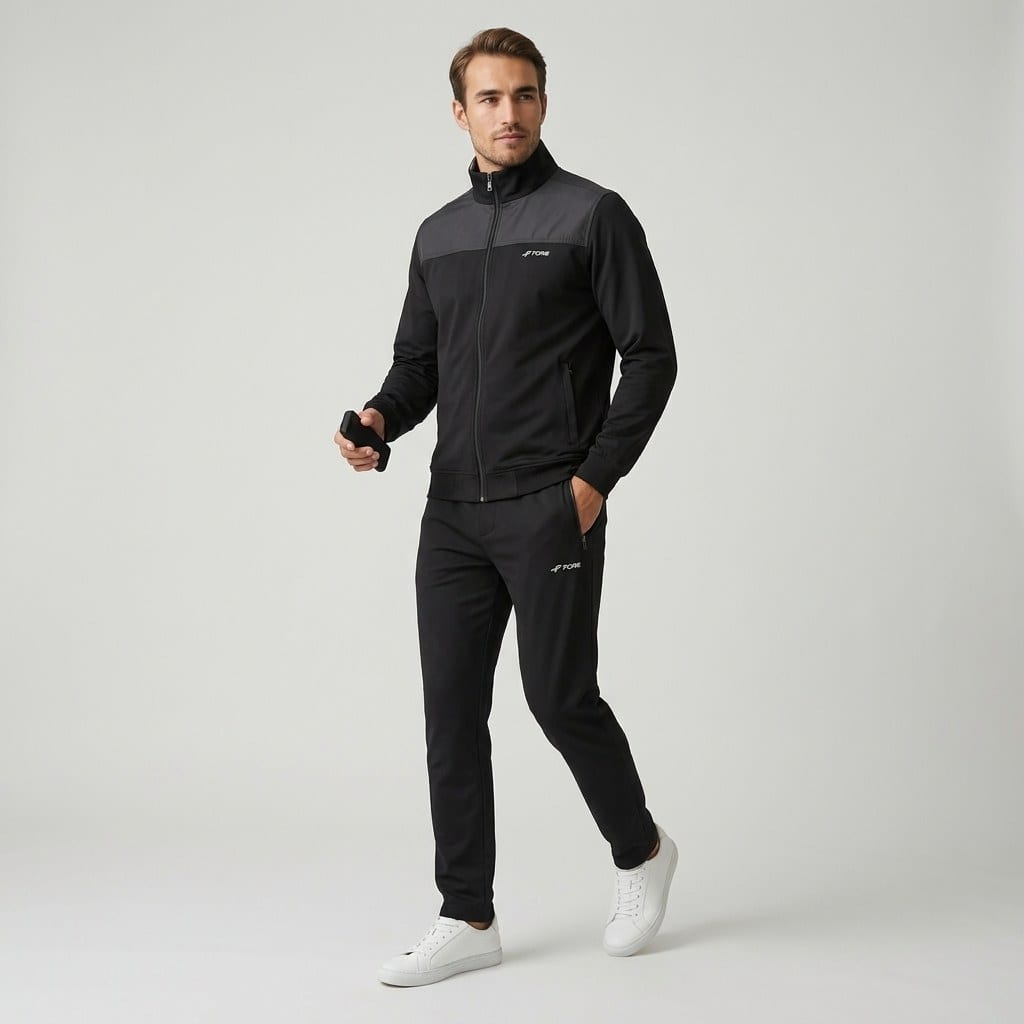
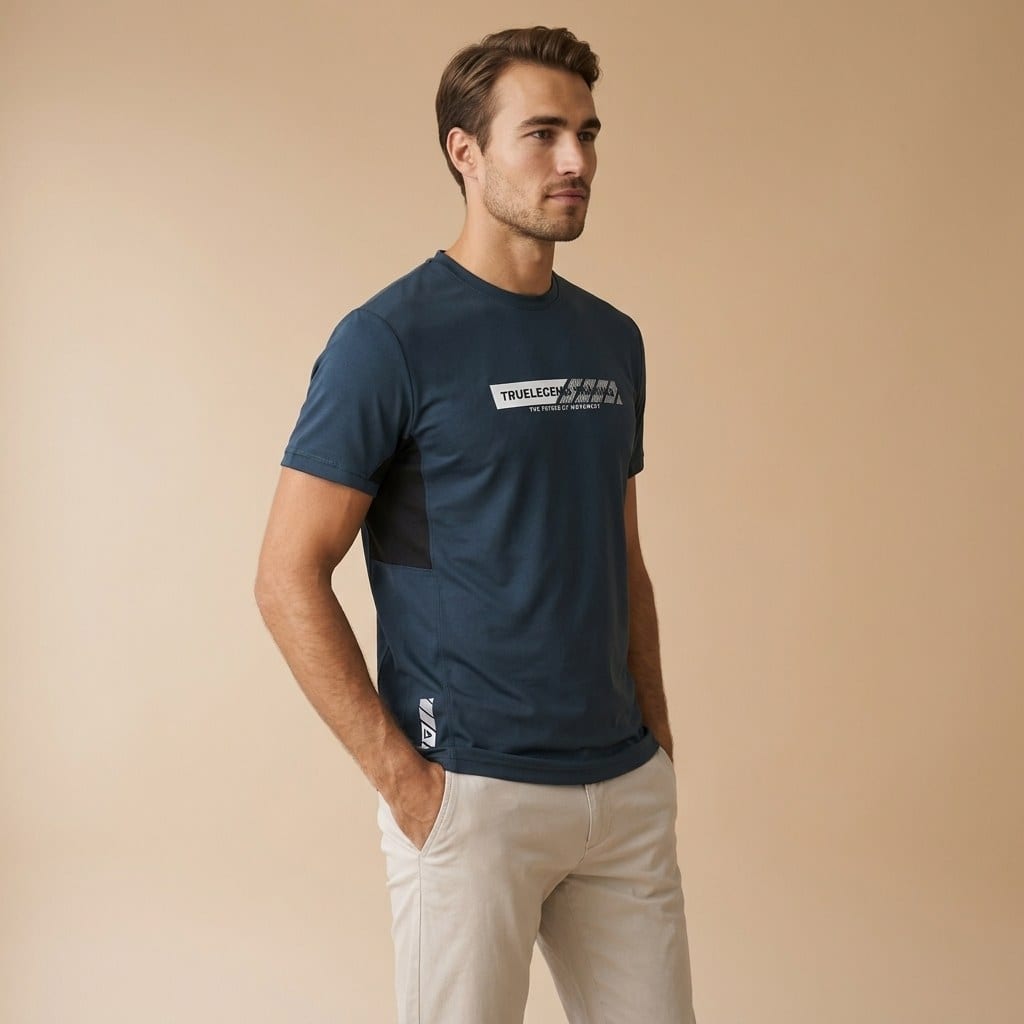
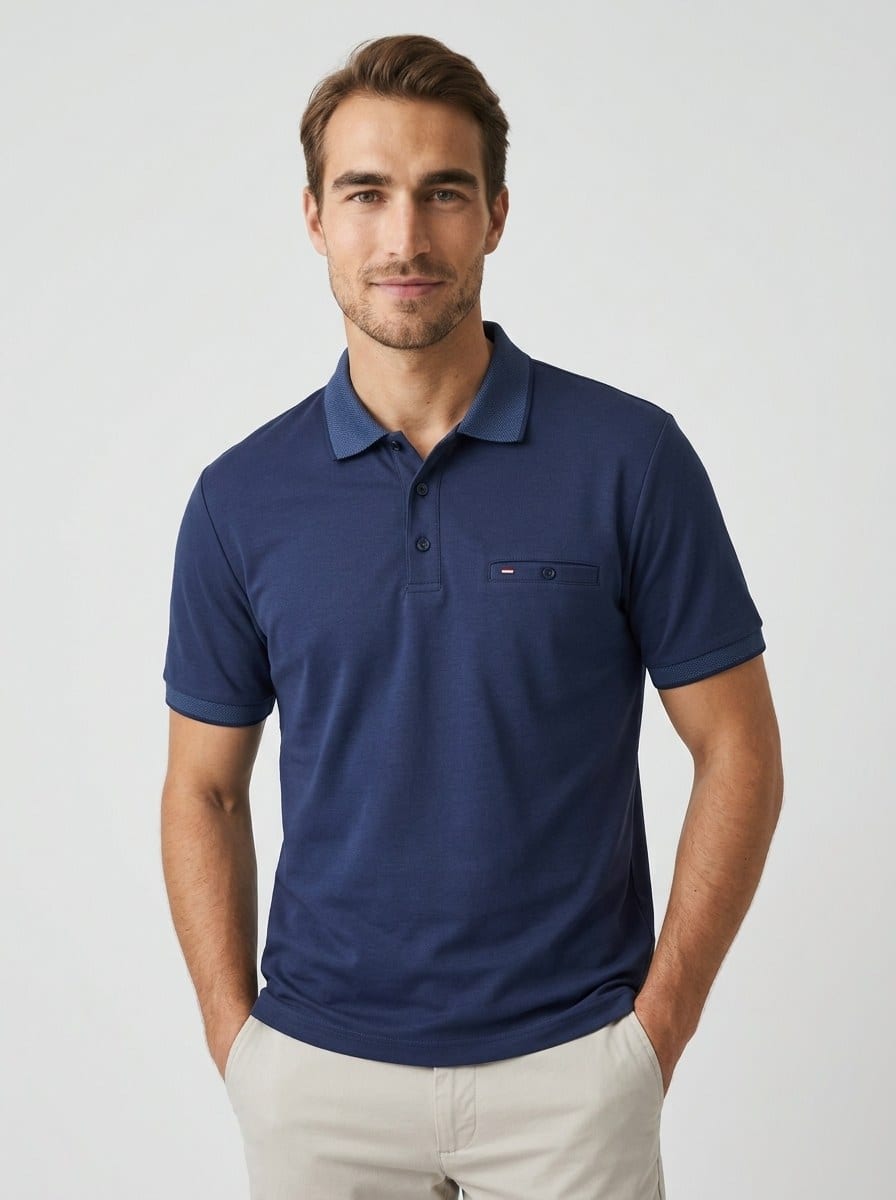
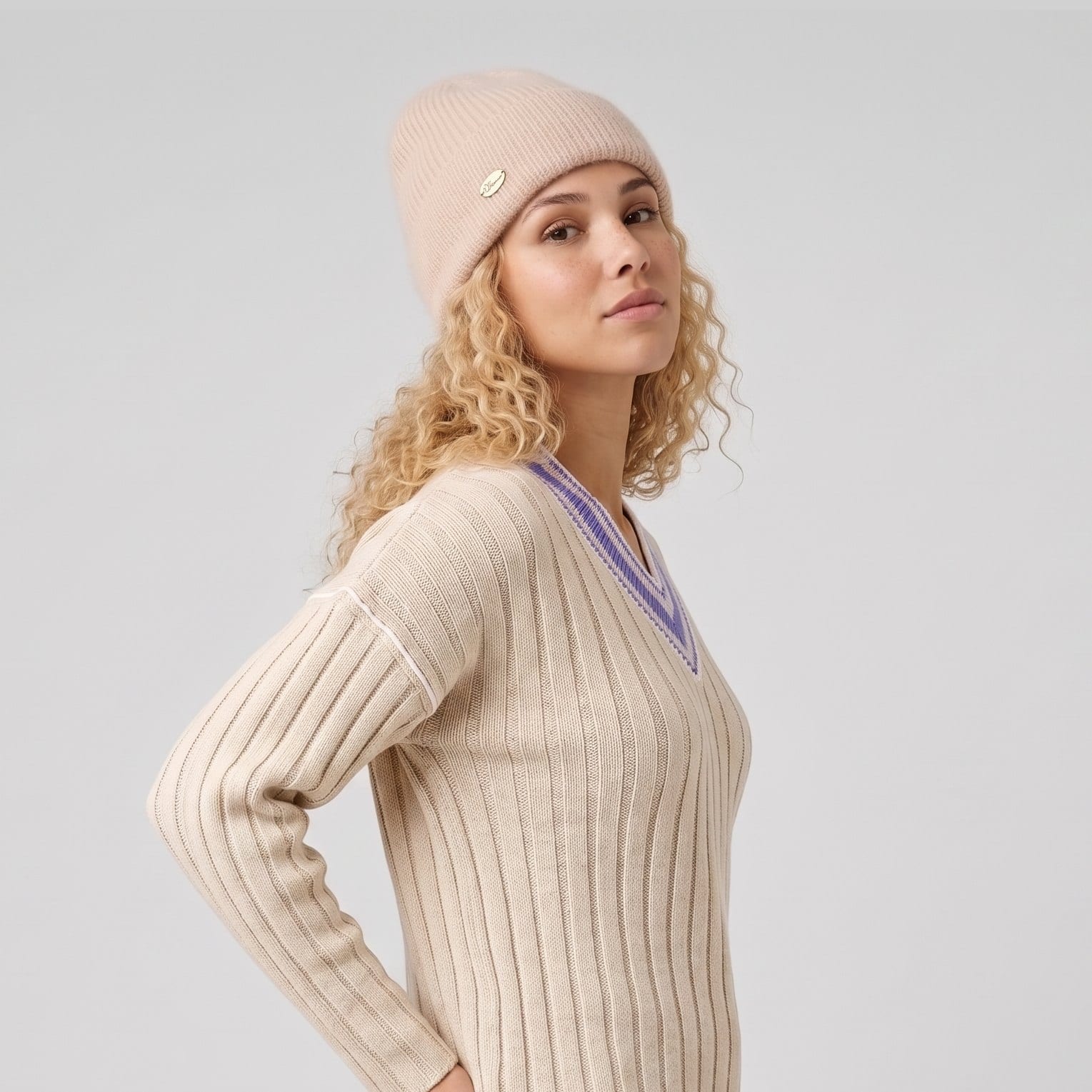
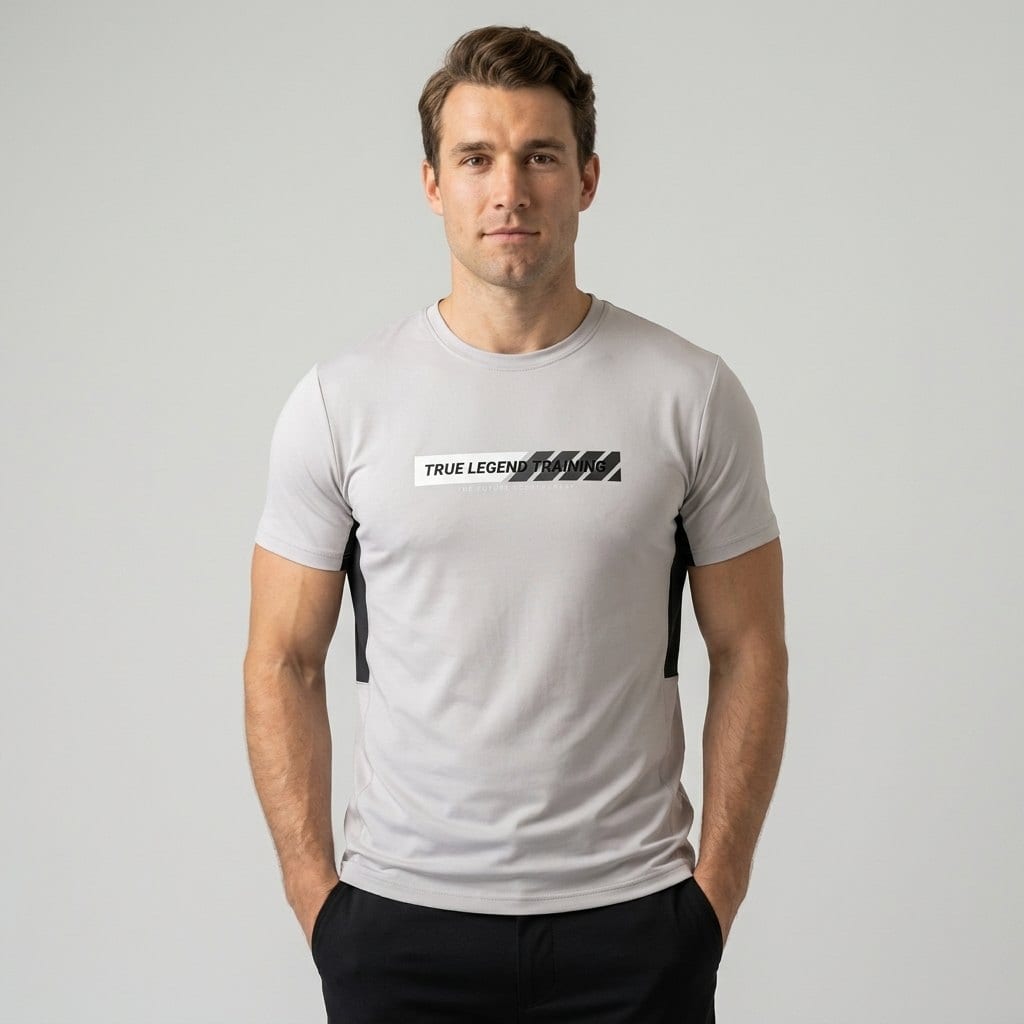
A photo of clothes on models shows what a photo of the garment alone can't: how it fits, how long it is and how the fabric falls. Normally that means fashion model photography in a studio — a model, a photographer, lights and a day of work. In aiModelka an AI model for clothing does the same job from one ordinary photo of the garment — and you can shoot your whole catalog on the same AI fashion models, like one long photoshoot.
- Online stores
- Marketplaces
- Social media
- Ads
Before → after
Examples of clothes on AI models
Every one of these AI model images was made in aiModelka from an ordinary snapshot. In the corner of each one is the original photo of the garment: on the floor, on a hanger or on a mannequin.
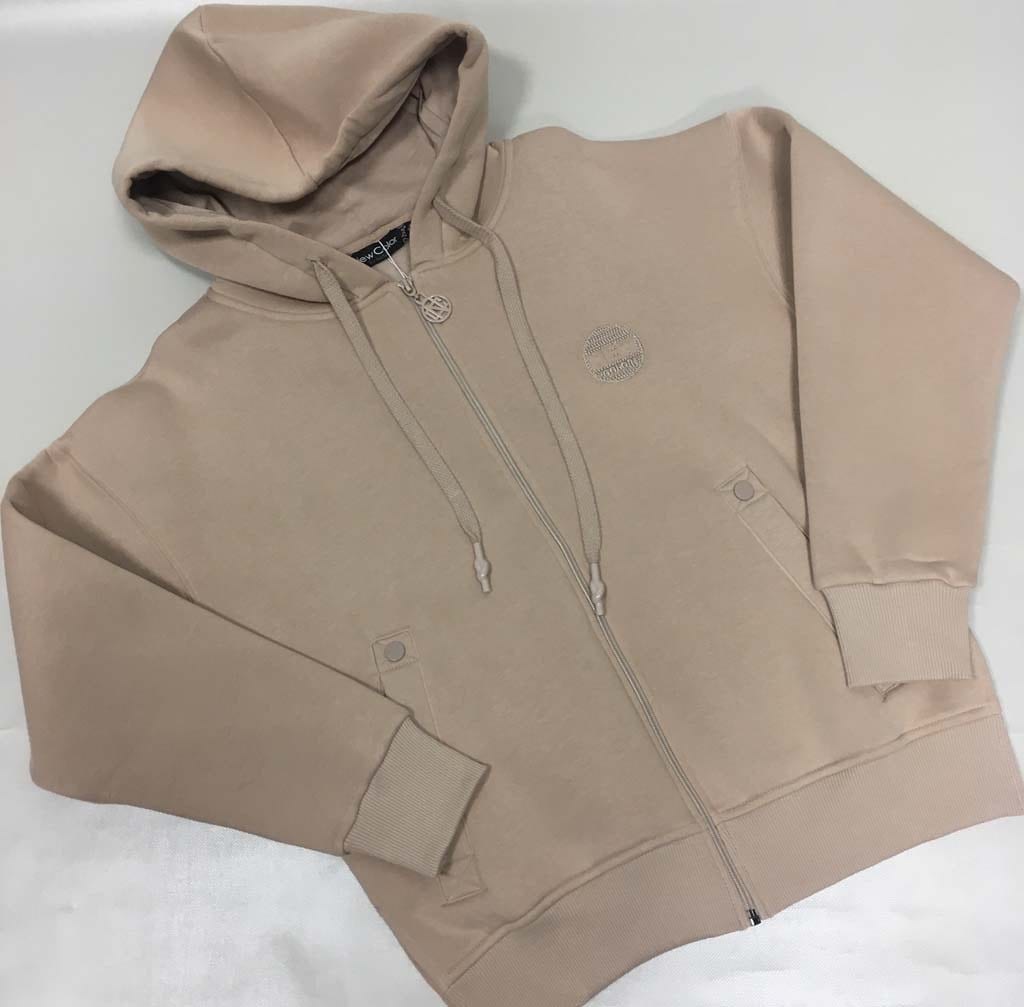
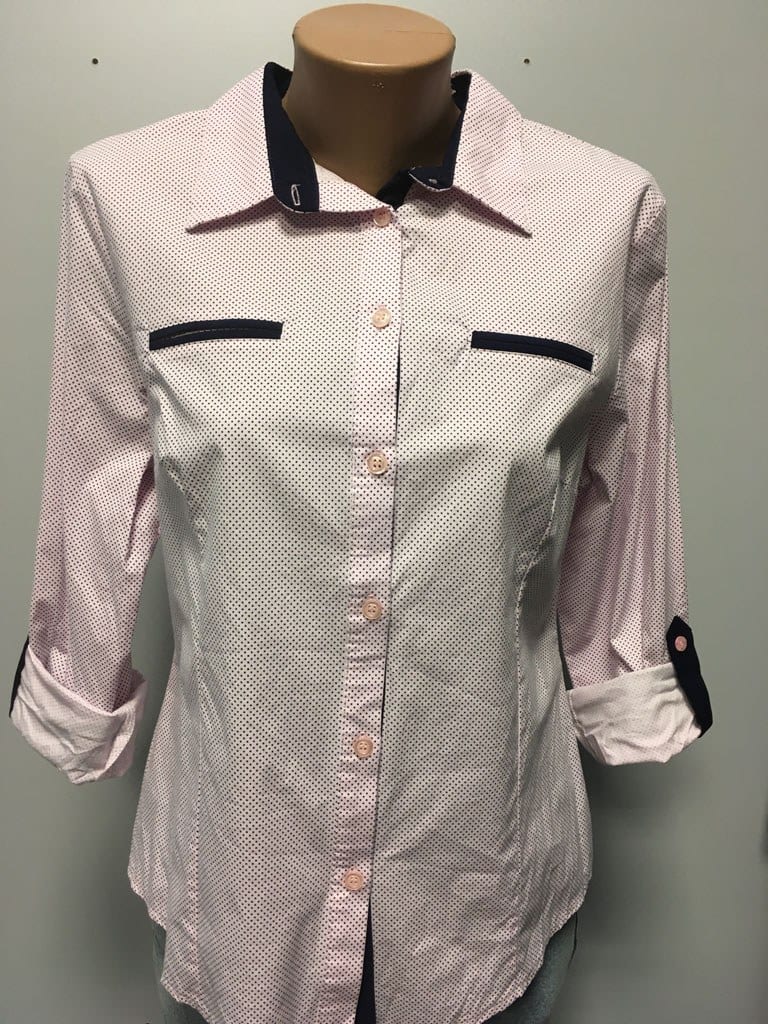
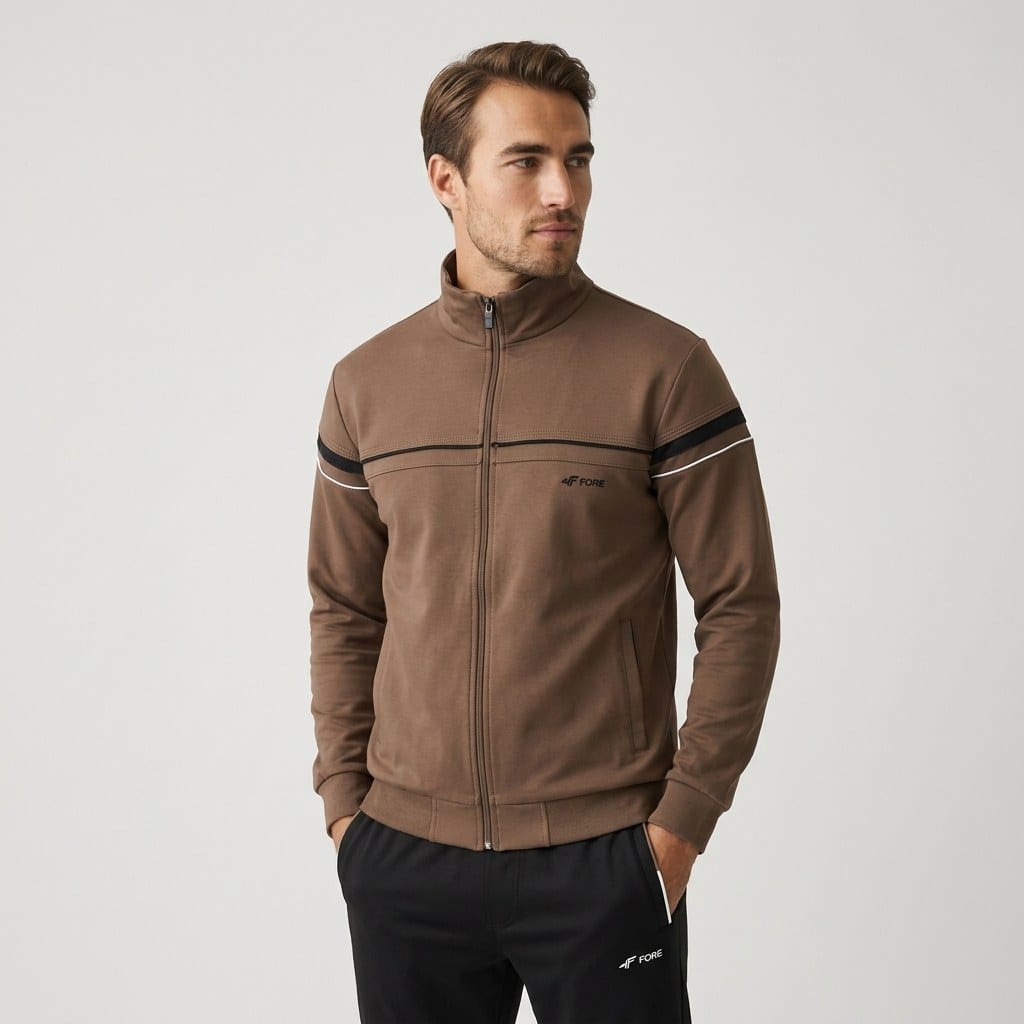
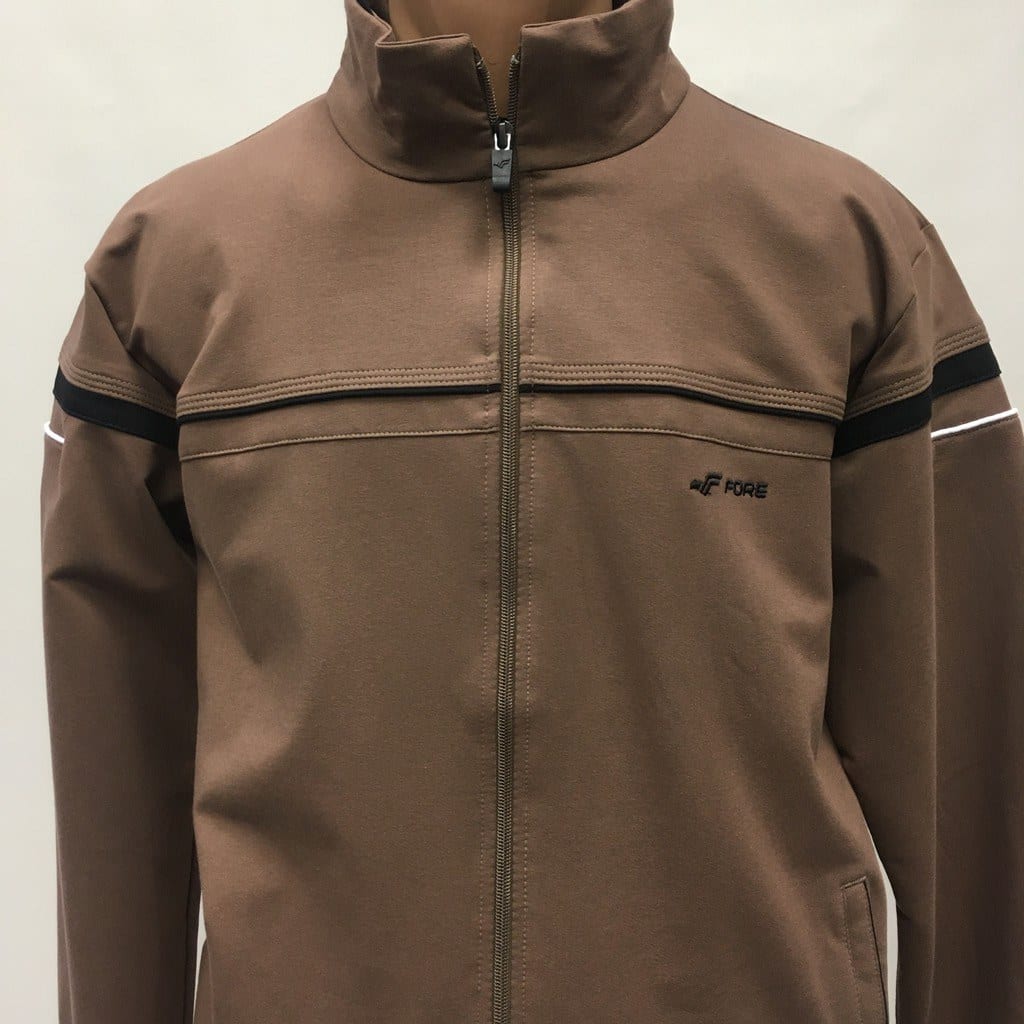
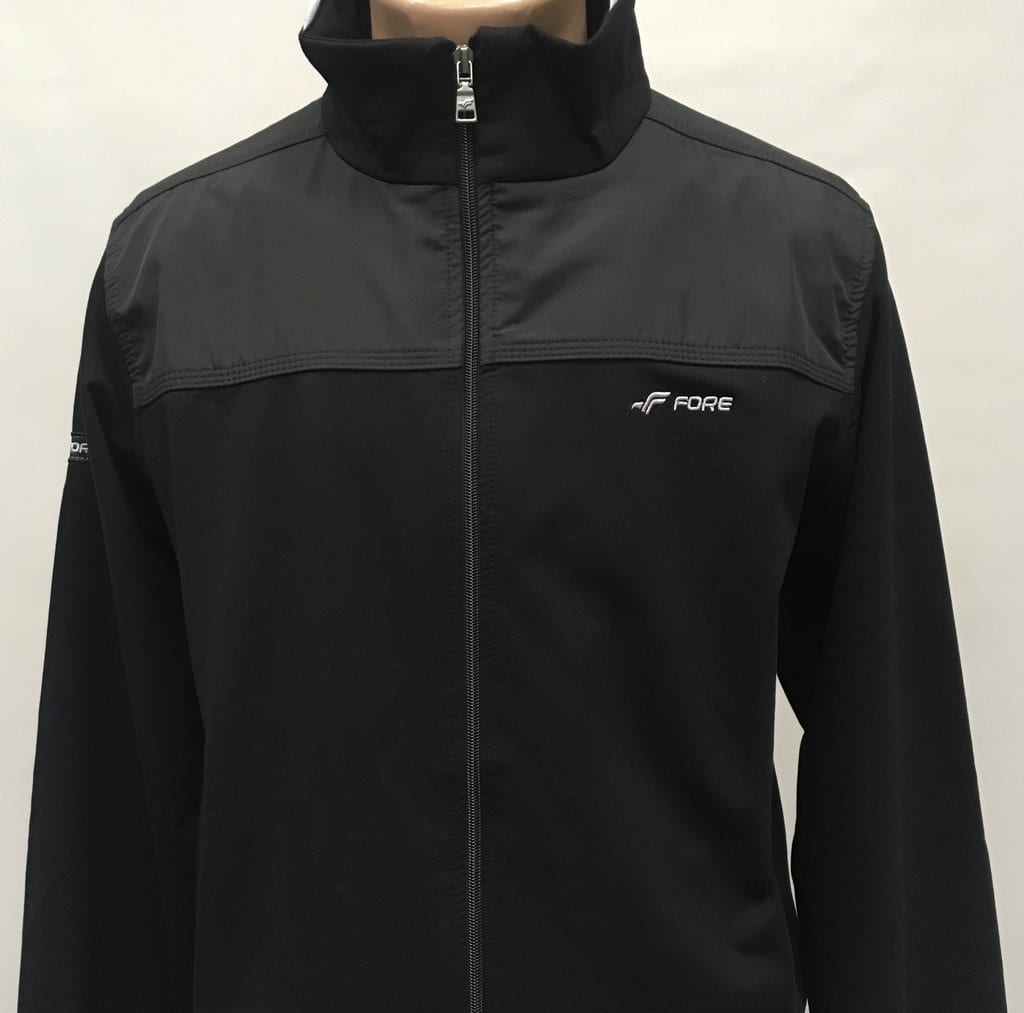
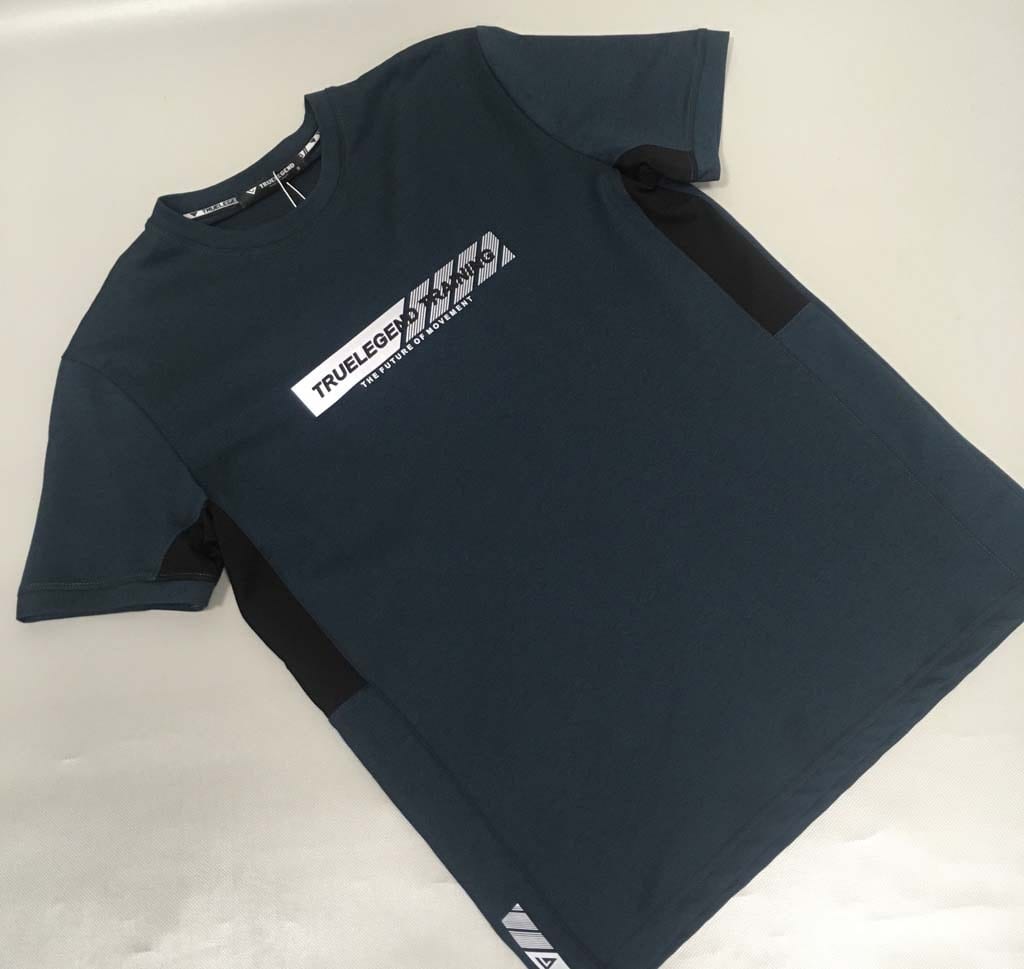
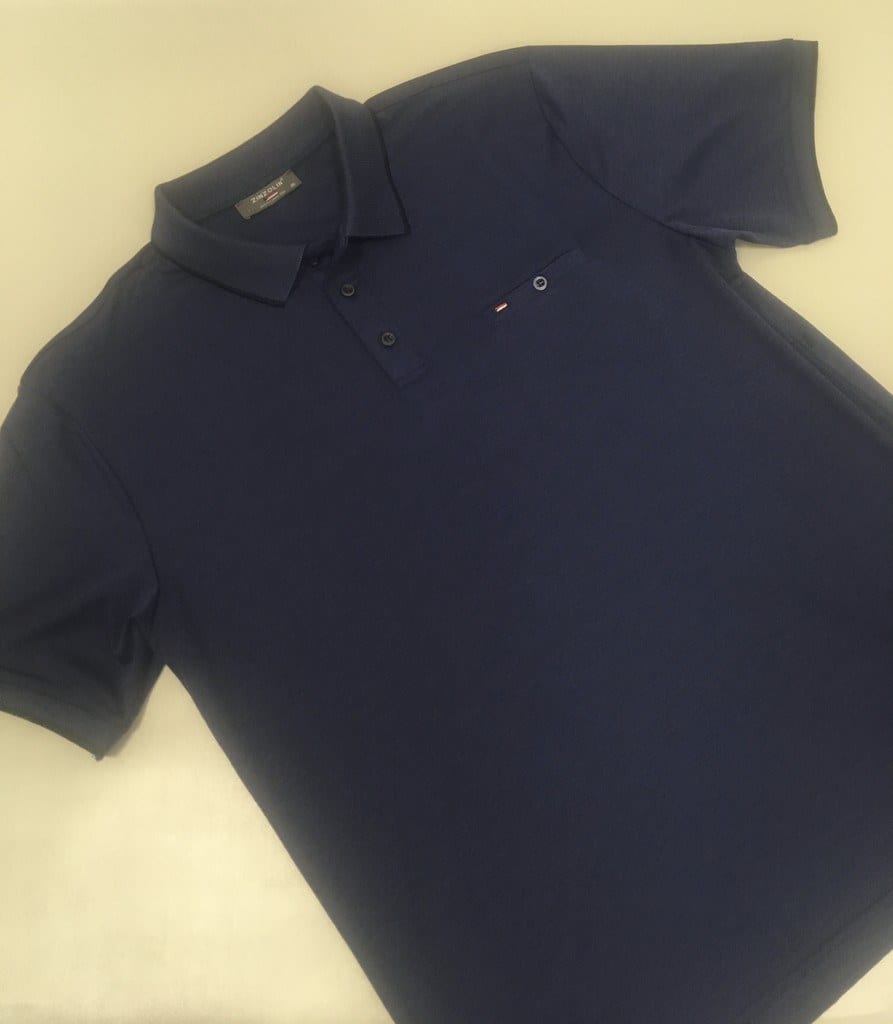
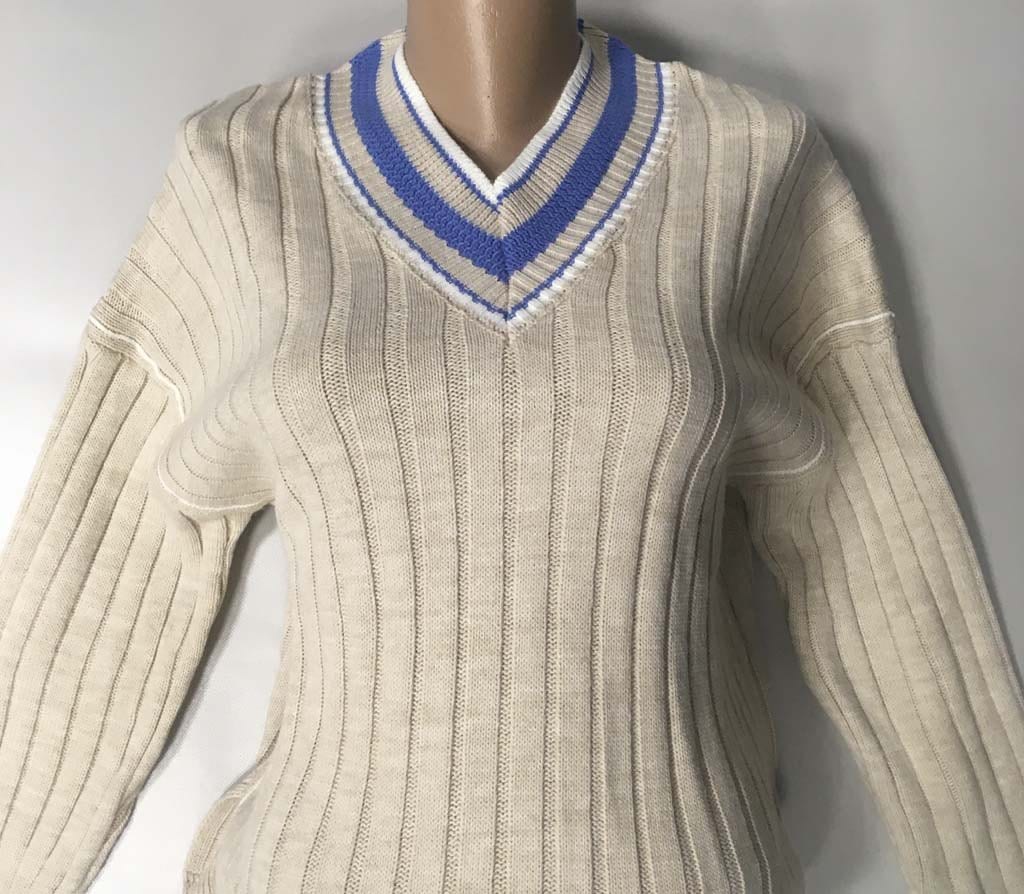
Photos from this gallery are free to use — in articles, social media, presentations — under the CC BY 4.0 license: credit aimodelka.com with a link.
Poses
Dozens of poses to choose from
Front, back, profile, seated, in motion — and poses where trousers and shoes are shown up close. Pick several poses at once: the model stays the same, and you get a set of photos like one photoshoot — a ready fashion lookbook. Want a different pose later? Change the pose and shoot the same garment again.
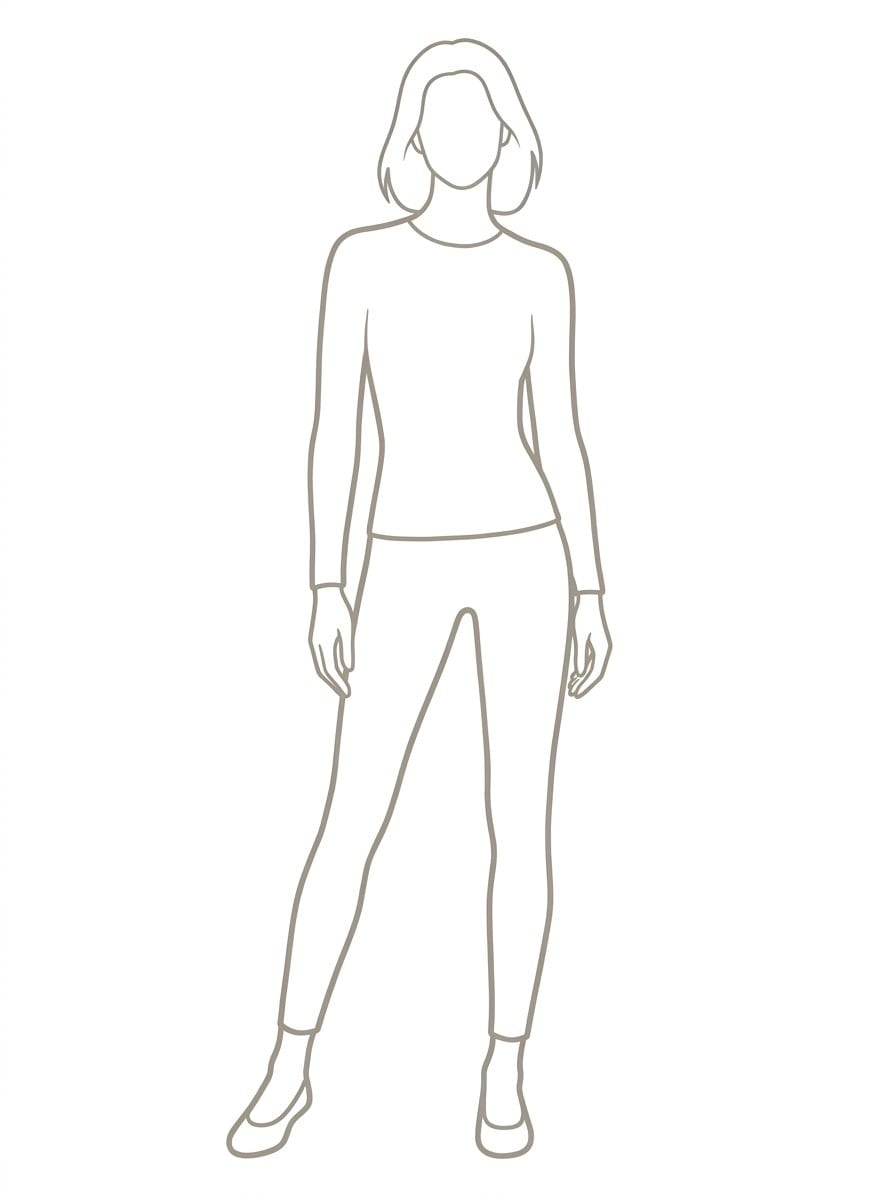
Front
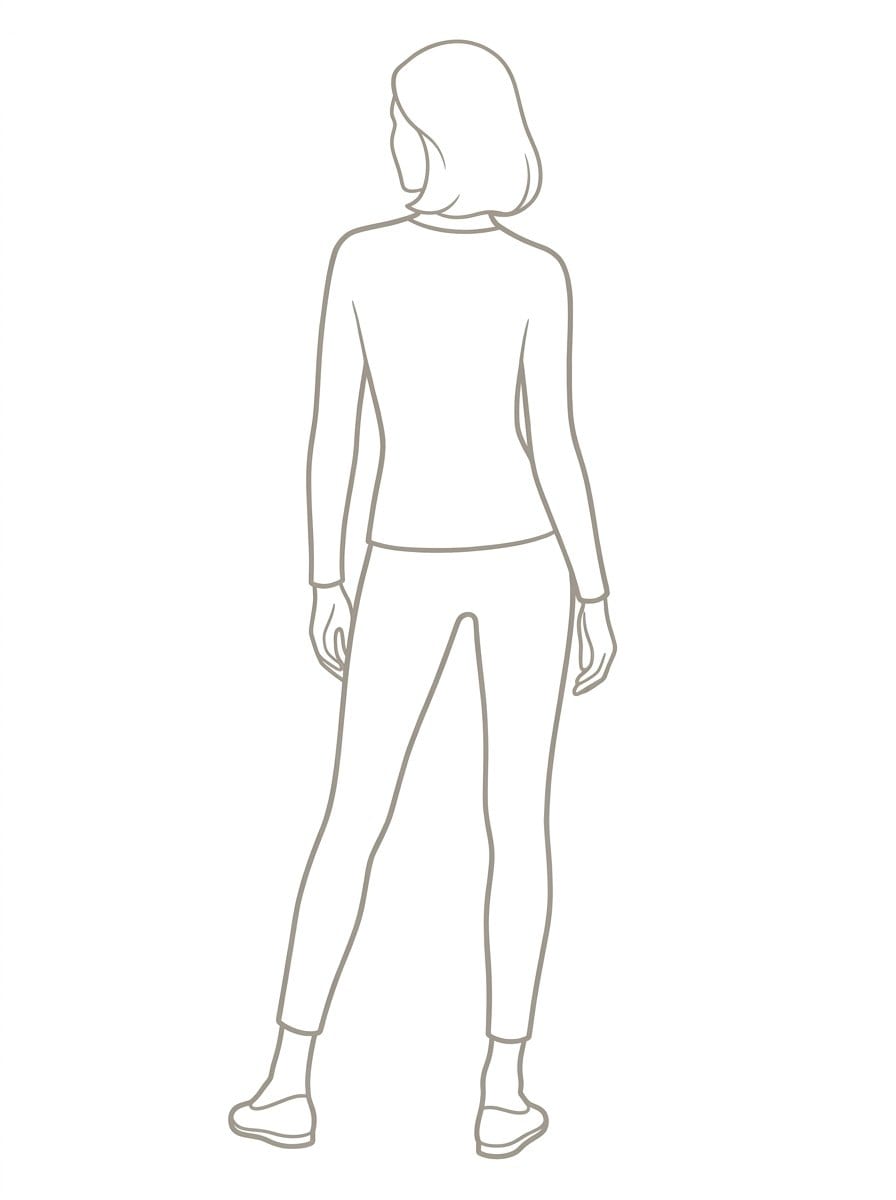
Back · three-quarter
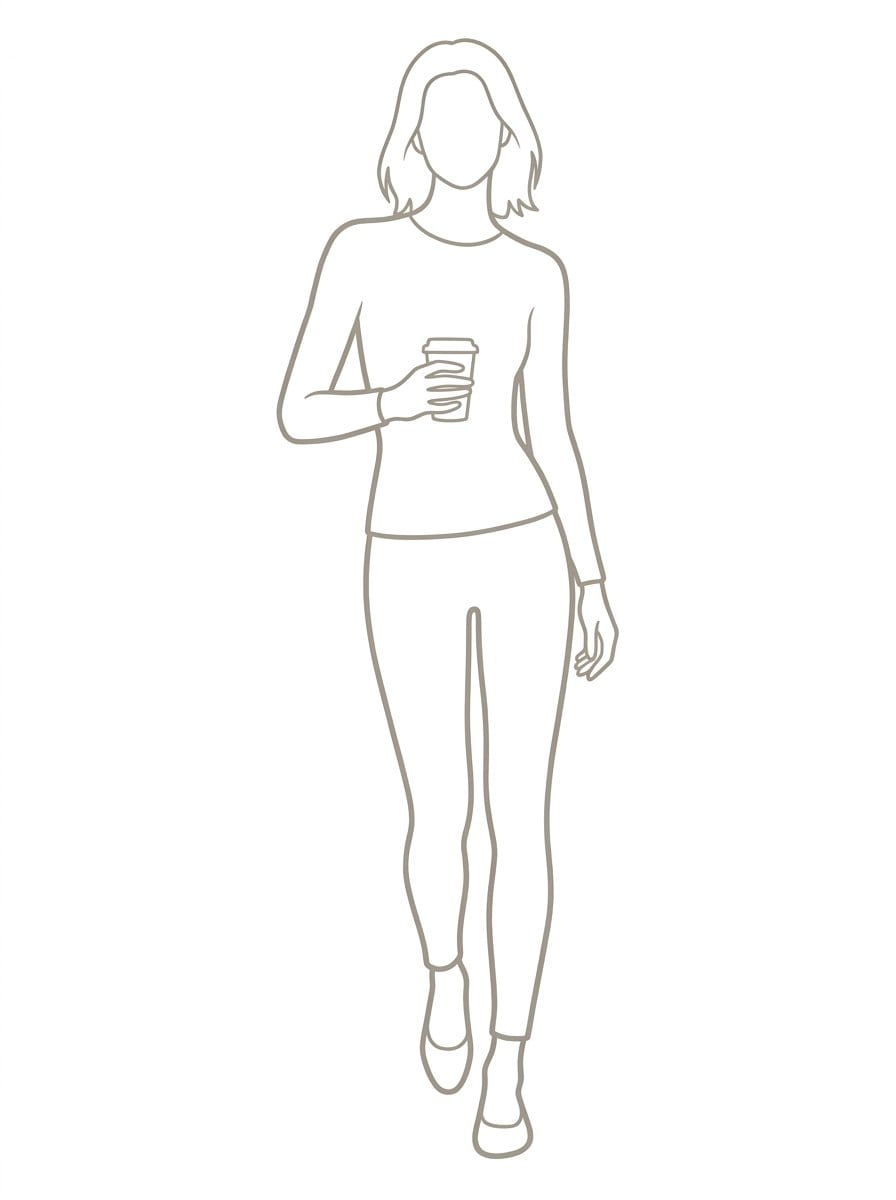
In motion
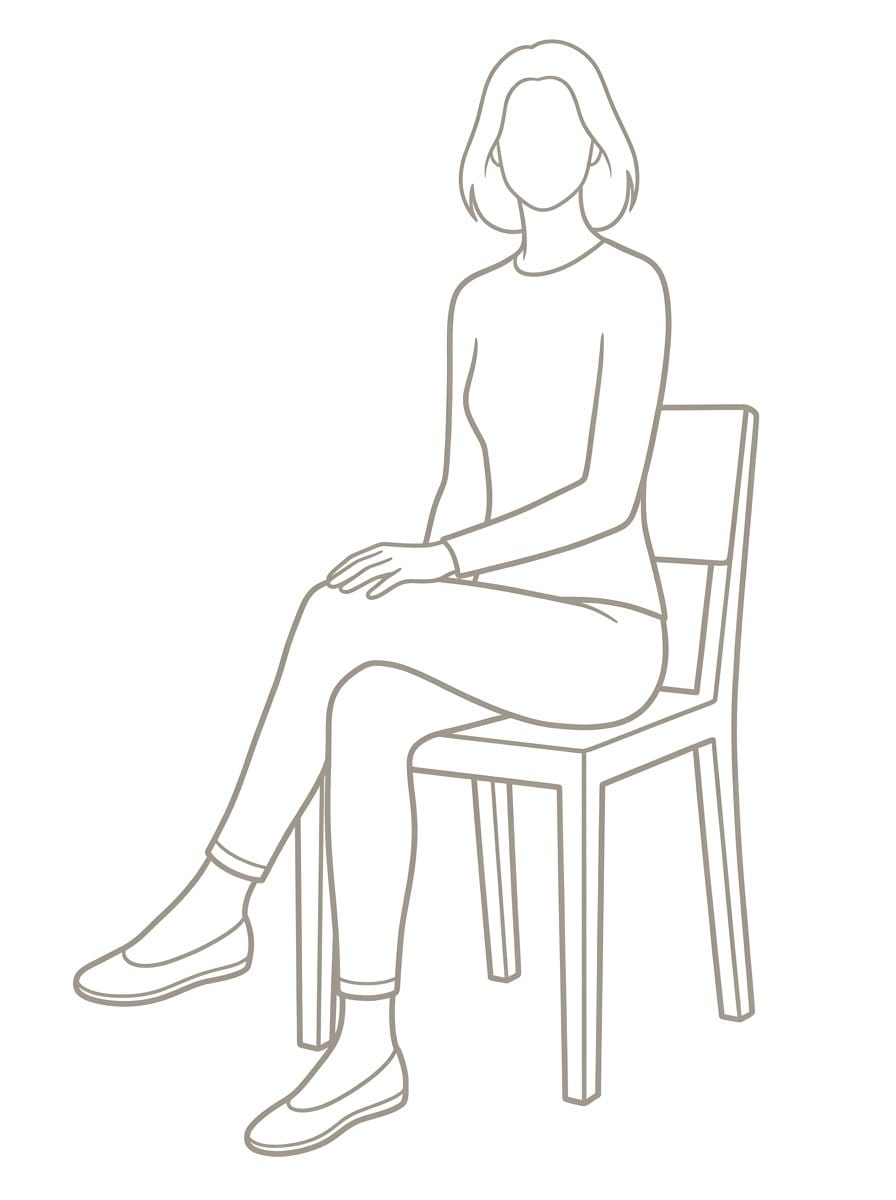
Seated
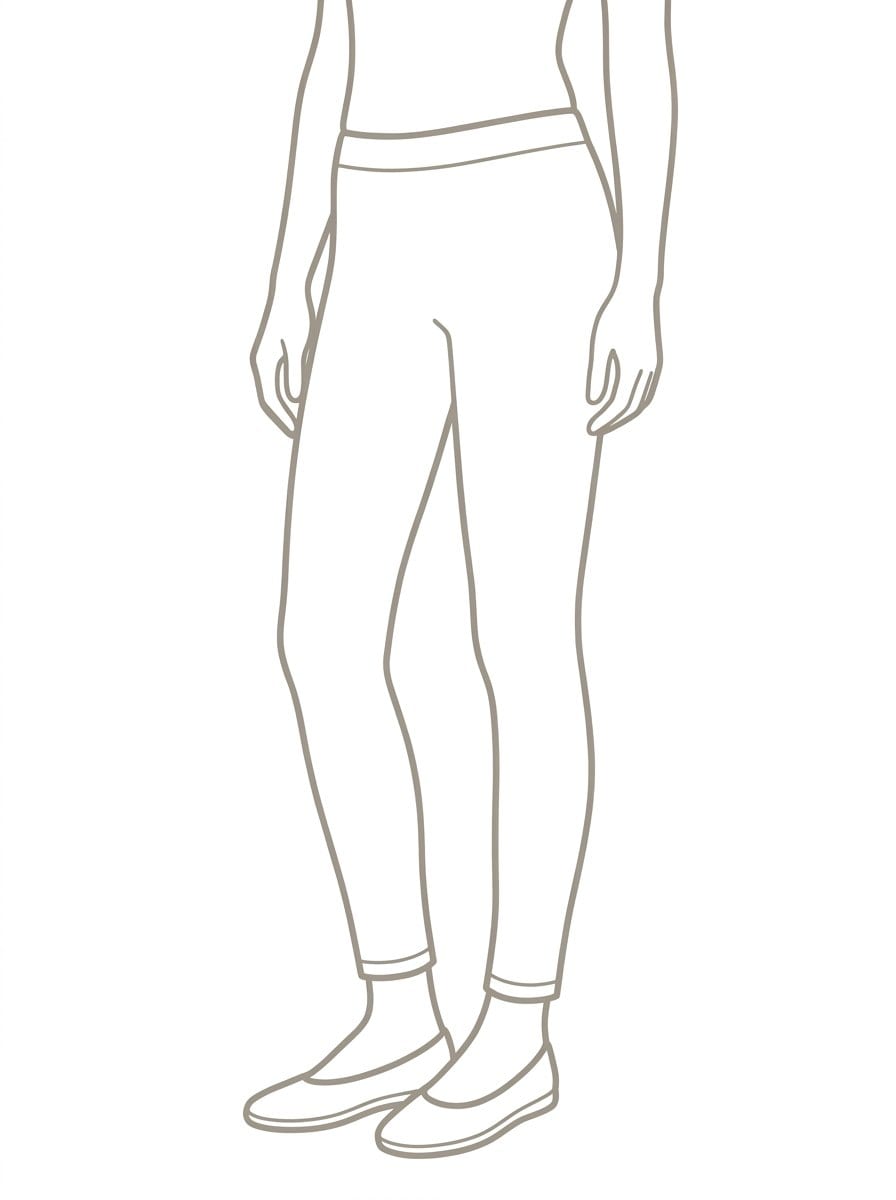
Trousers up close
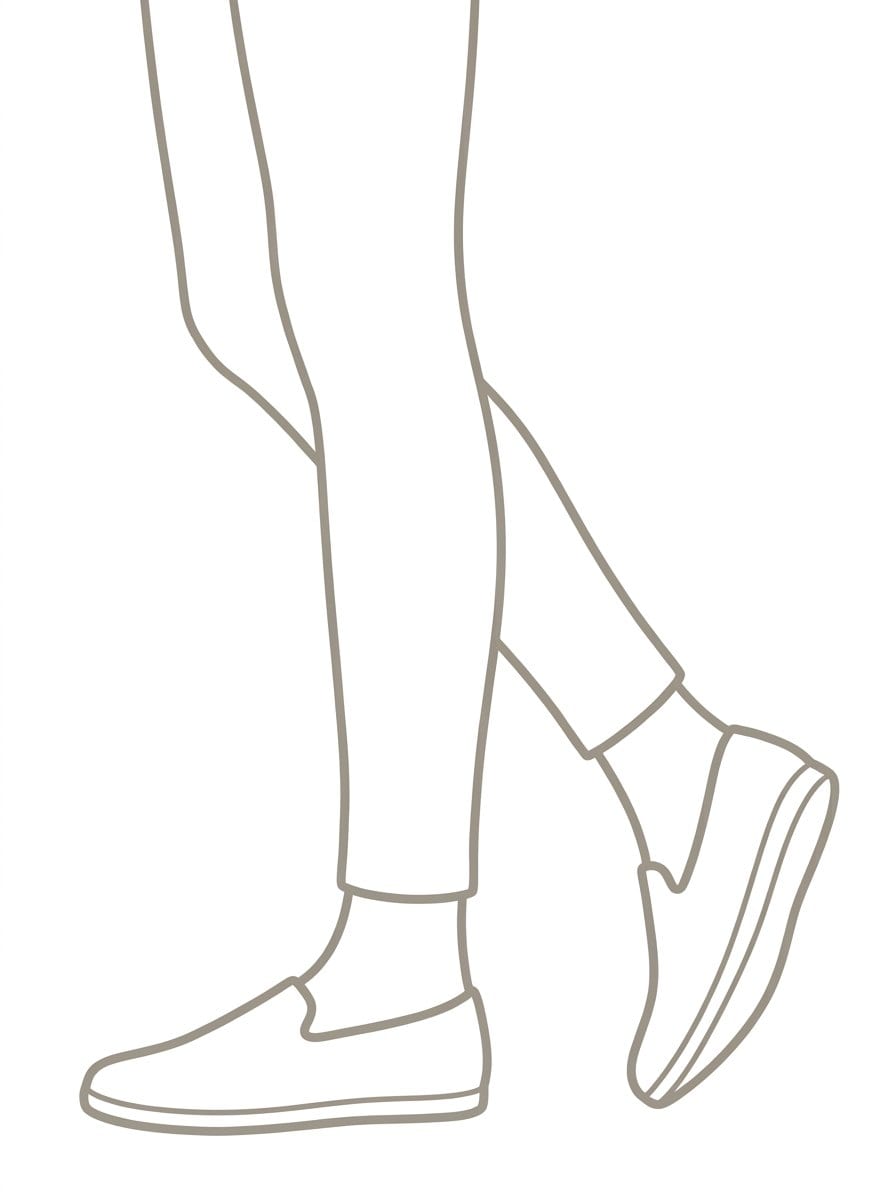
Shoes up close
Background
Studio, interior or street
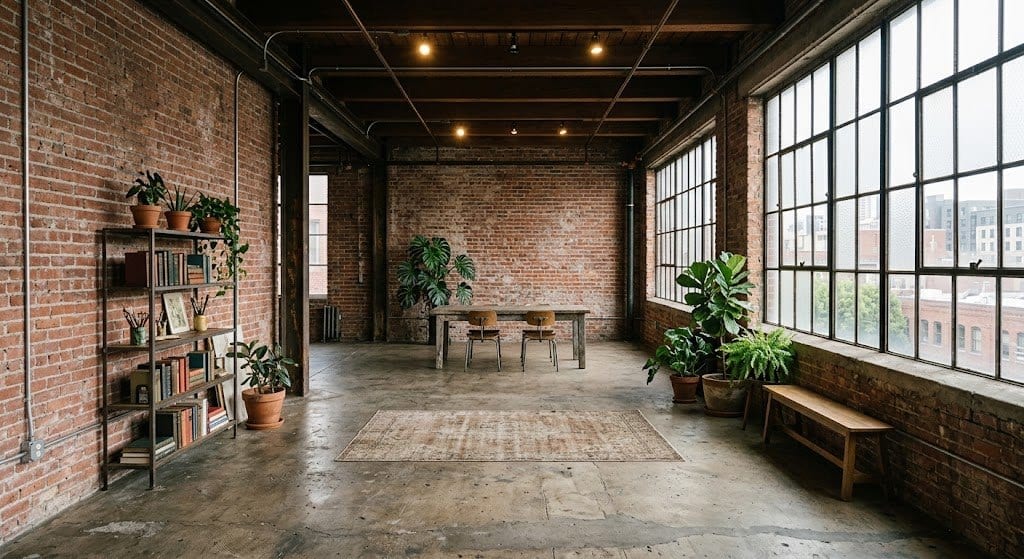
Ready-made model backgrounds: white, grey or beige studio, street, café, loft. Or create your own background — a wall with your store logo, say — and shoot your whole catalog on it. You can create your own model too: the AI fashion model generator lets you pick the look once — a female or male model, age, hair, body type — and that model then wears every garment in your catalog.
Grey studio
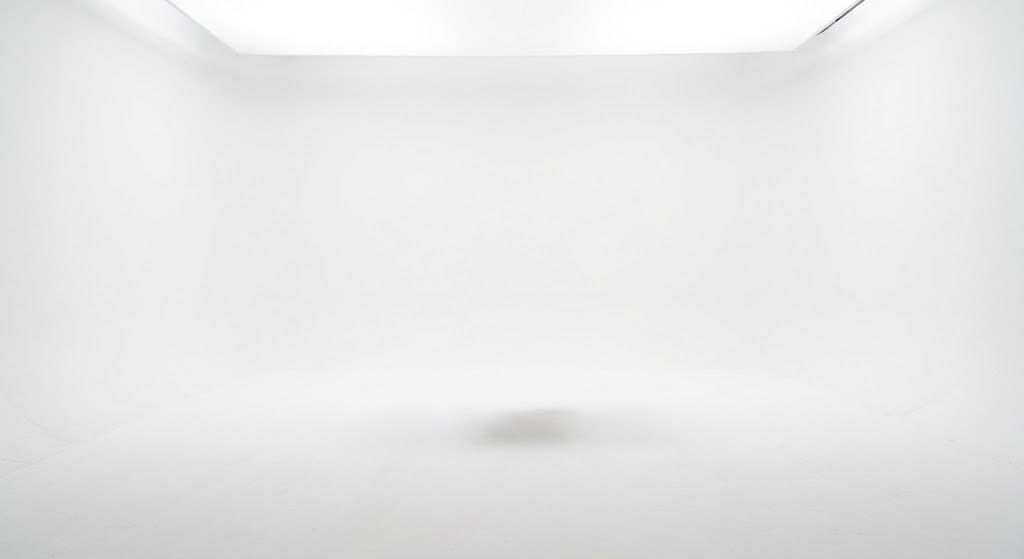
White studio
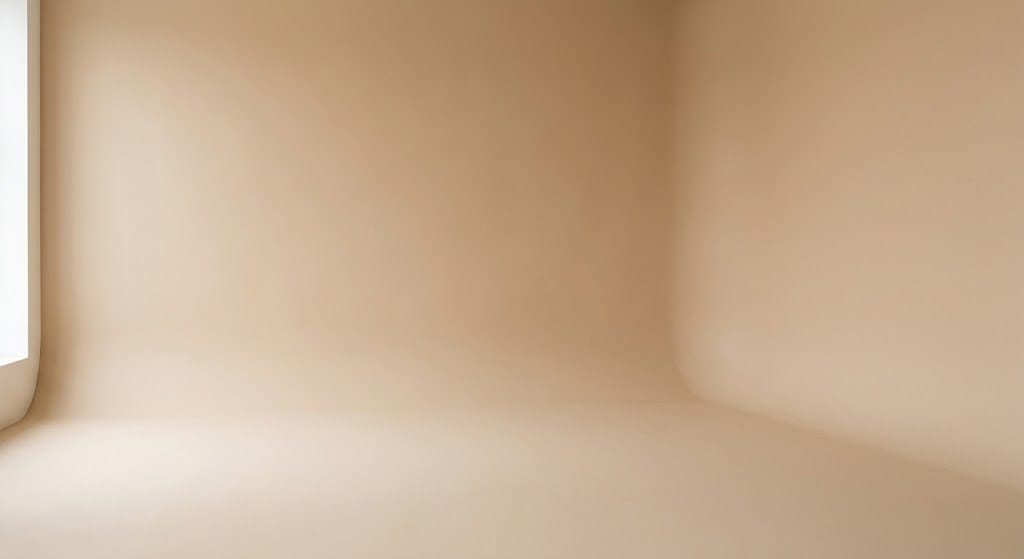
Beige studio
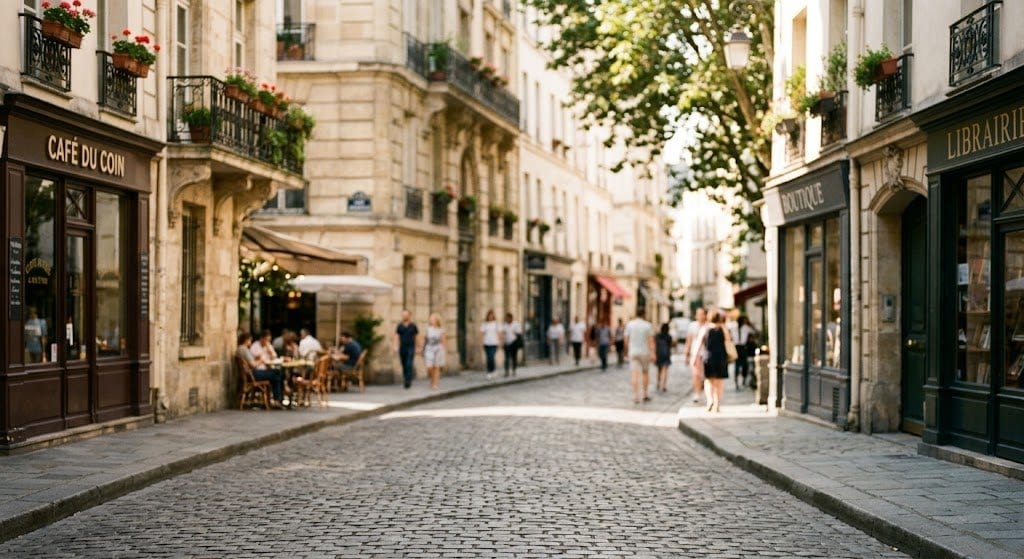
Street
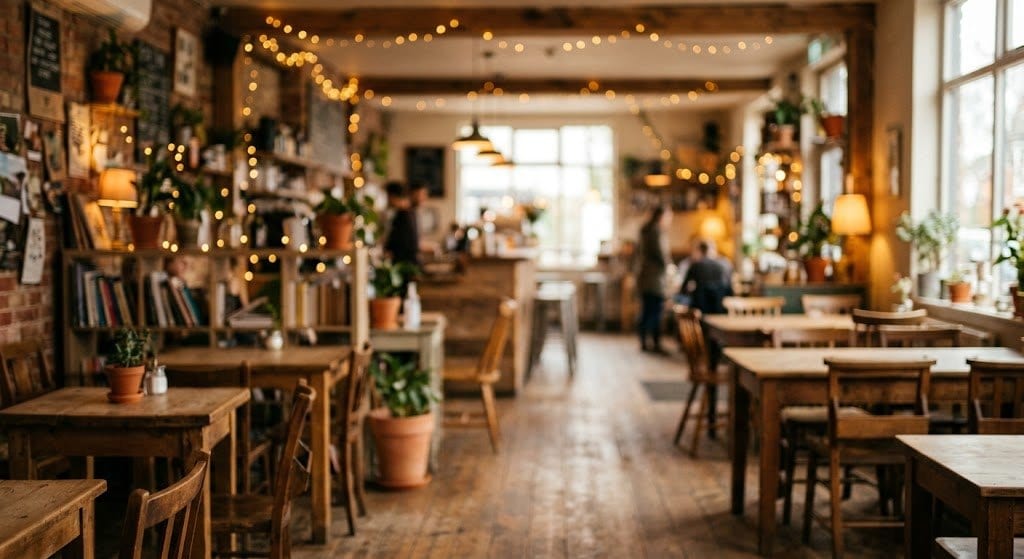
Café
Loft
A bonus for your photos
Bring a finished photo to life
Any finished on-model photo can become a short 3-, 5- or 7-second clip: the model makes a couple of moves on the same background, and the garment is shown in motion. Vertical format — for Reels, TikTok and Stories.
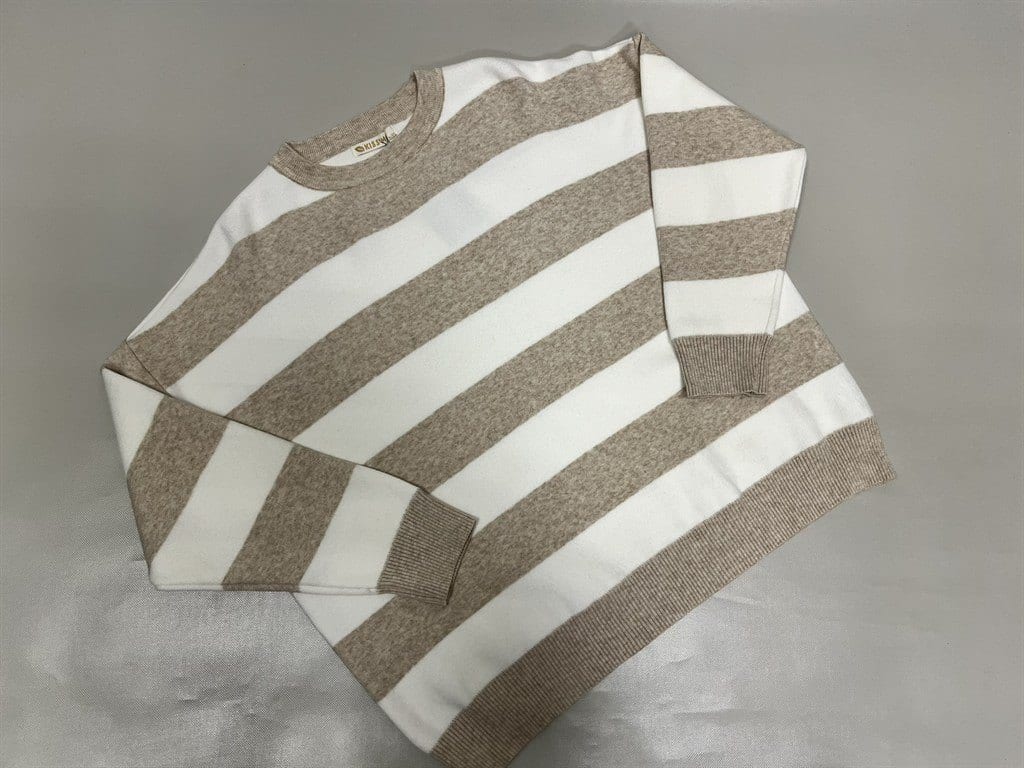
Photo of the item
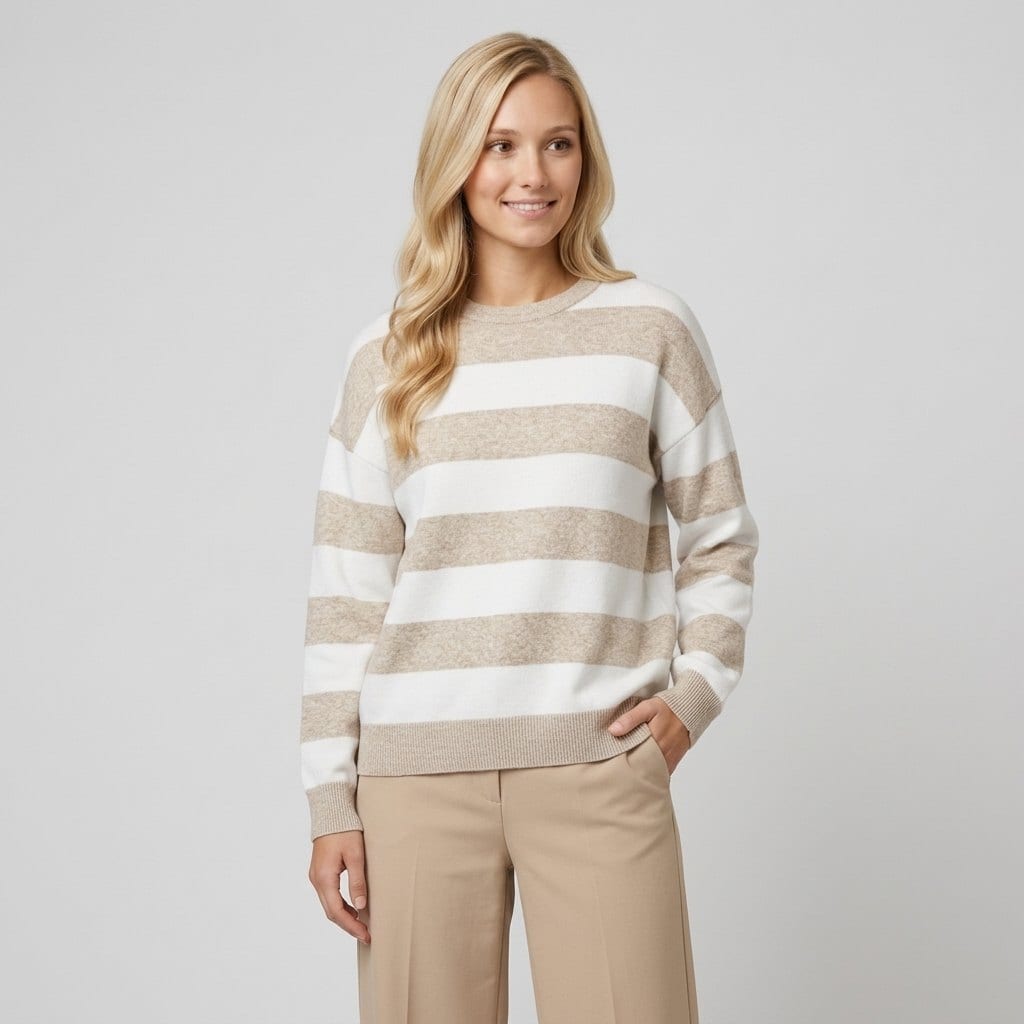
Photo on an AI model
A clip from that photo
How to photograph the garment
A phone and daylight are enough — six rules for a good photo
The model wears what's in your photo: the better the photo, the more accurate the print, cut and color.
 FrontBack
Front and back separately
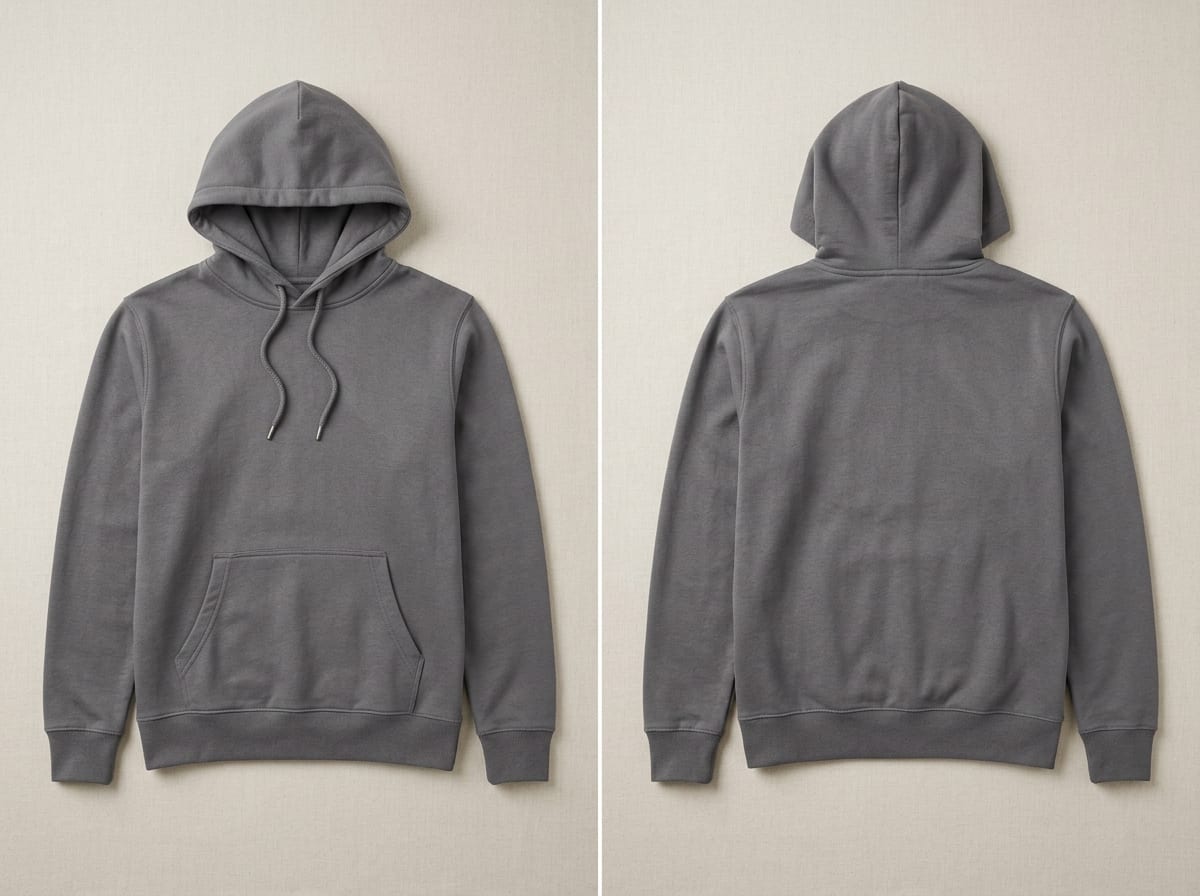
Upload the front and the back as two separate photos: then a back pose shows the real back, not an invented one.
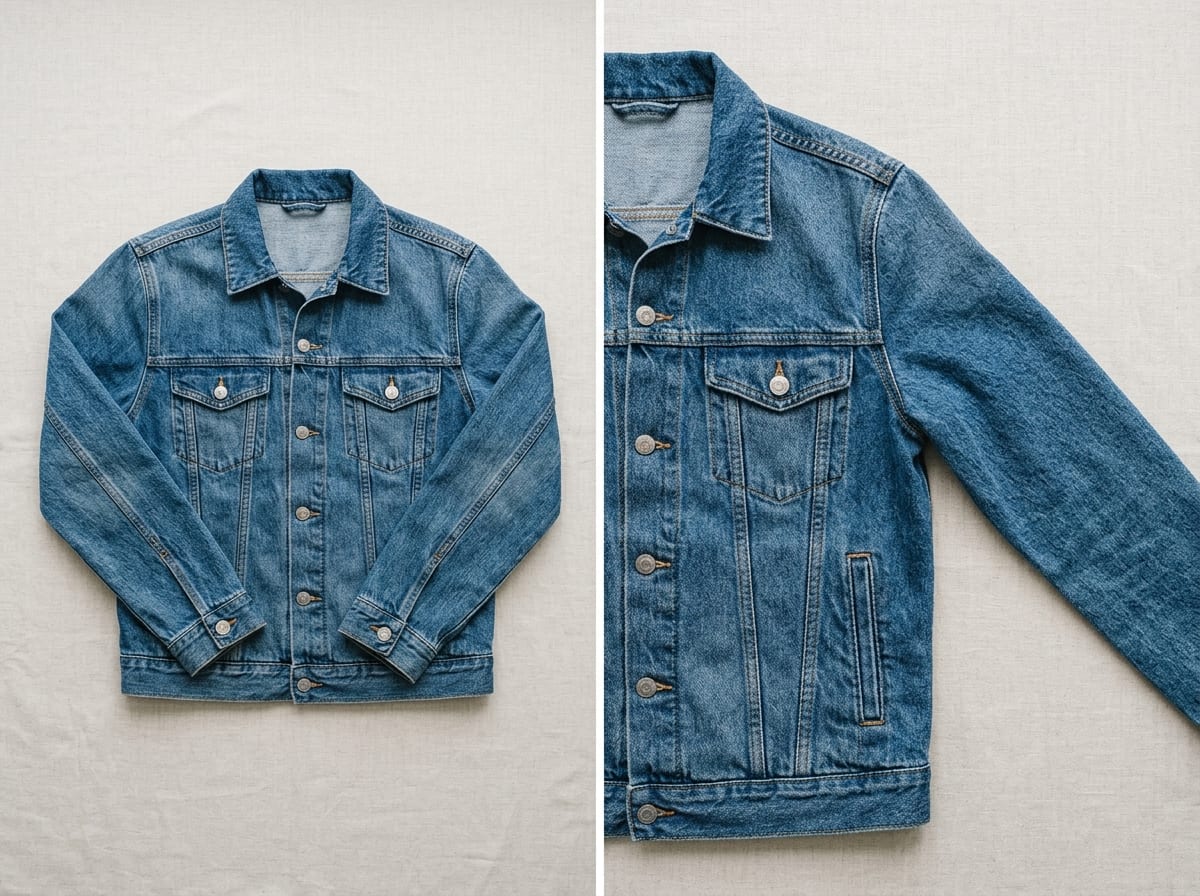 DoDon’t
The whole item in the frame
Leave some room around the edges. If a sleeve or hem is cut off in your photo, the service has to guess what it looks like.
 DoDon’t
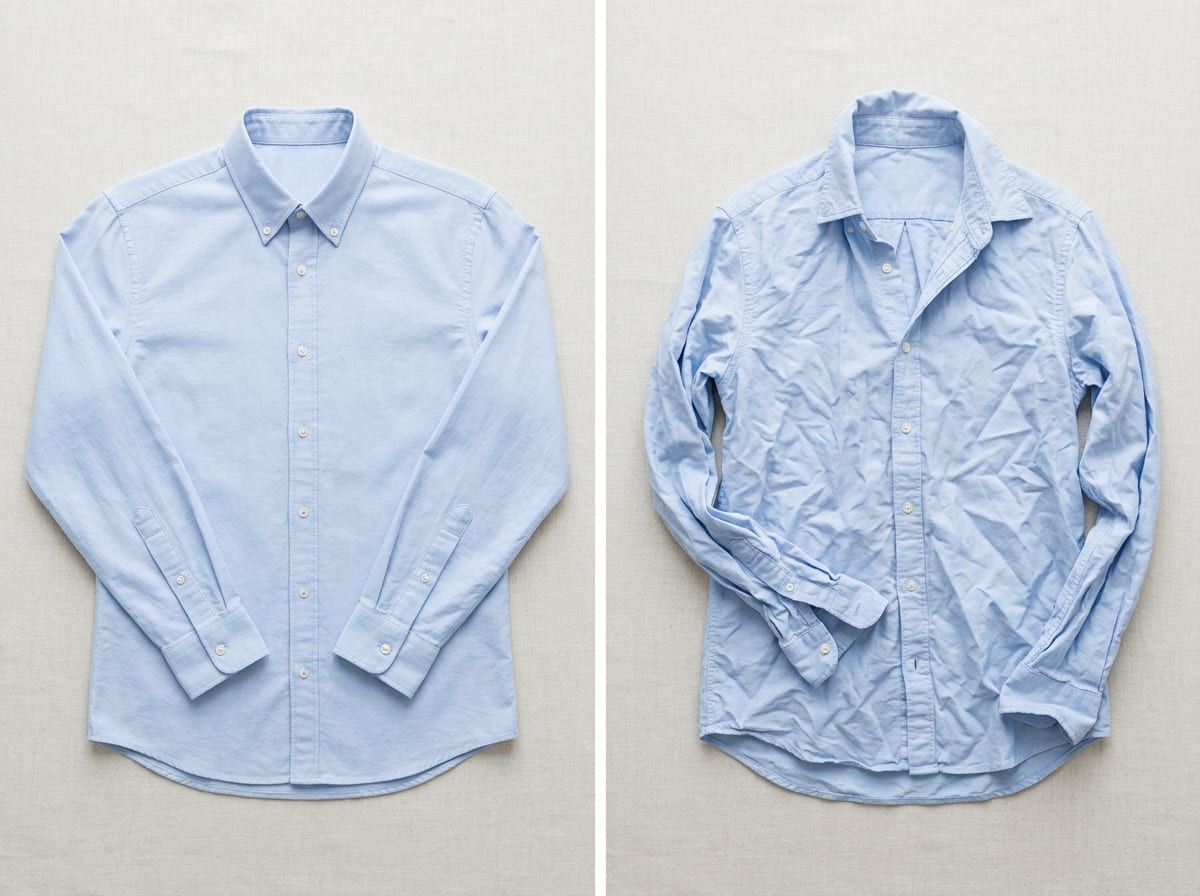
Smoothed out and done up
Button and zip the garment the way it's worn, and smooth it out: a deep crease in your snapshot may be read as part of the cut.
 DoDon’t
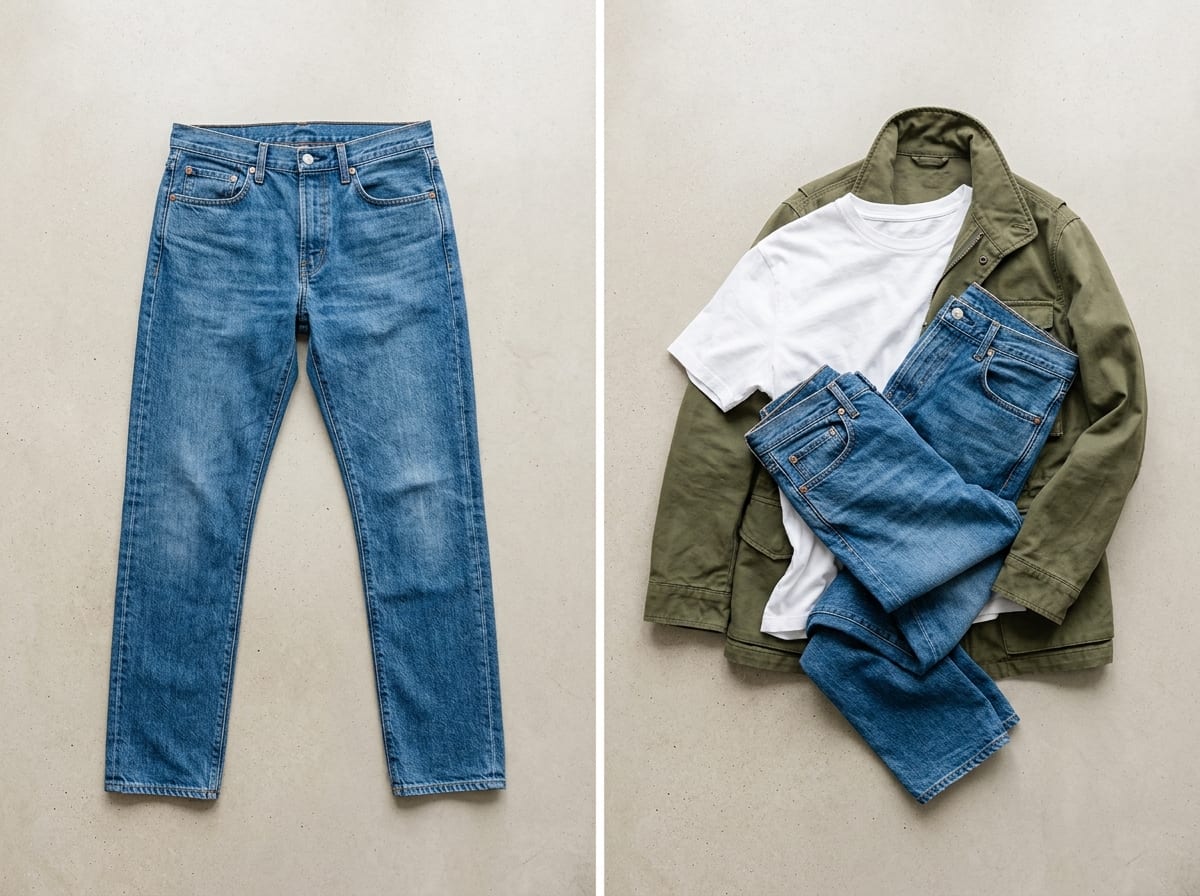
One item per photo
No piles and no full outfits in one photo. Top, bottom and shoes — each as a separate photo.
 DoDon’t
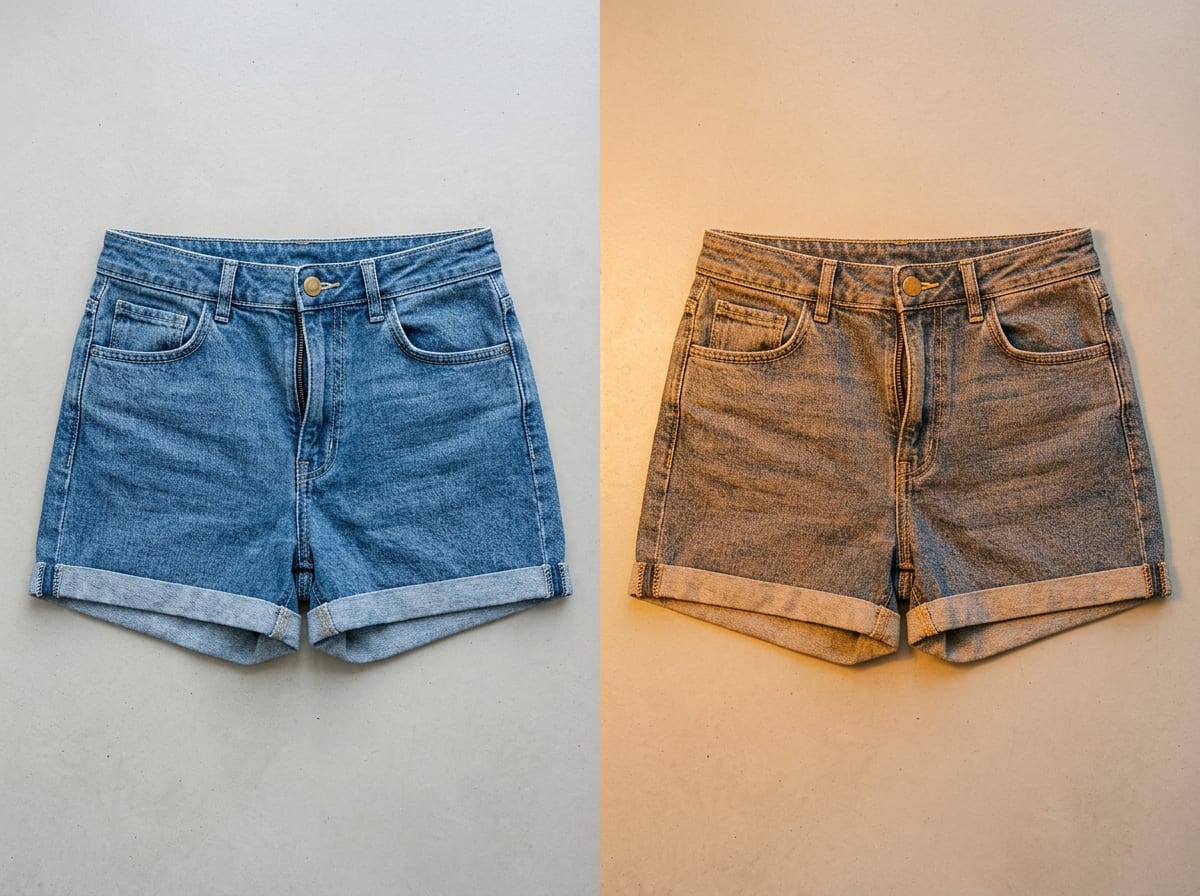
Daylight, no flash
Shoot by a window, away from yellow lamps: the color is taken from your photo.
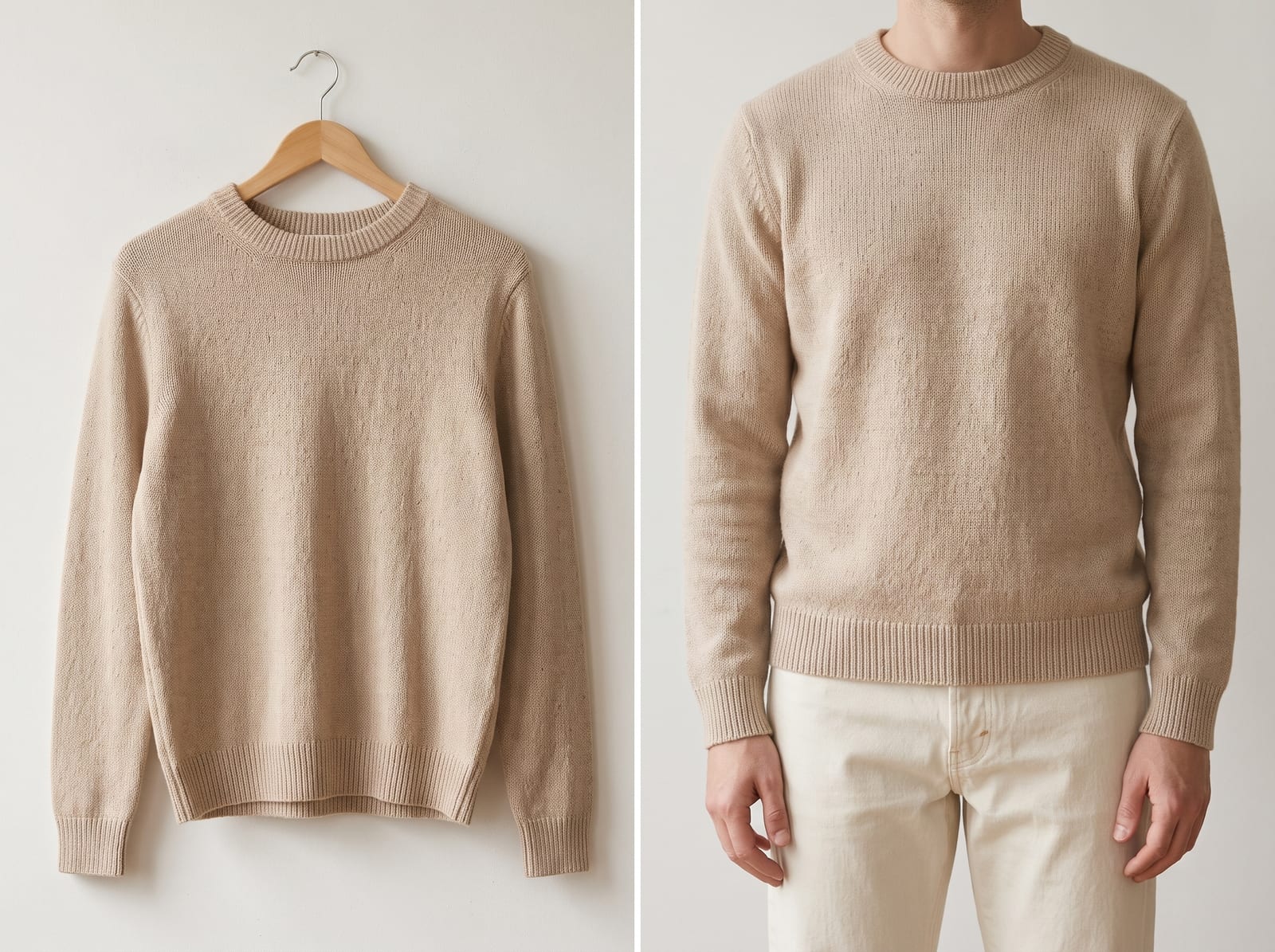 DoDon’t
On its own, without a person
On a hanger, a mannequin or the floor the result is best. A photo on a person works too, but small details may be lost. Photos with children are not accepted.
How an AI photoshoot works
Three steps — exactly what you do inside the service.
- Step 1
Dress the model
Upload photos of the garments — top, bottom, shoes — each as a separate photo.
Step 1Dress the model
Upload photos of the garments — top, bottom, shoes — each as a separate photo.
- Step 2
Choose a scene
Model, pose and background. You can tick several poses at once.
Step 2Choose a scene
Model, pose and background. You can tick several poses at once.
- Step 3
Get the photos
A few minutes later you get several ready variants. Download the one you like — or order it in 2K or 4K — or send it straight to your WooCommerce product.
Step 3Get the photos
A few minutes later you get several ready variants. Download the one you like — or order it in 2K or 4K — or send it straight to your WooCommerce product.
What to shoot
For clothing you want to show on a body
On a body, shoppers see the length, the silhouette and how the garment moves. A photo of the garment alone can't show that.
- Dresses
- Suits
- Outfits
- Jeans and trousers
- Skirts
- Tops and blouses
- Knitwear
- Outerwear
When you don't need a model
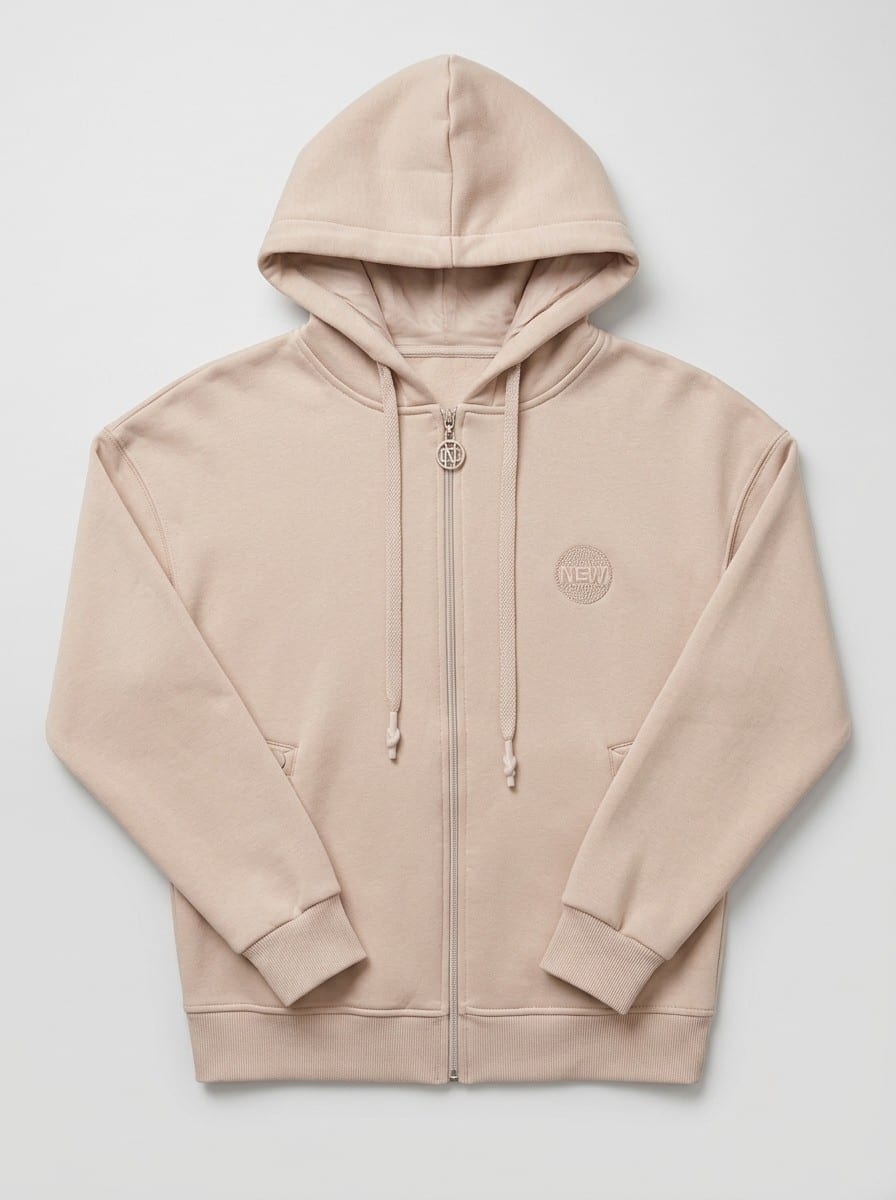
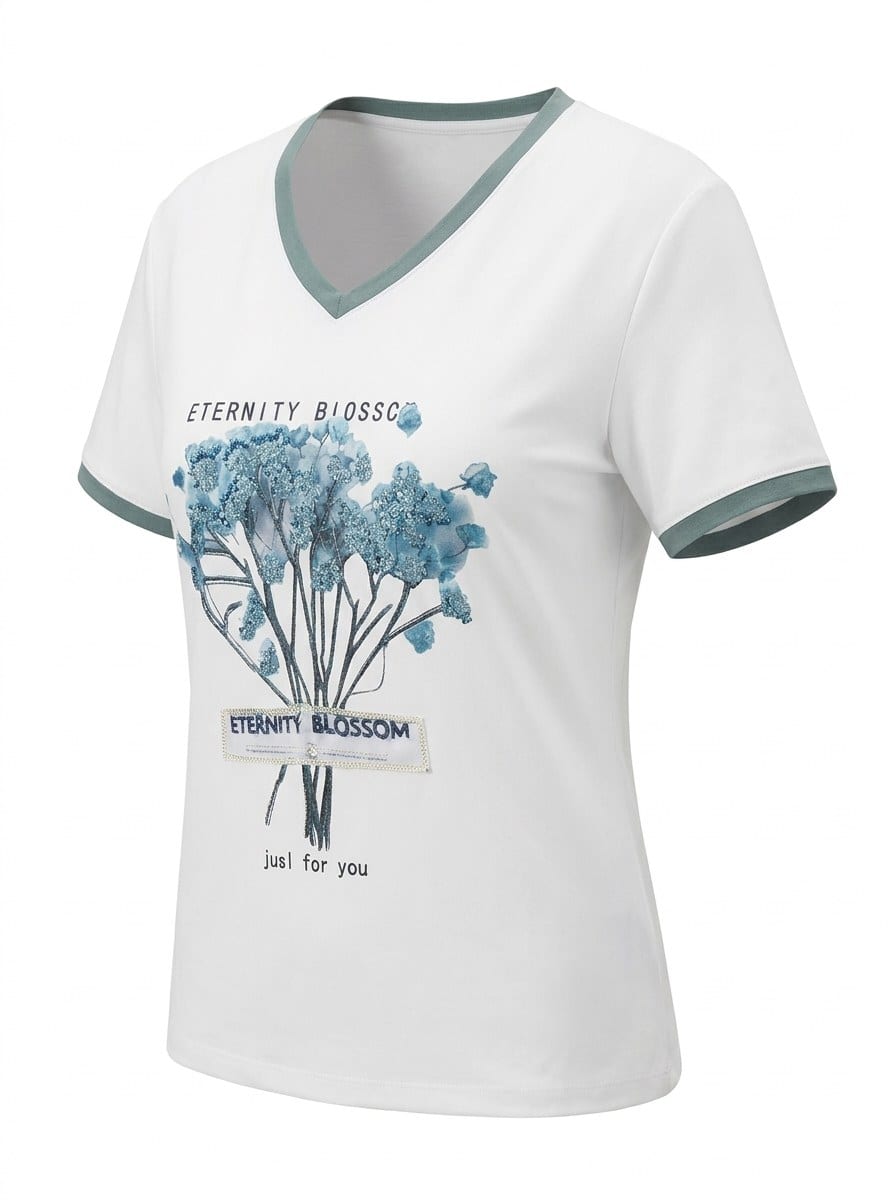
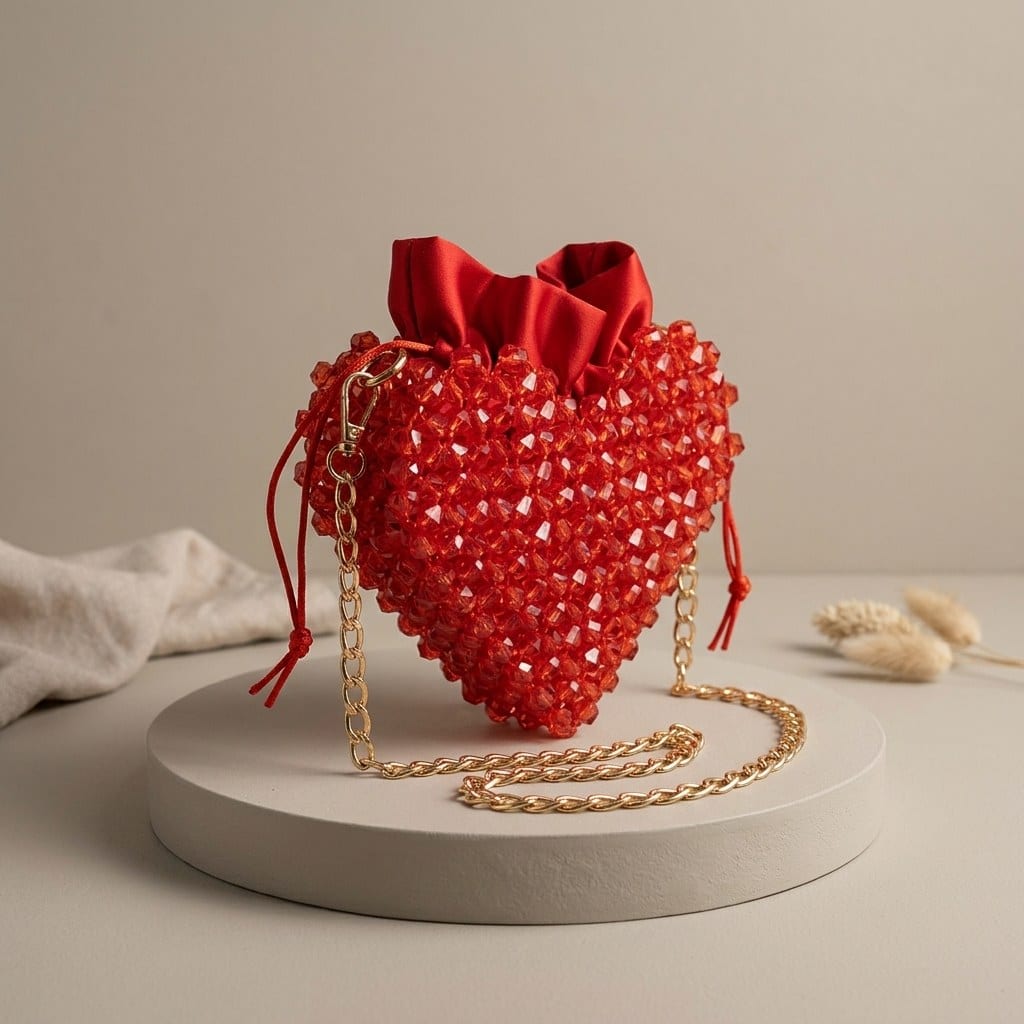
Free plugin · WooCommerce
Clothes on AI models straight from your WooCommerce product page
If your store runs on WordPress, install the free aiModelka plugin. Open a product, upload a photo of the garment — and the finished on-model photo goes straight into the product gallery or becomes the main image. No need to leave your store admin.
Price
Same price as every other photo type
From $0.13 per photo. A plan from $12 a month, or a $10 credit pack with no subscription. A larger size, 2K or 4K, is ordered separately and only for the photo you choose.
10 free sessions (10 photos) at sign-up · no card required
Questions about clothes on models
What is an AI fashion model?
A virtual model generated by AI for fashion product photos. It doesn't depict a real person and can wear your garment in any pose and on any background. This isn't a virtual try on tool for shoppers — it's finished photos of your clothes on models, ready for your listing, with no photoshoot, model or studio.
Which photos of the garment do I need?
Any set you can take: front and back of the top, front and back of the bottom, shoes, a hat — any set works. On the floor, on a hanger or on a mannequin, in even daylight.
Can I get a photo on a model from a flat lay or a mannequin photo?
Yes. A garment laid out on the floor or on a table is a normal source photo: the service puts it on the AI clothing model. A garment on a mannequin or a hanger works the same way. Either way, the result is your garment on a model.
Can I replace the model in an existing photo?
Yes. Upload a photo of the garment on a person, and aiModelka puts the same garment on a different virtual model, in a new pose and on a new background — think of it as an AI clothes changer in reverse: the clothes stay, the model changes. Photos with children are not accepted.
Can I create my own model?
Yes. Pick gender, age, look, hair and body type, choose a face from several portraits and save the model. It then wears every garment in your catalog — all your photos on one model. Or skip the setup and use a standard AI female model or AI male model.
Can the model wear several garments at once?
Yes: top, bottom, shoes and a hat — each as its own photo, and they all go into one frame, like an outfit generator for your own products. If you don't upload one of them, the model gets plain basic clothing there.
Which poses and backgrounds are available?
Dozens of poses for women and men: front, back, profile, seated, in motion — and poses where trousers and shoes are shown up close. Backgrounds: studio, interior and street — or your own background with your store logo.
How much does a photo on a model cost?
The same as any other photo type in aiModelka. Each finished variant costs credits — you choose how many variants to generate; a larger size, 2K or 4K, is ordered separately and only for the photo you choose. The free sessions you get at sign-up are enough for your first photos on a model.
Can I make a video with the model?
Yes, from any finished on-model photo — an image to video AI generator is built into the service. Choose the clip length — 3, 5 or 7 seconds — and the size, 360p or 720p: the model makes a couple of moves on the same background, and the garment is shown in motion. The clip is vertical, for social media and phones. Credits are charged per second of the clip.
No photographer, no studio
Your first photos on an AI model are free
Try it free10 free sessions (10 photos) at sign-up · no card required