One model for your whole collection
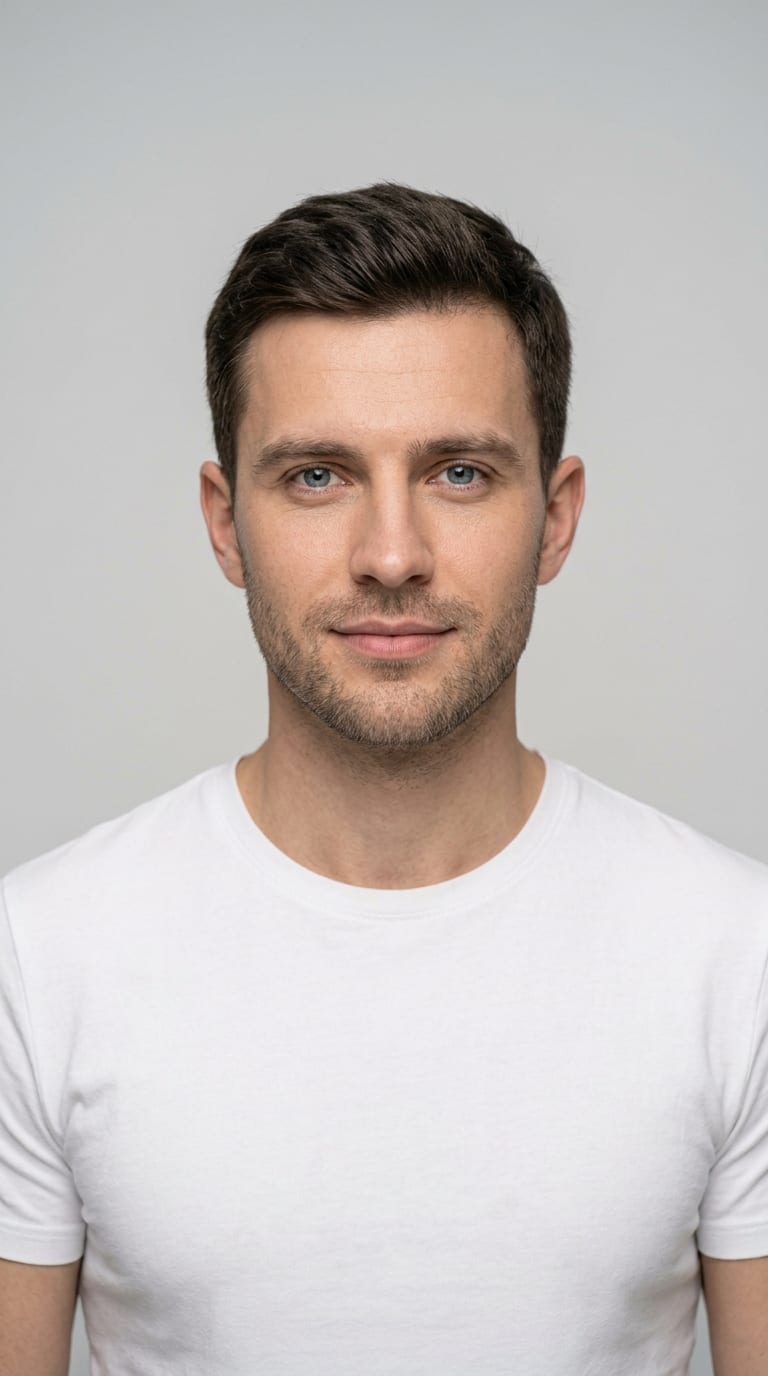
Create your own brand model once — it will wear every item in your catalog. Consistent photos, like from one photoshoot.
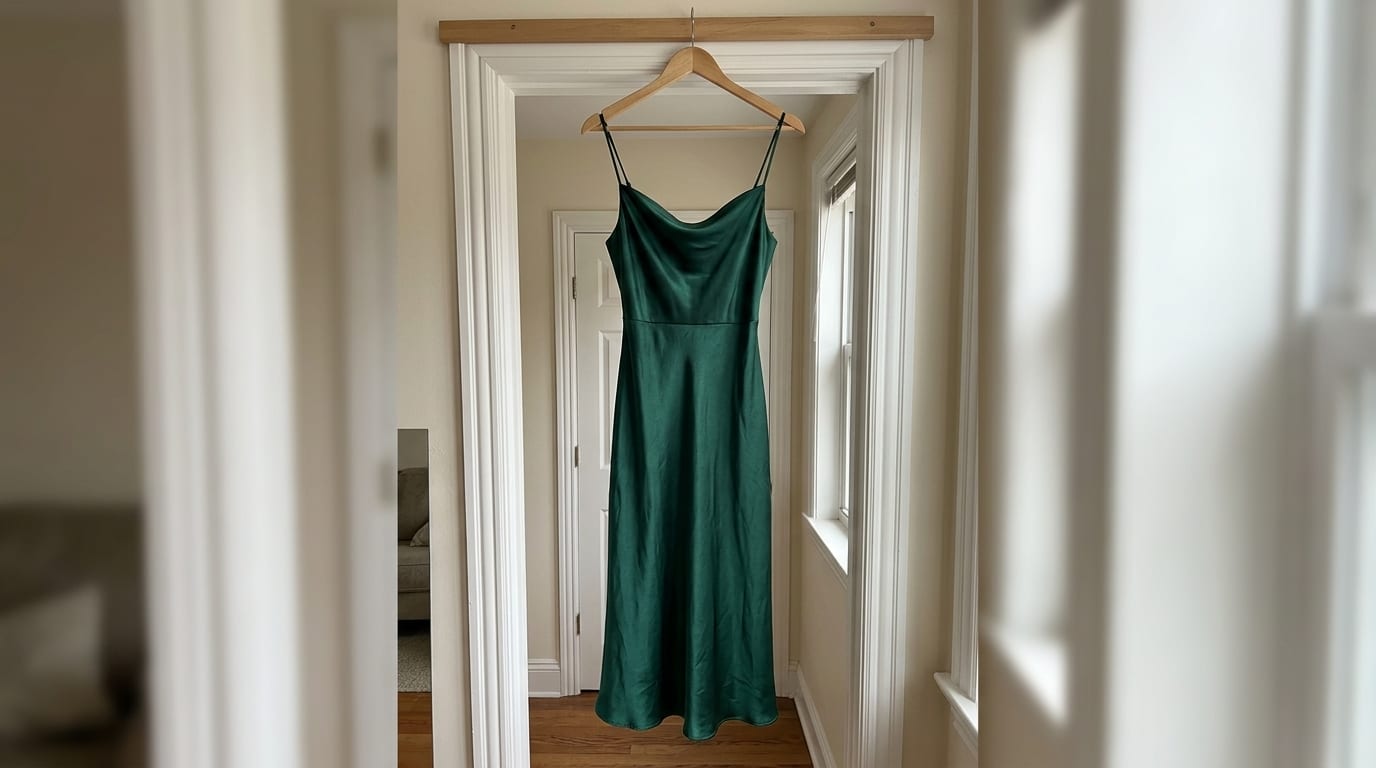
Photograph the item on the floor, on a hanger or on a mannequin. Upload the photo, pick a virtual model, pose and background — and in a few minutes you'll have studio-quality photos for your product pages.
5 free sessions (10 photos) at sign-up · no card required
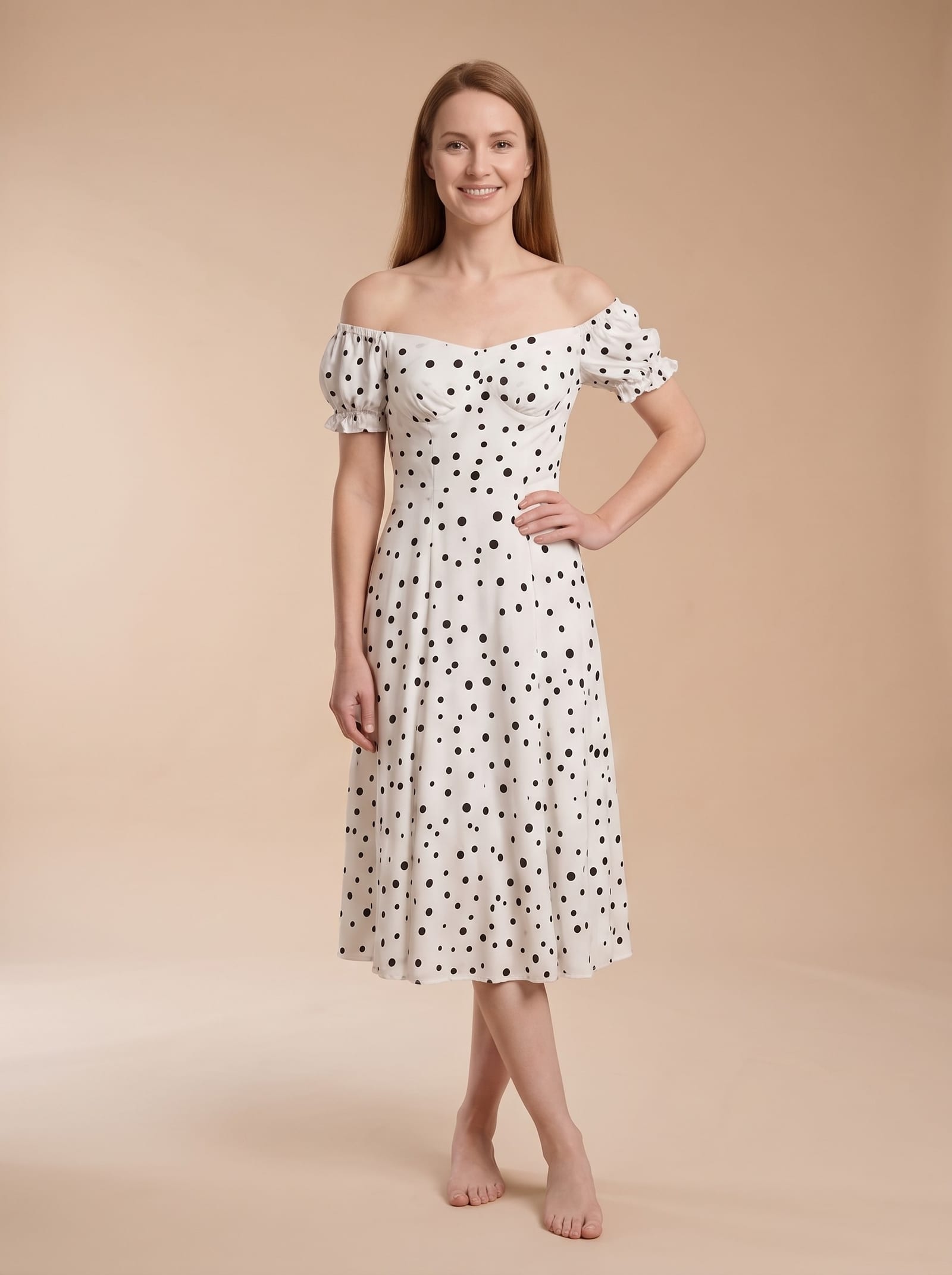
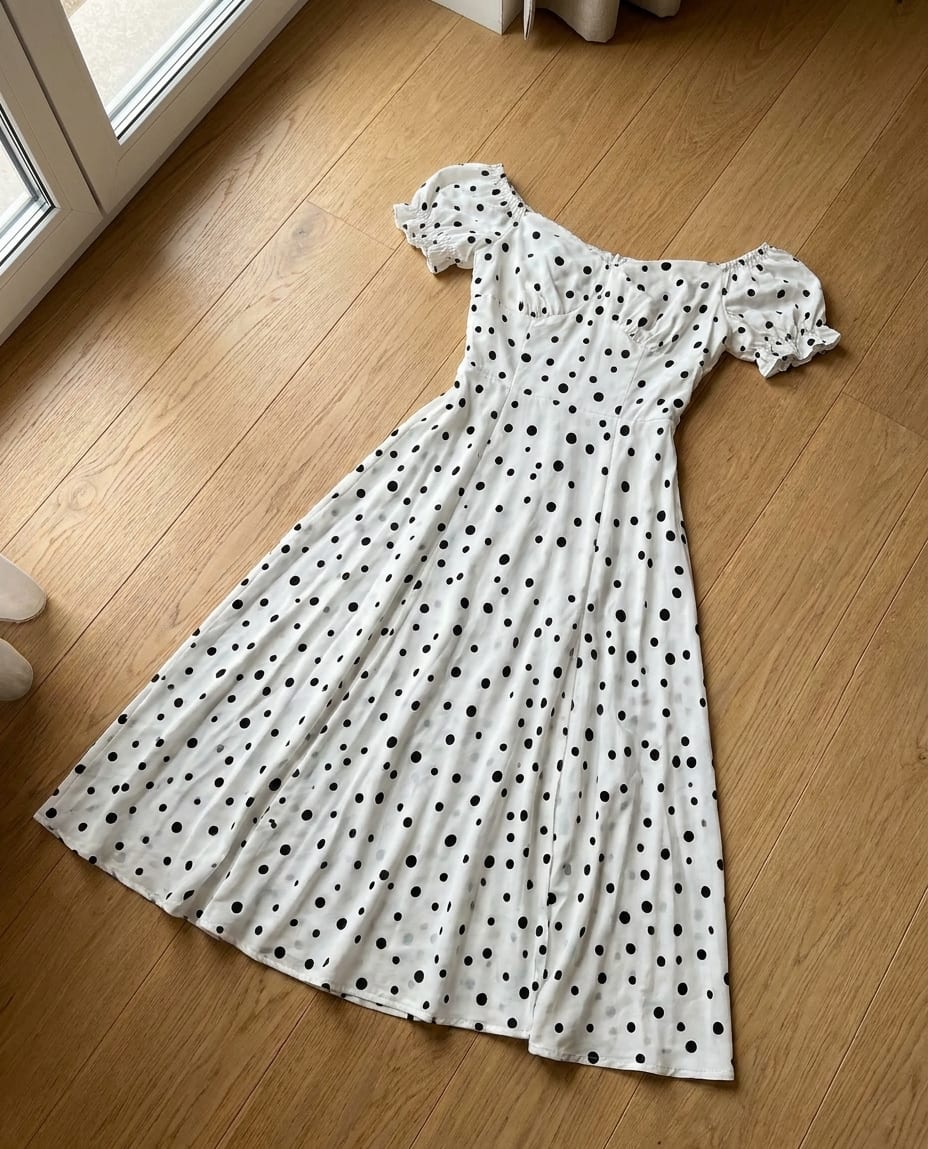
On the floor, on a mannequin, straight from your phone — any photo works.
Everything is a visual gallery — just tap what you like. Or keep the defaults: they simply work.
Pick the best variant, crop it for your product page, Instagram or Stories, and download.
Items photographed at home — and the photos they became.
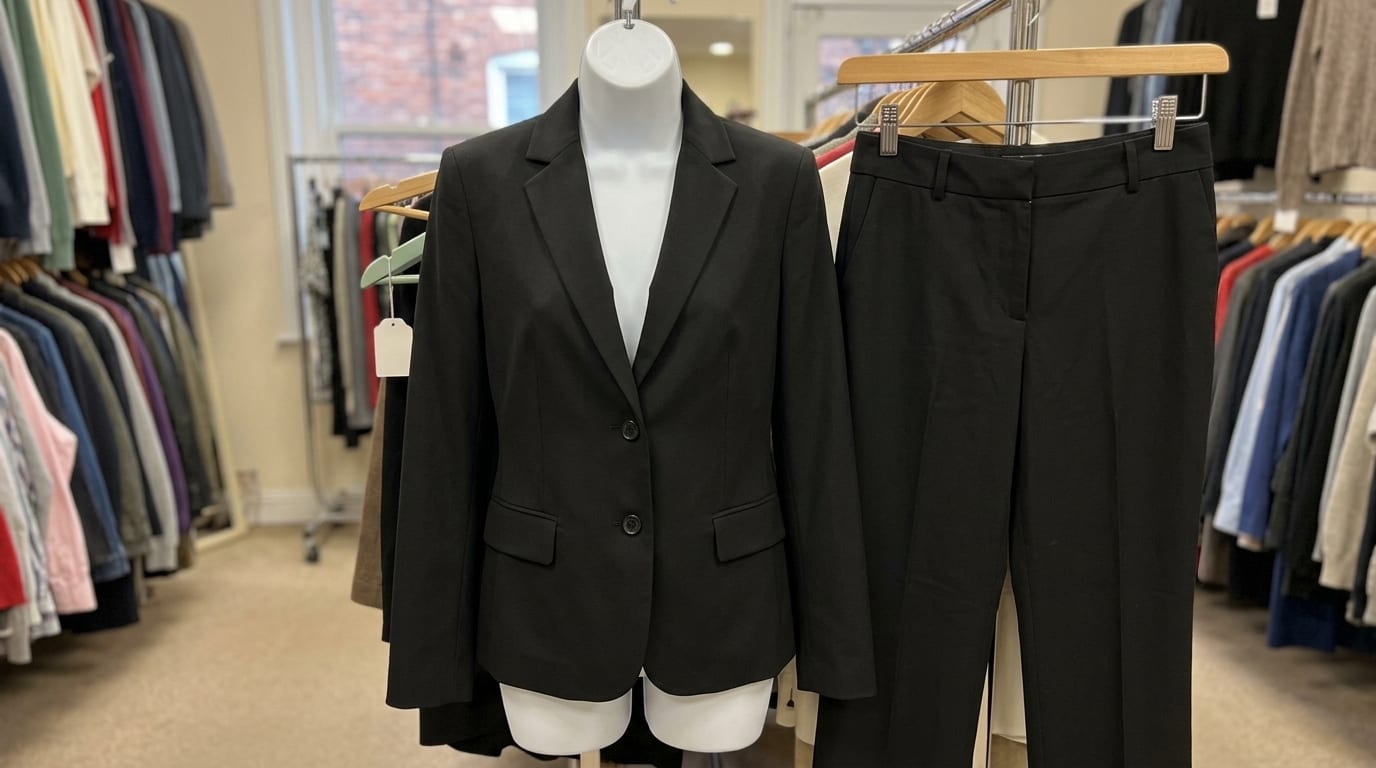
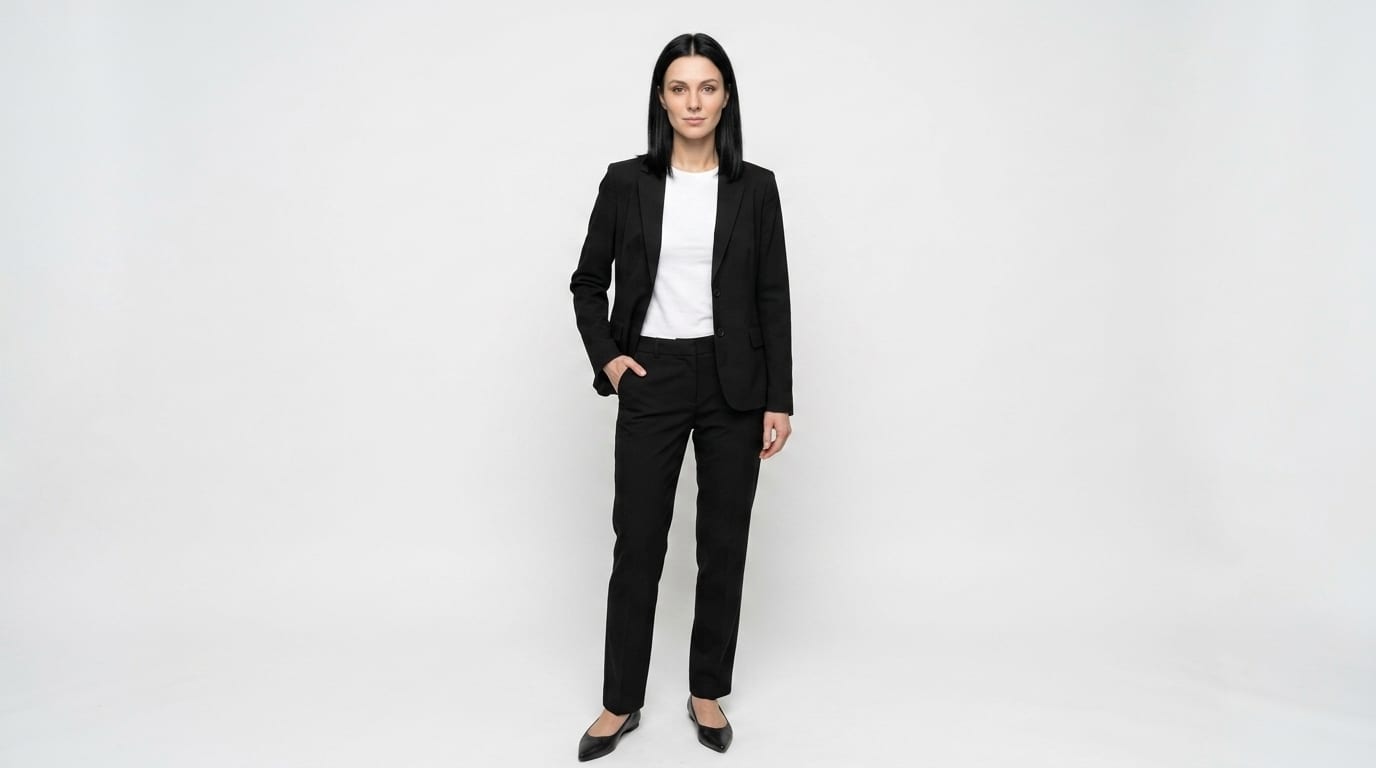
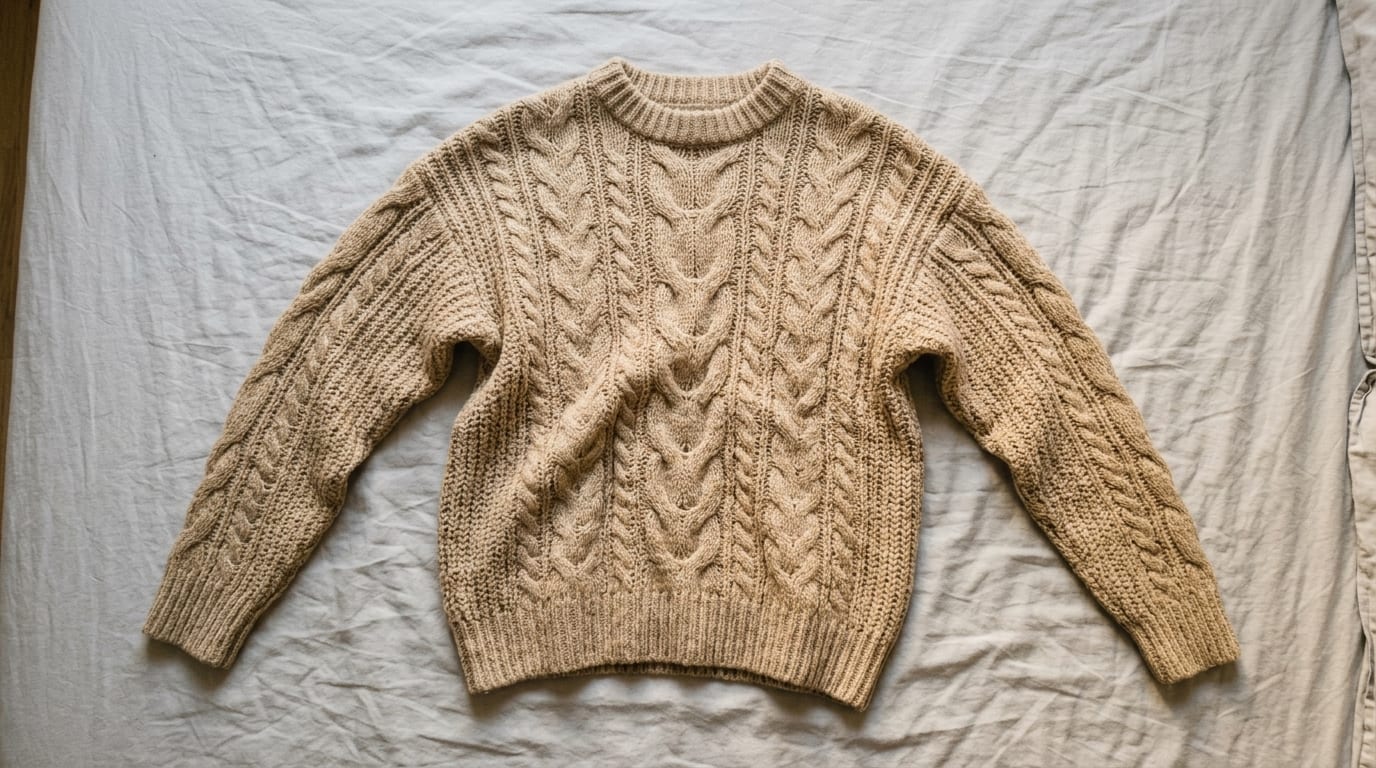
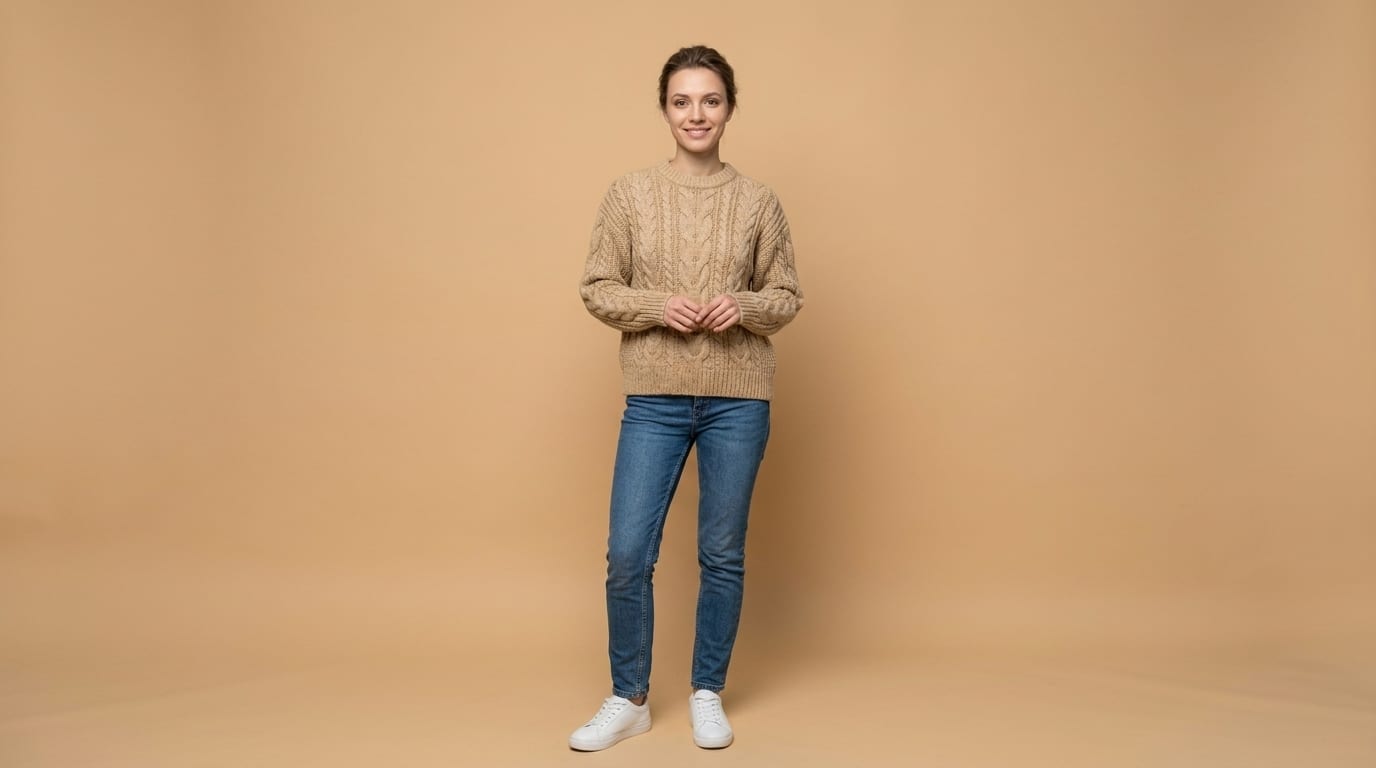
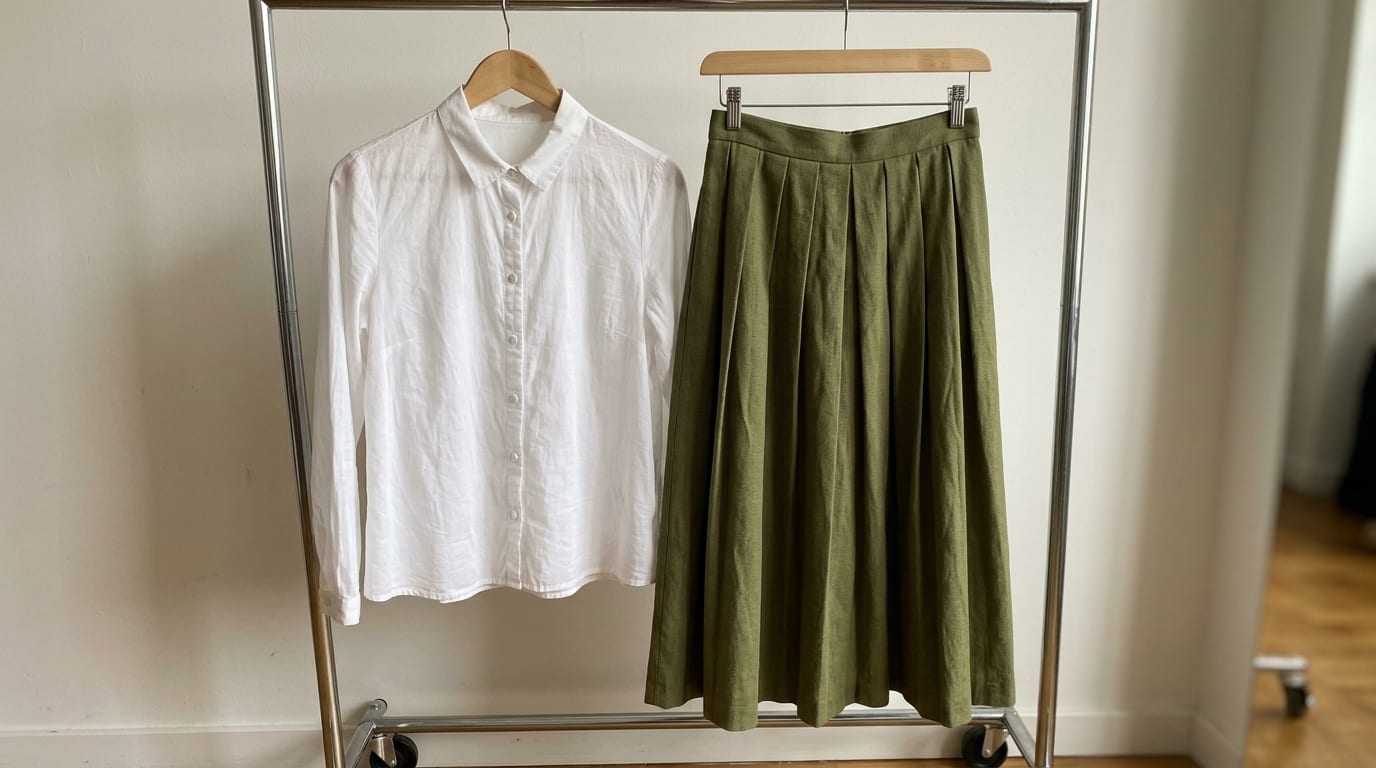
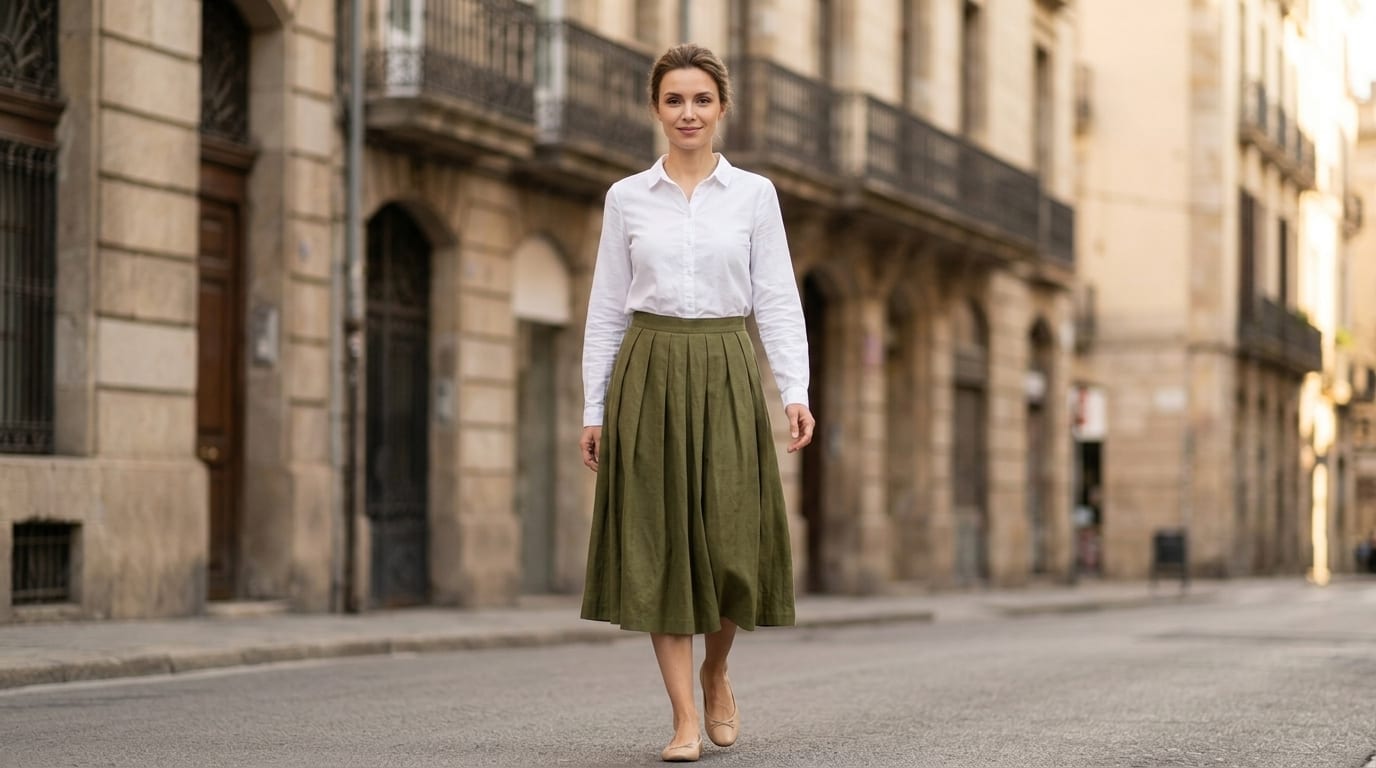
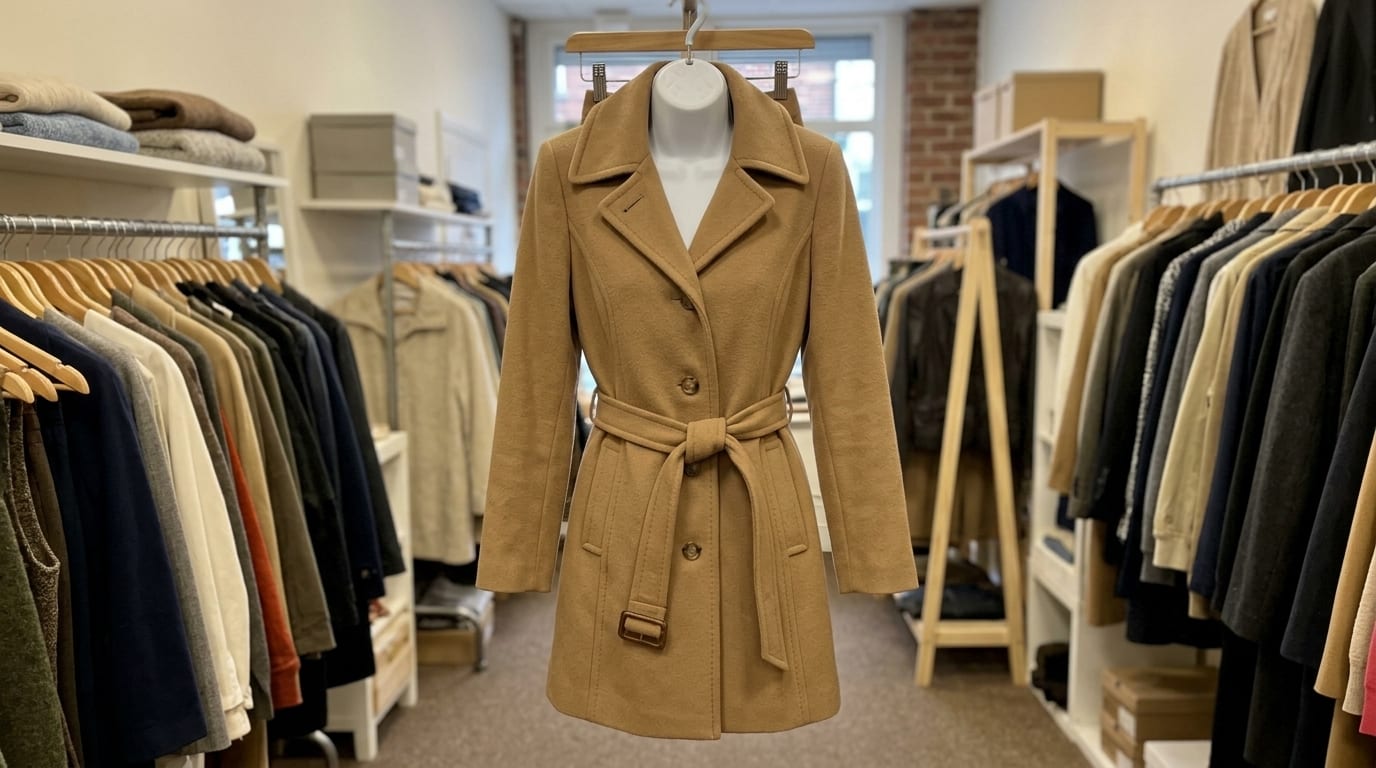
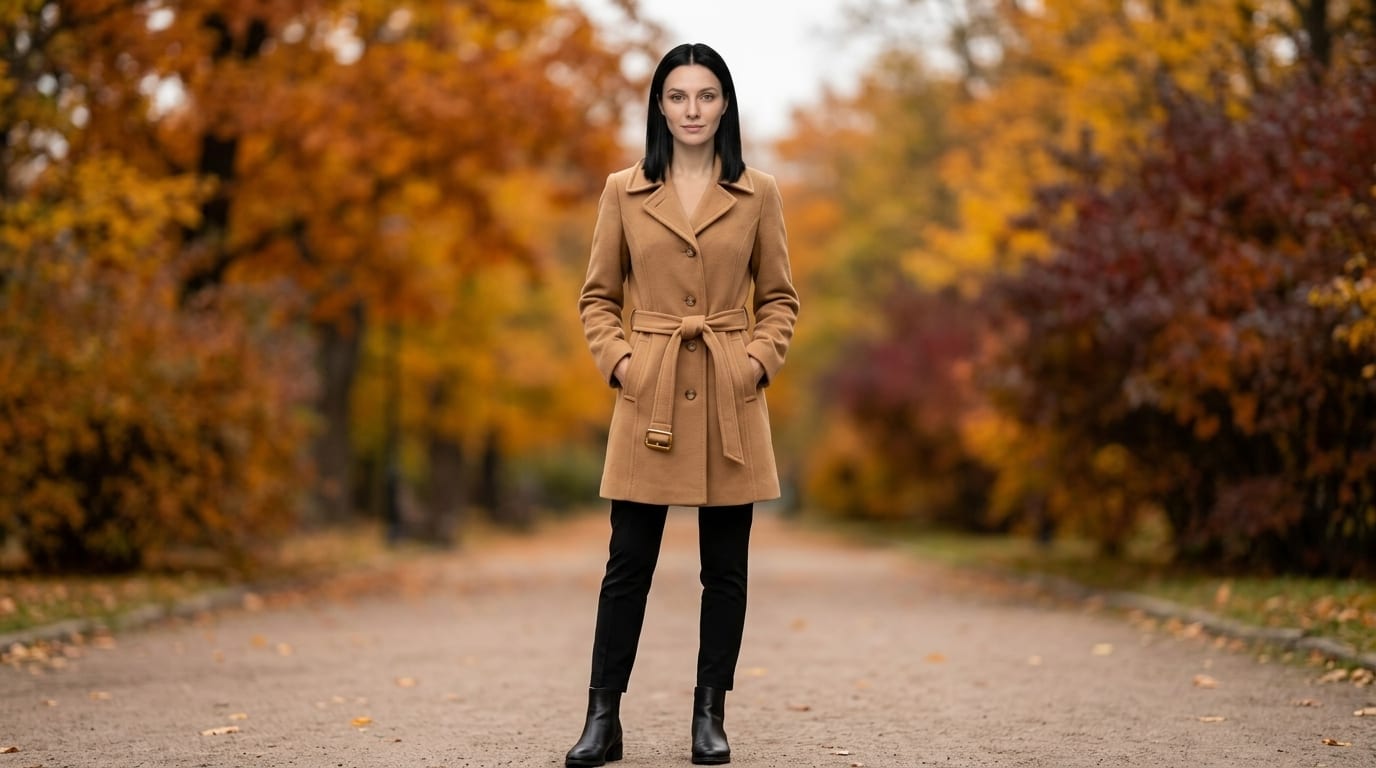
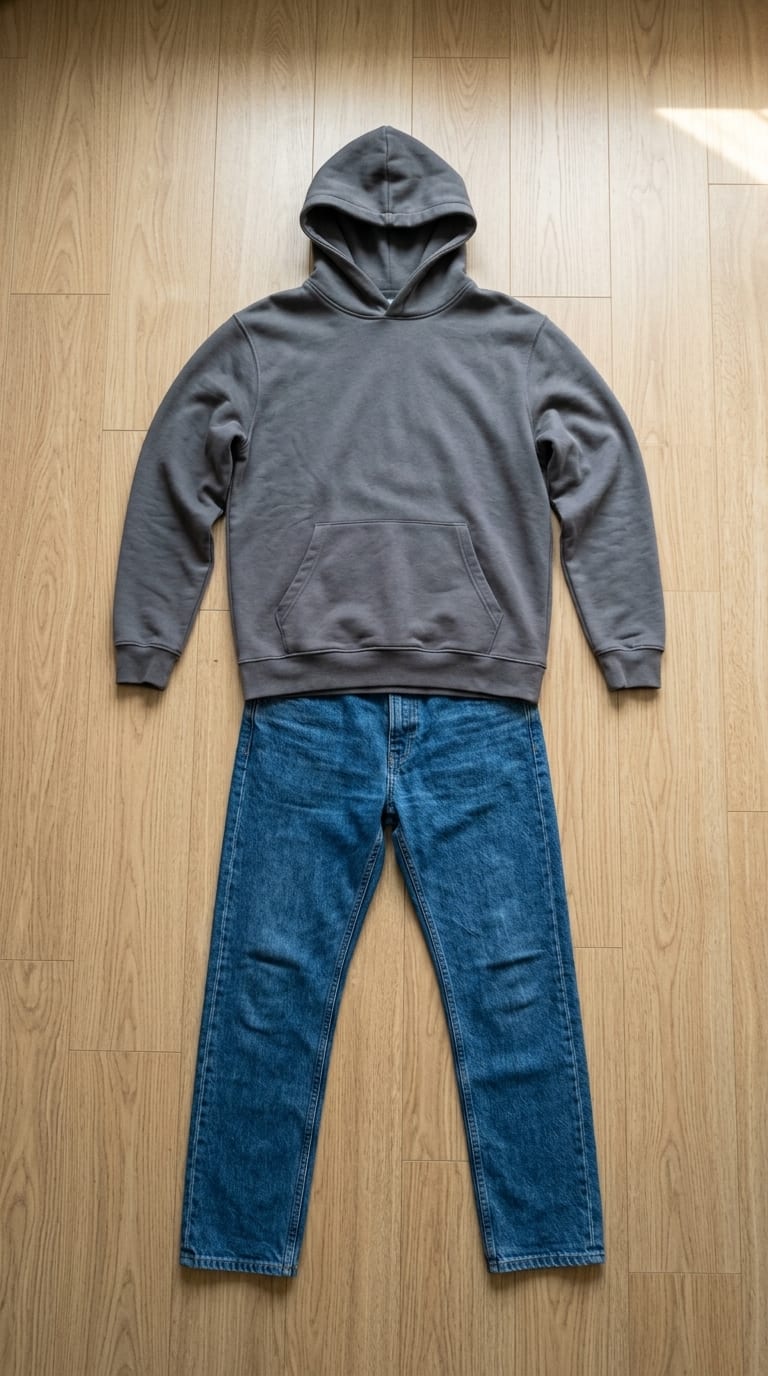
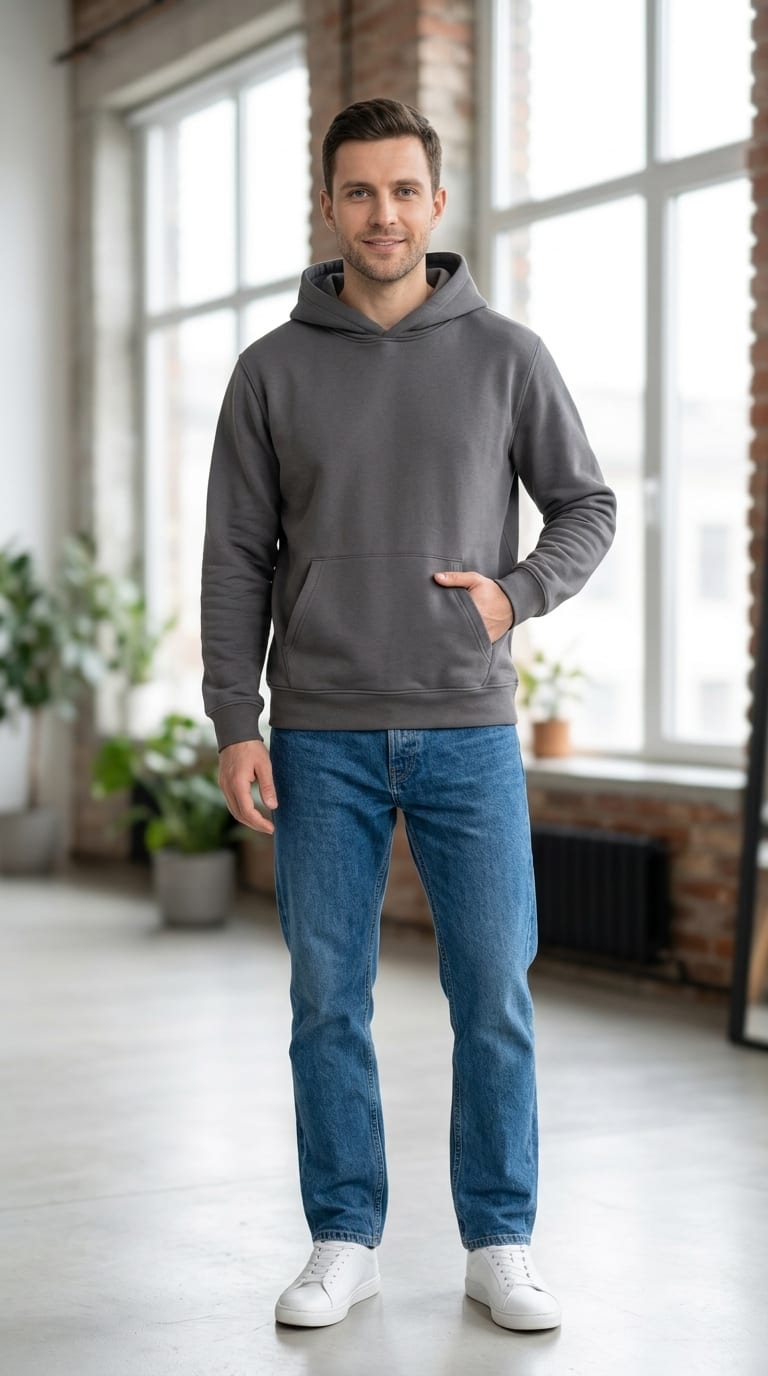
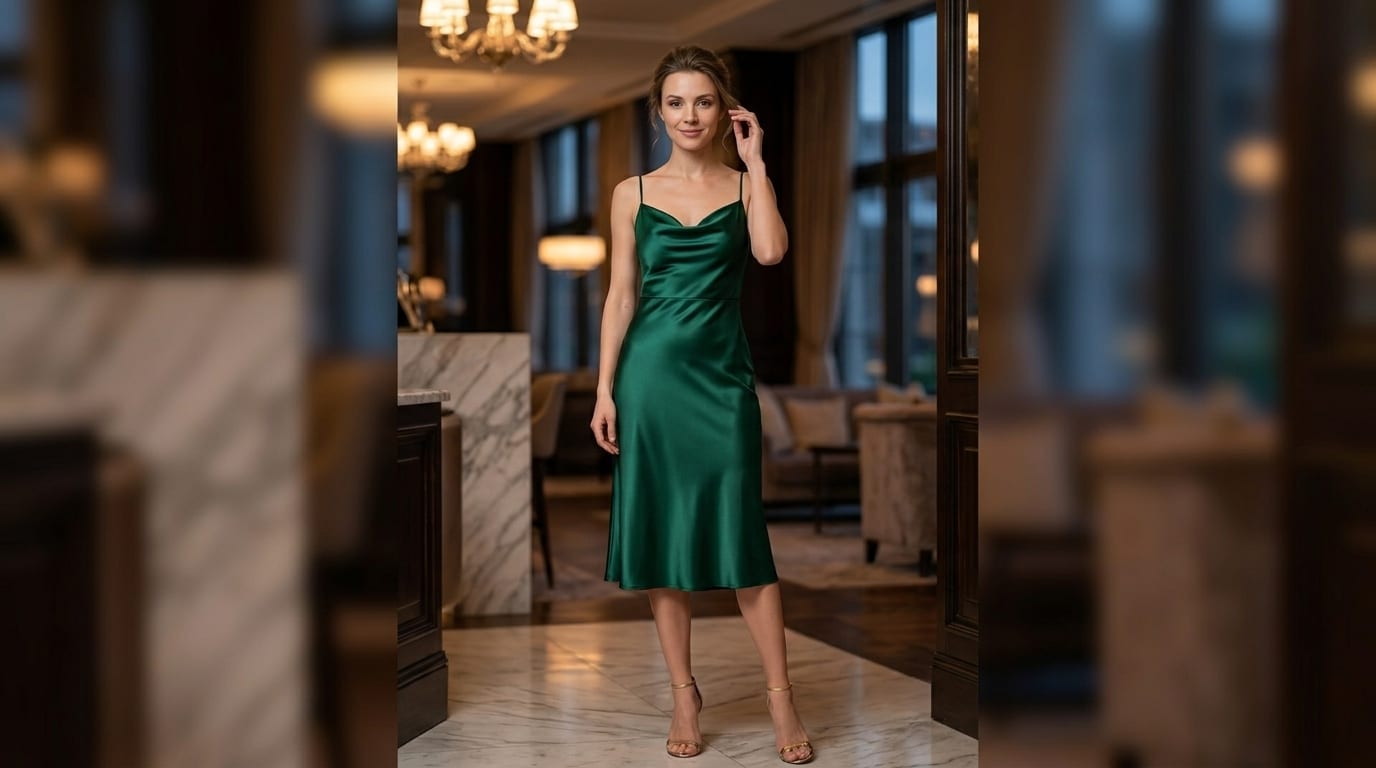
Create your own brand model once — it will wear every item in your catalog. Consistent photos, like from one photoshoot.
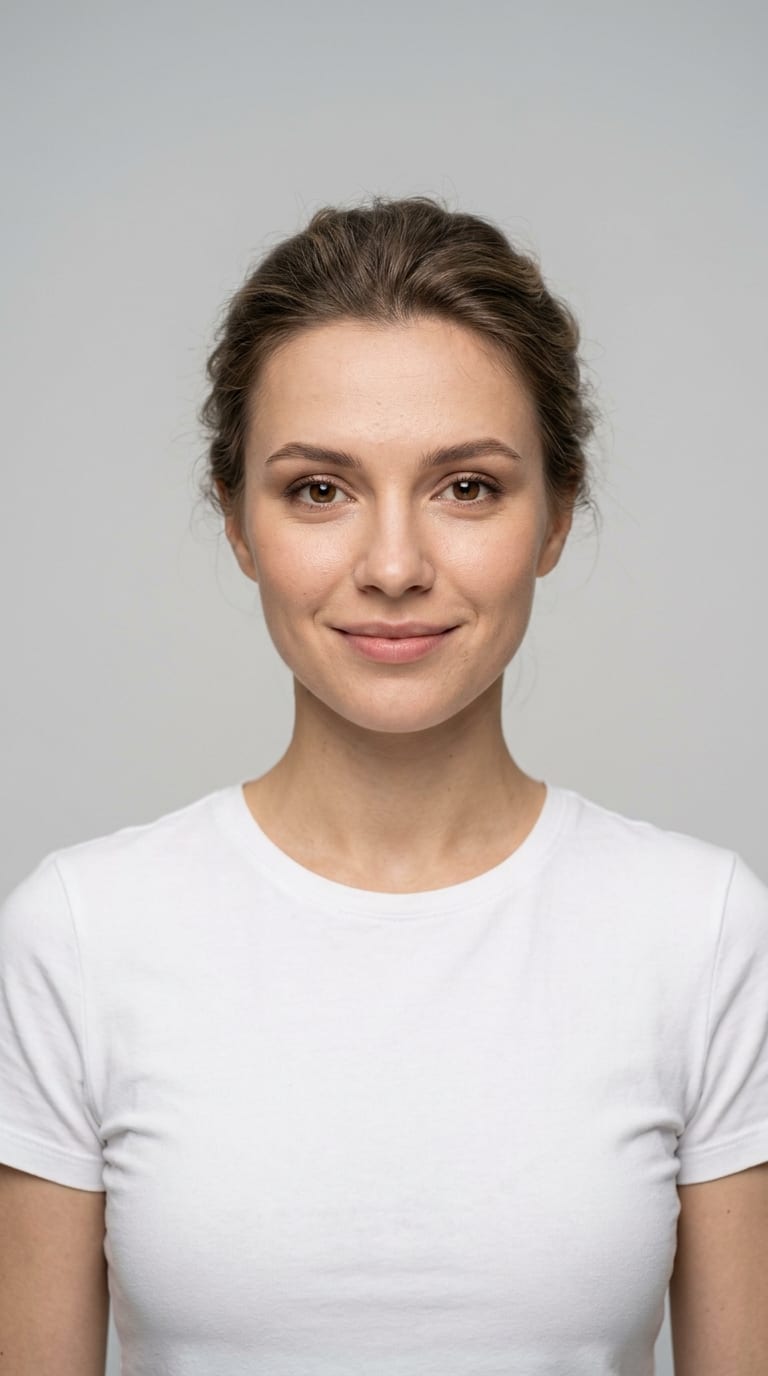
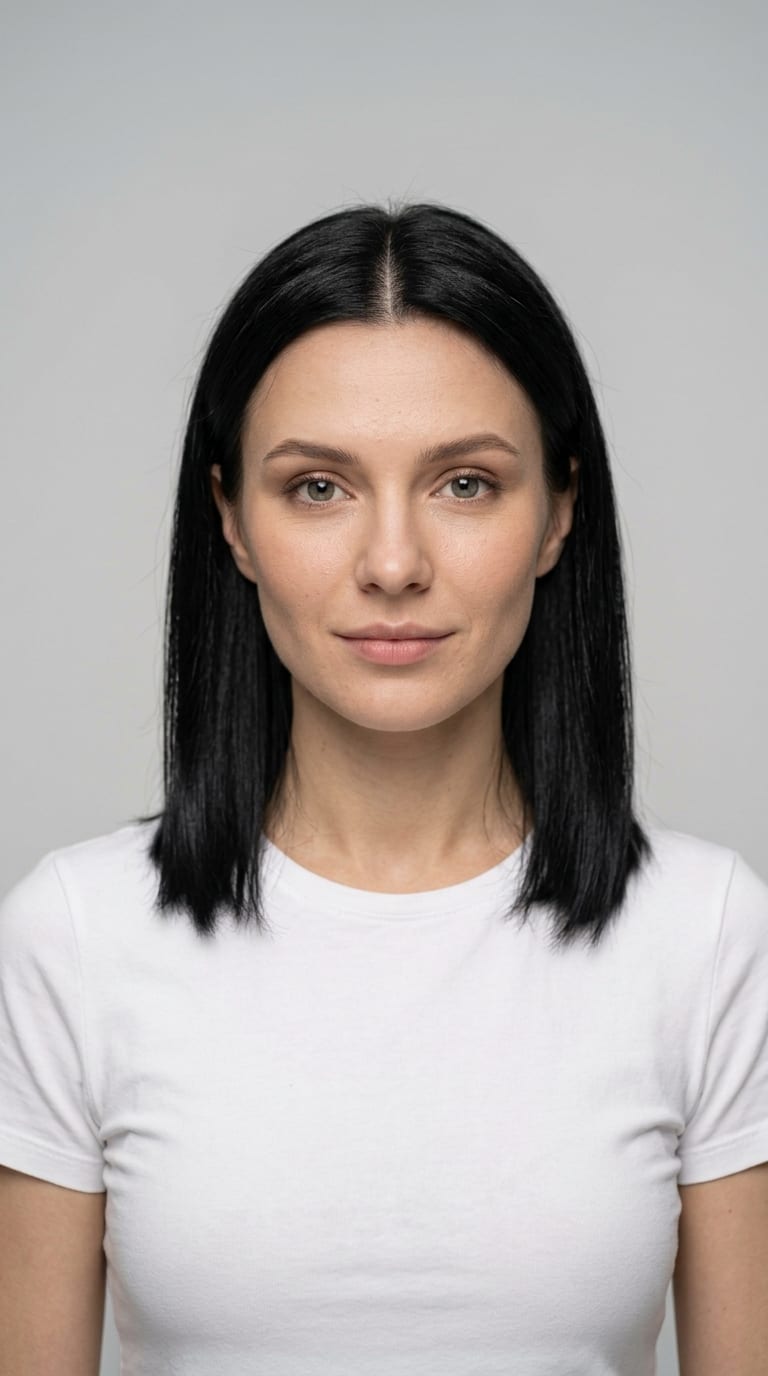
If the service could not make a photo, no credits are spent. And so you don't pay for what you don't need — first 2 1K variants, a larger size only for the one you chose.
Photograph the item with your phone and upload it on the spot. The whole flow is built mobile-first.
Product page, square, Stories — crop the photo to the format you need at no extra cost. A higher resolution — 2K or 4K — costs credits.
A studio shoot costs hundreds of dollars and takes weeks. Here a finished photo costs under a dollar and takes about a minute.
We're building a plugin that adds a “Generate photo” button right inside your product editor — photos go straight into the product gallery. Leave your email and be the first to try it.
Photos are paid for with credits ⚡. A one-pose session — 2 finished 1K photos to choose from for 14 ⚡. A larger size of the chosen photo: 2K — 15 ⚡, 4K — 25 ⚡. Downloading and cropping are free.
$0
75 credits to start
5 sessions of 2 photos — to try it out
Start free$12/mo
600 credits a month, valid until the month ends
42 sessions of 2 photos, or 20 with 2K
Choose Starter$29/mo
1600 credits a month, valid until the month ends
114 sessions of 2 photos, or 55 with 2K
Choose Pro$10
450 credits
32 sessions of 2 photos, or 15 with 2K
Buy creditsIf a photo could not be made because of a failure, no credits are spent. Plan credits are valid until the end of the paid month; credit pack credits stay with you for 12 months.
Any photos you can take: front and back of a top, front and back of a bottom, shoes, a hat — any subset is fine. On the floor, on a hanger or on a mannequin, shot with a phone in even light.
In most cases — yes: the photo is generated from your real photos, and print, cut and color carry over well. Details are not always pixel-perfect, so you always review the result before saving, and you can regenerate it. If the service fails to make a photo, credits are not spent. We also recommend keeping one real photo in the product page.
No. The models are virtual — they are created by artificial intelligence and don't depict real people. You create your own brand model and it stays consistent across your whole catalog.
You do. Use them in your store, on marketplaces, in social media and ads.
An optional small badge on exported photos. Stores selling to the EU can turn it on to meet transparency rules; everyone else decides for themselves. It's a single switch in settings.
Your photos are stored in your account and are used only to create your images; our providers don't train on your data. You can delete all your photos — or your whole account — at any time. Details are in the Privacy Policy.
Yes — the whole flow works on a phone: photograph the item, upload it right away and download the results.
The first ones are on us — 5 free sessions (10 photos) at sign-up.
Try it free