Photo type · flat lay
Flat lay photos of your clothing — from any photo of the garment
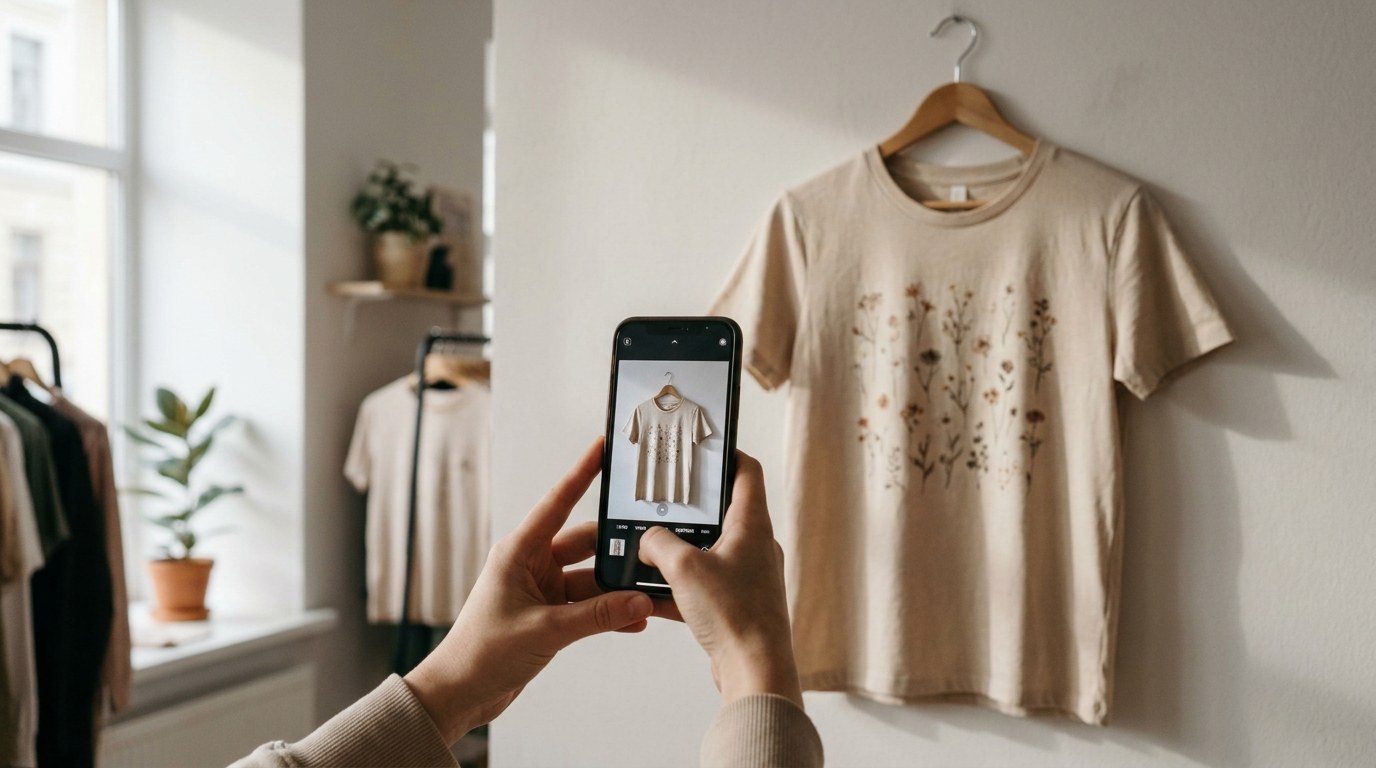
Any photo you already have will do — on a hanger, on a mannequin, on the floor or on a person. aiModelka cuts the garment out of the photo, lays it out neatly and shoots it straight from above — front, back or folded, on a clean background. In a few minutes you have flat lay photos ready for your listing. No photographer, no stylist.
10 free sessions (10 photos) at sign-up · no card required
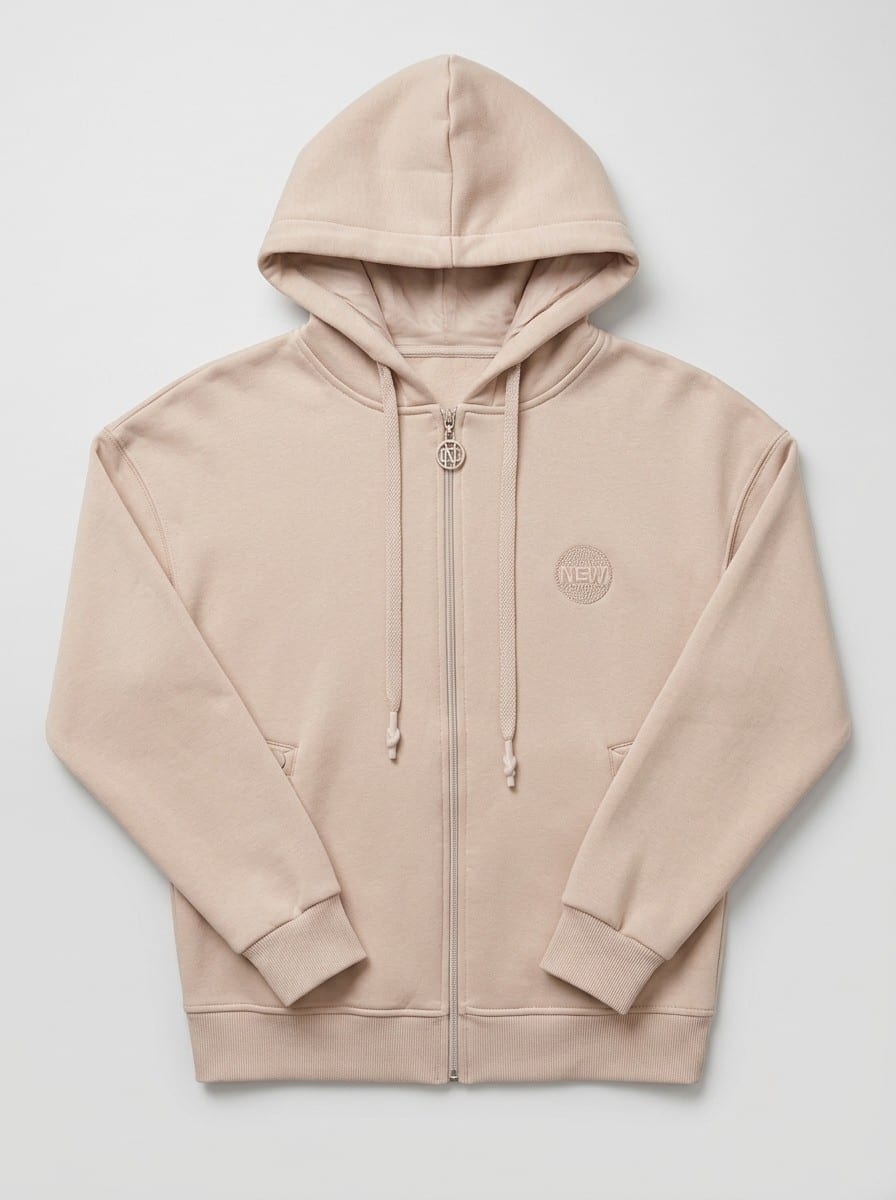
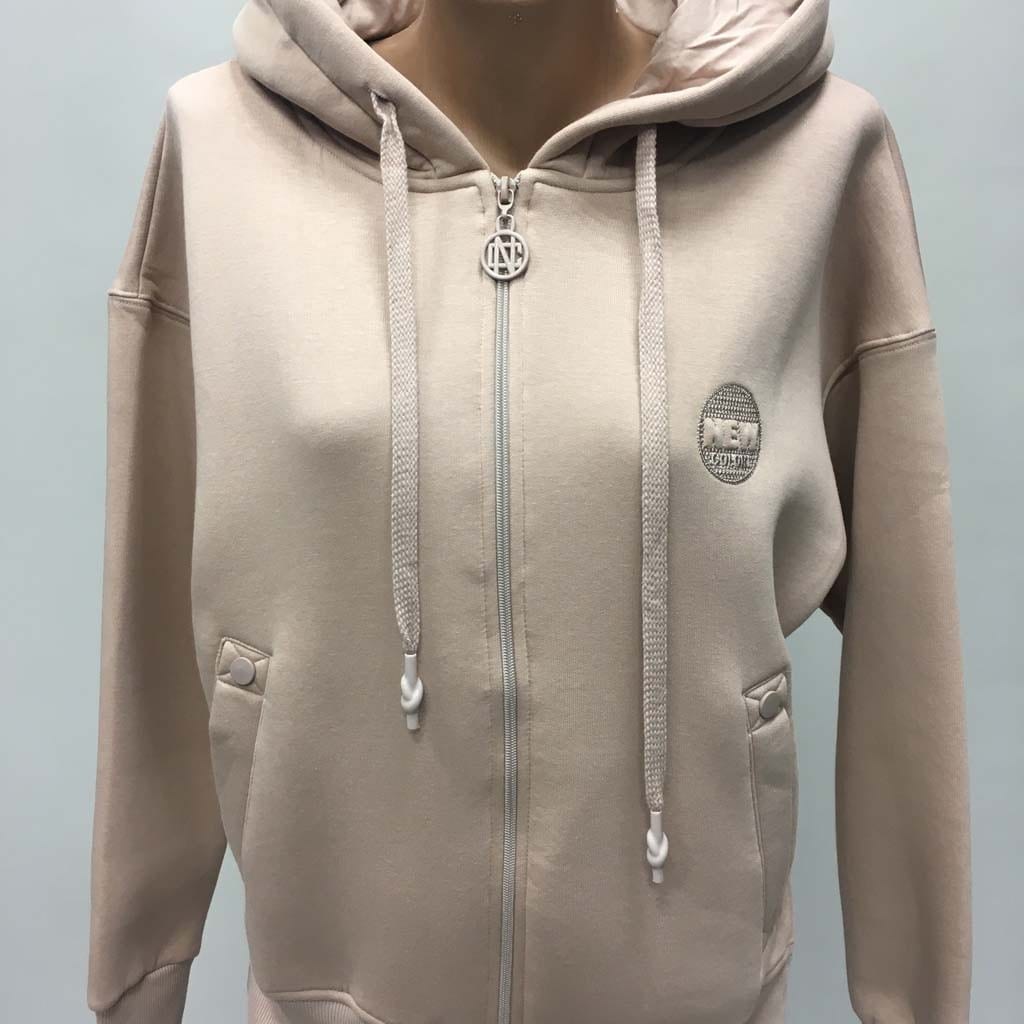
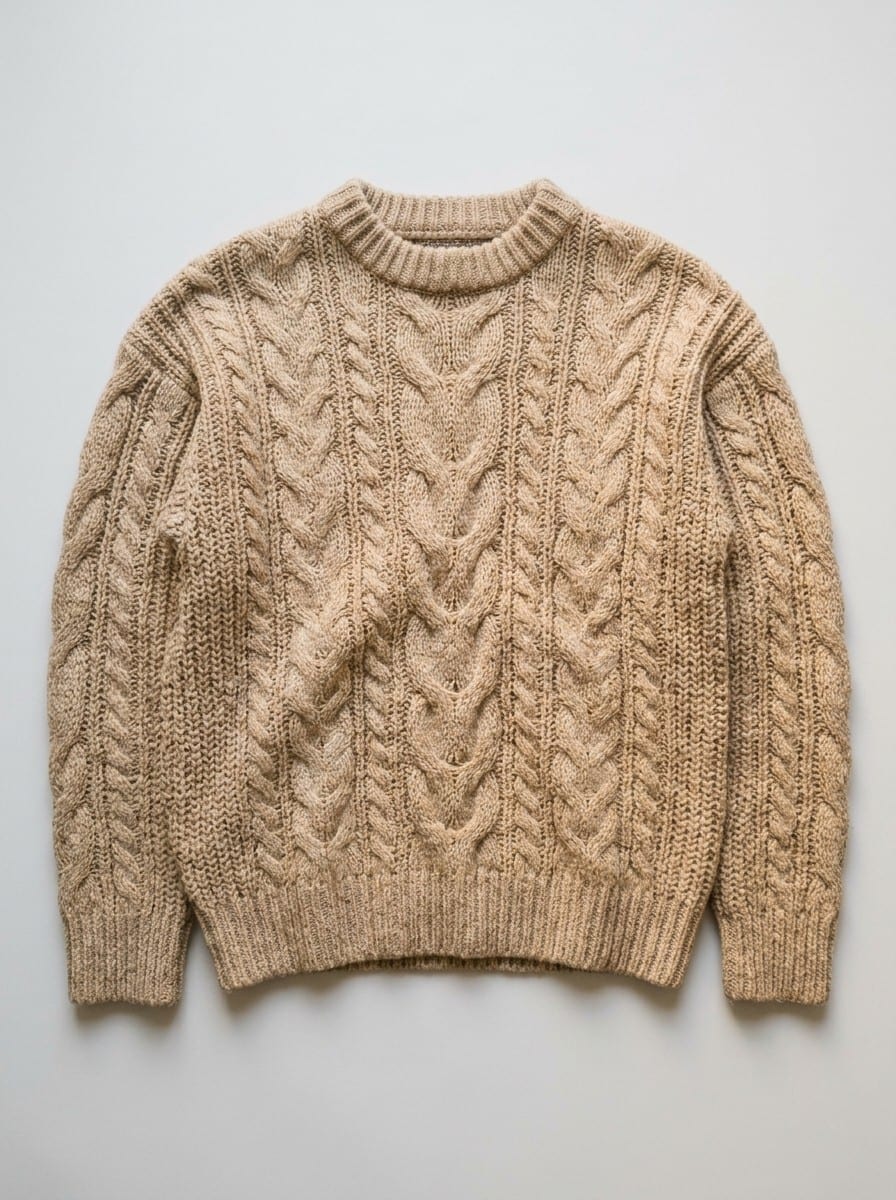
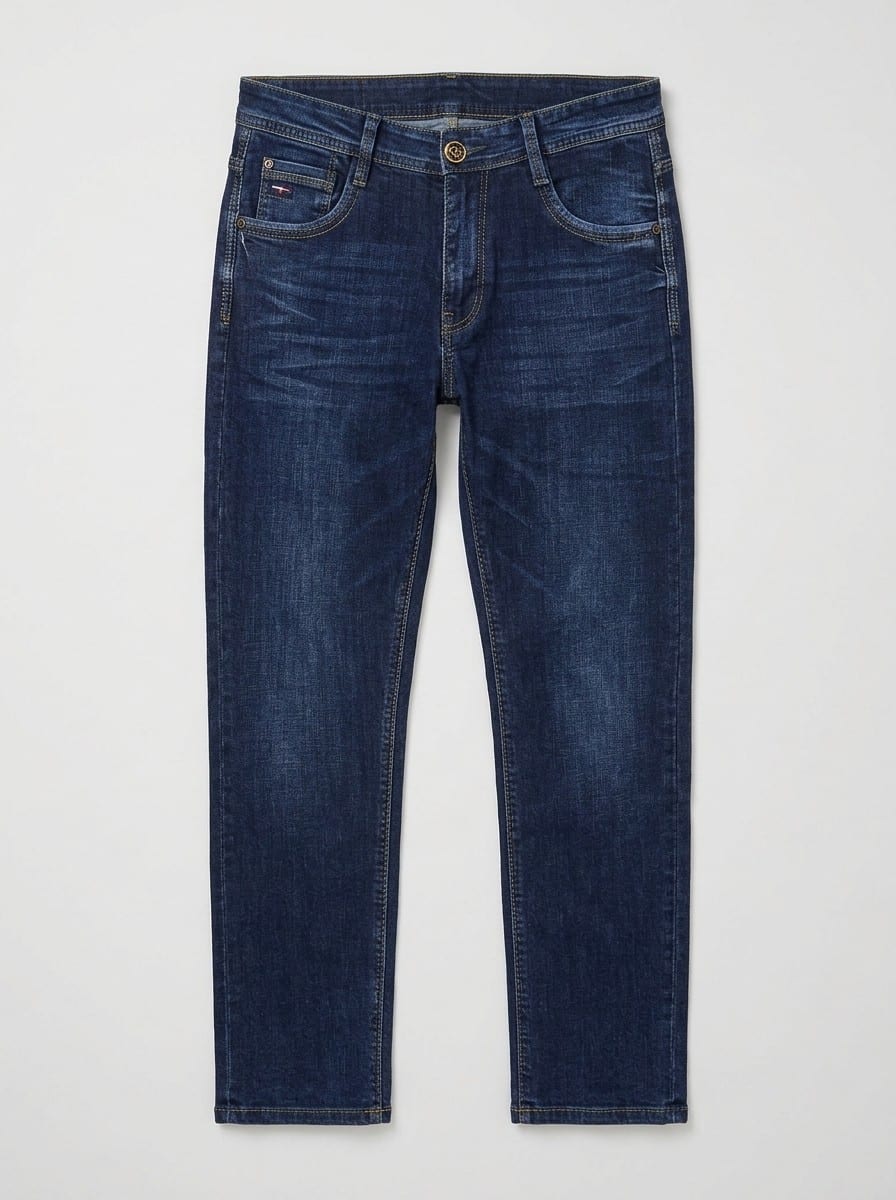
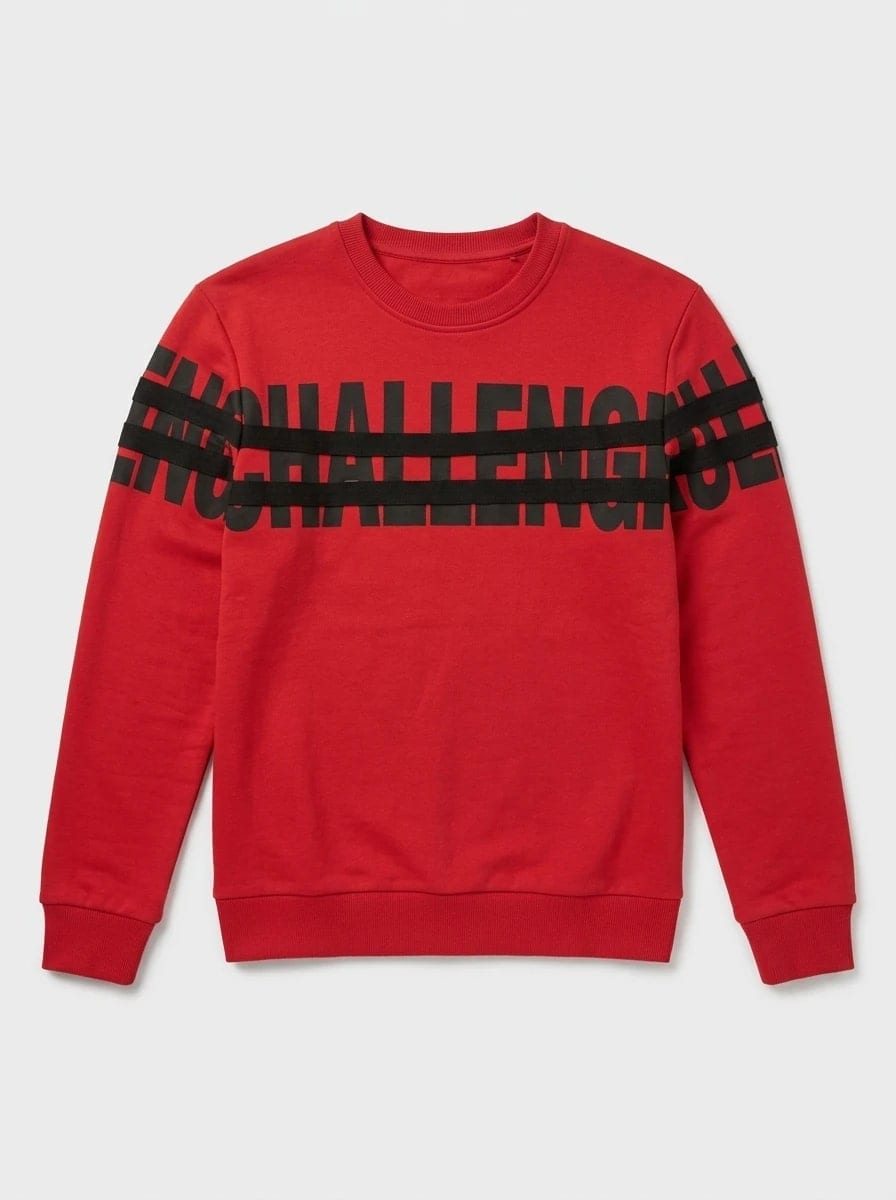
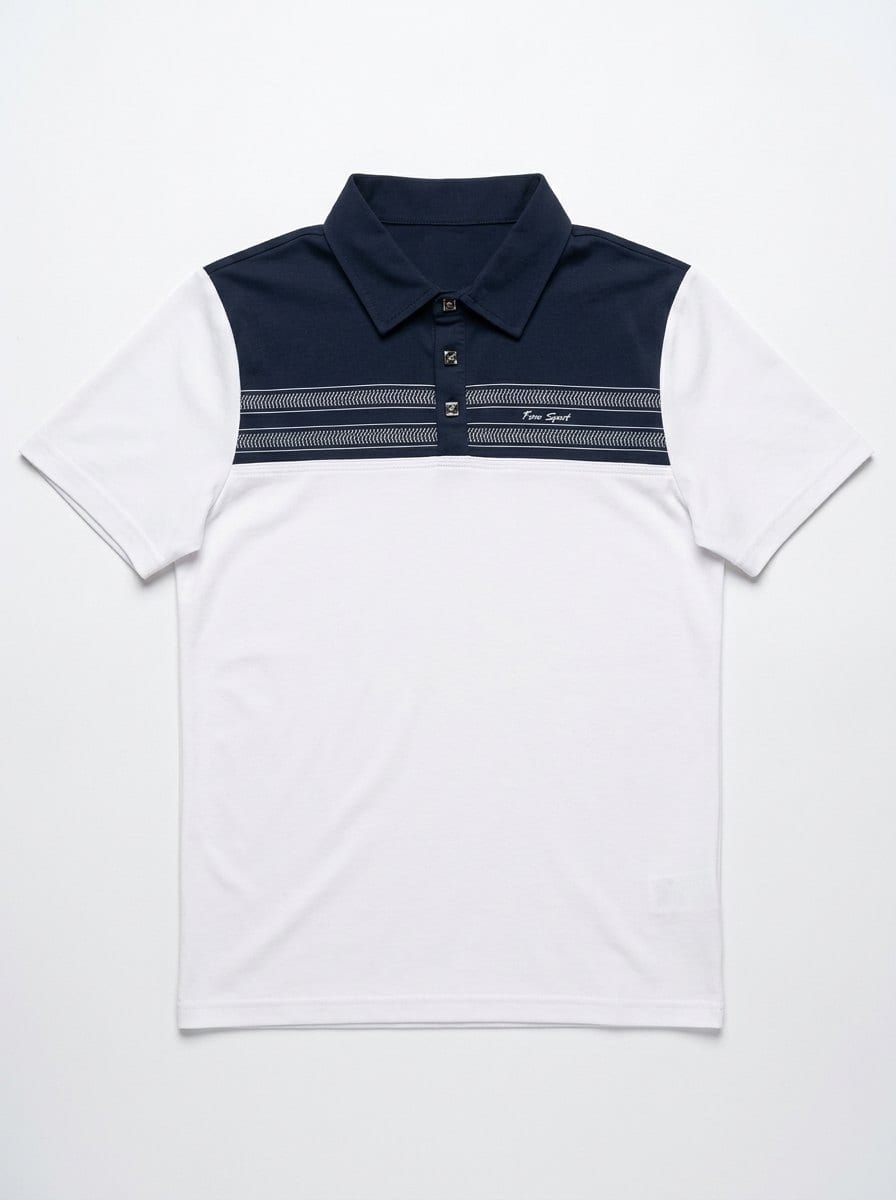
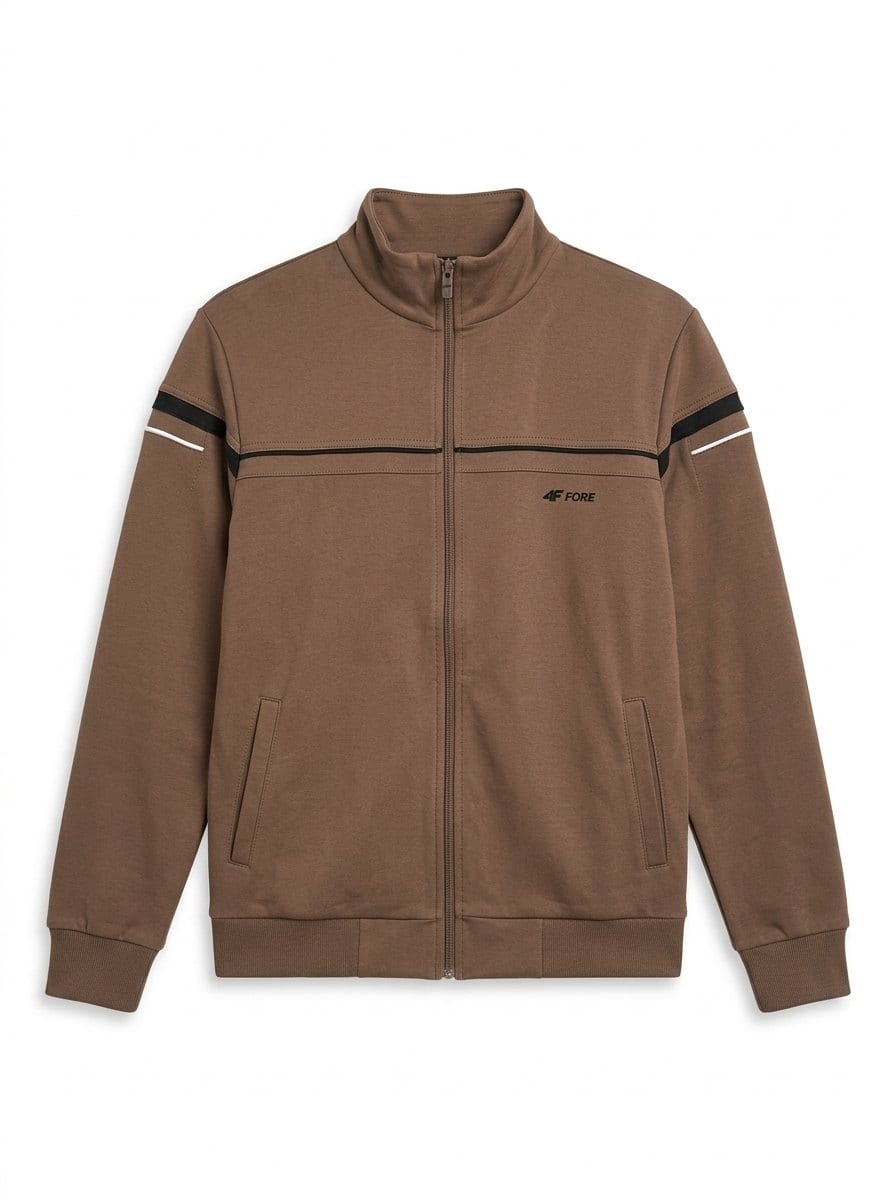
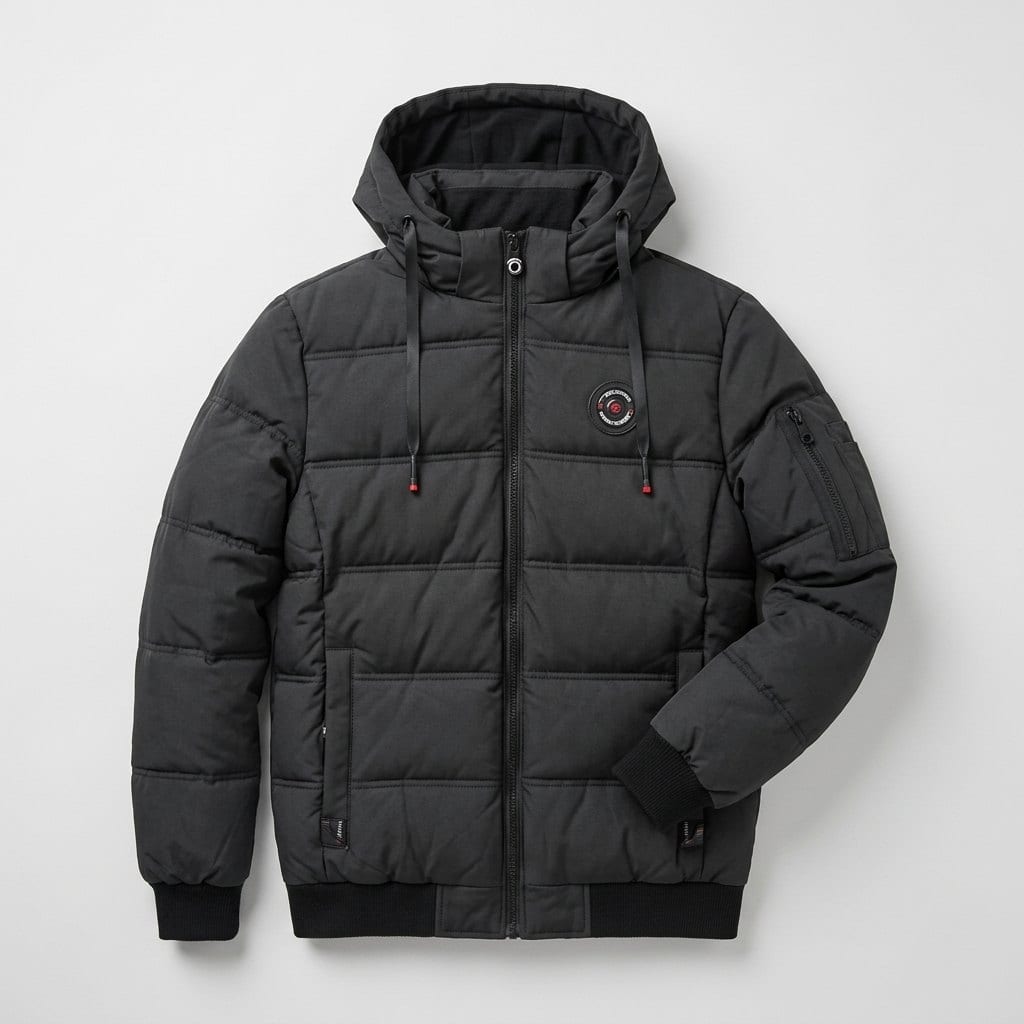
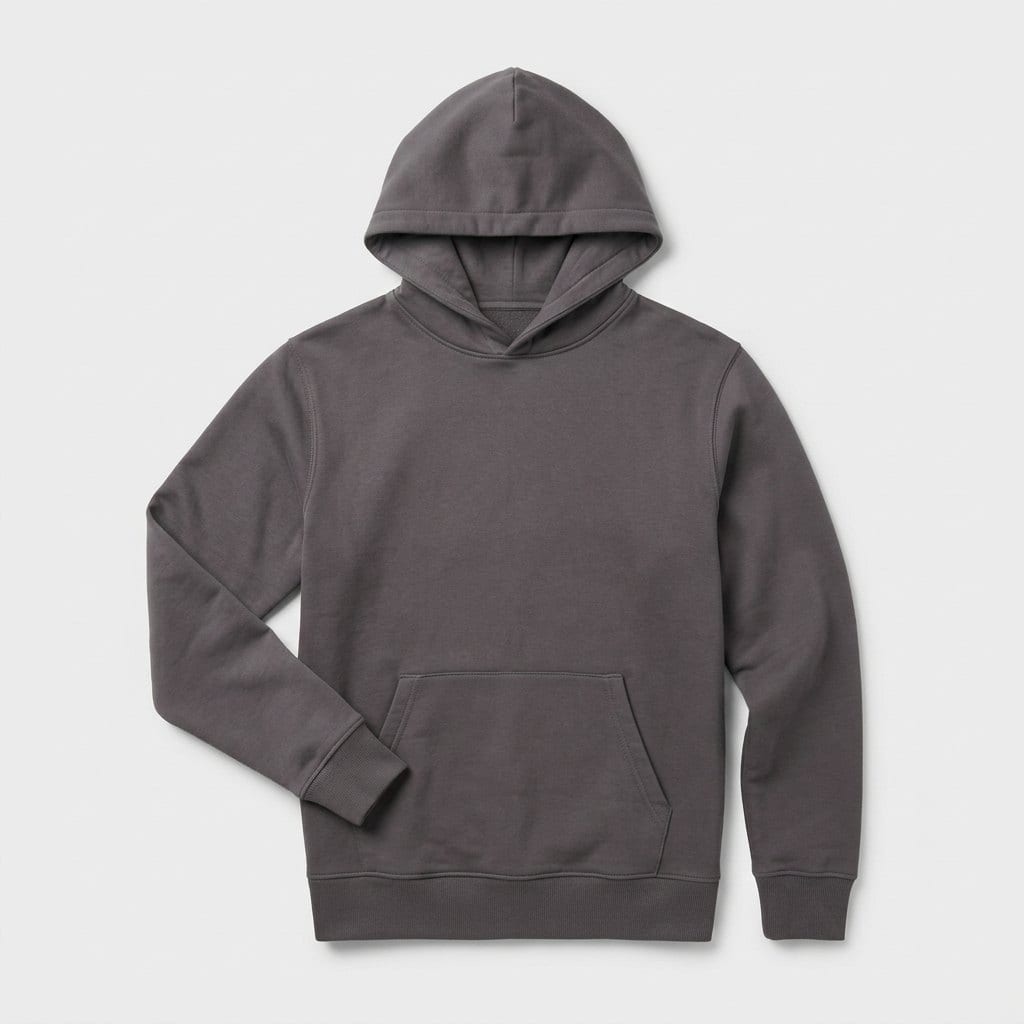
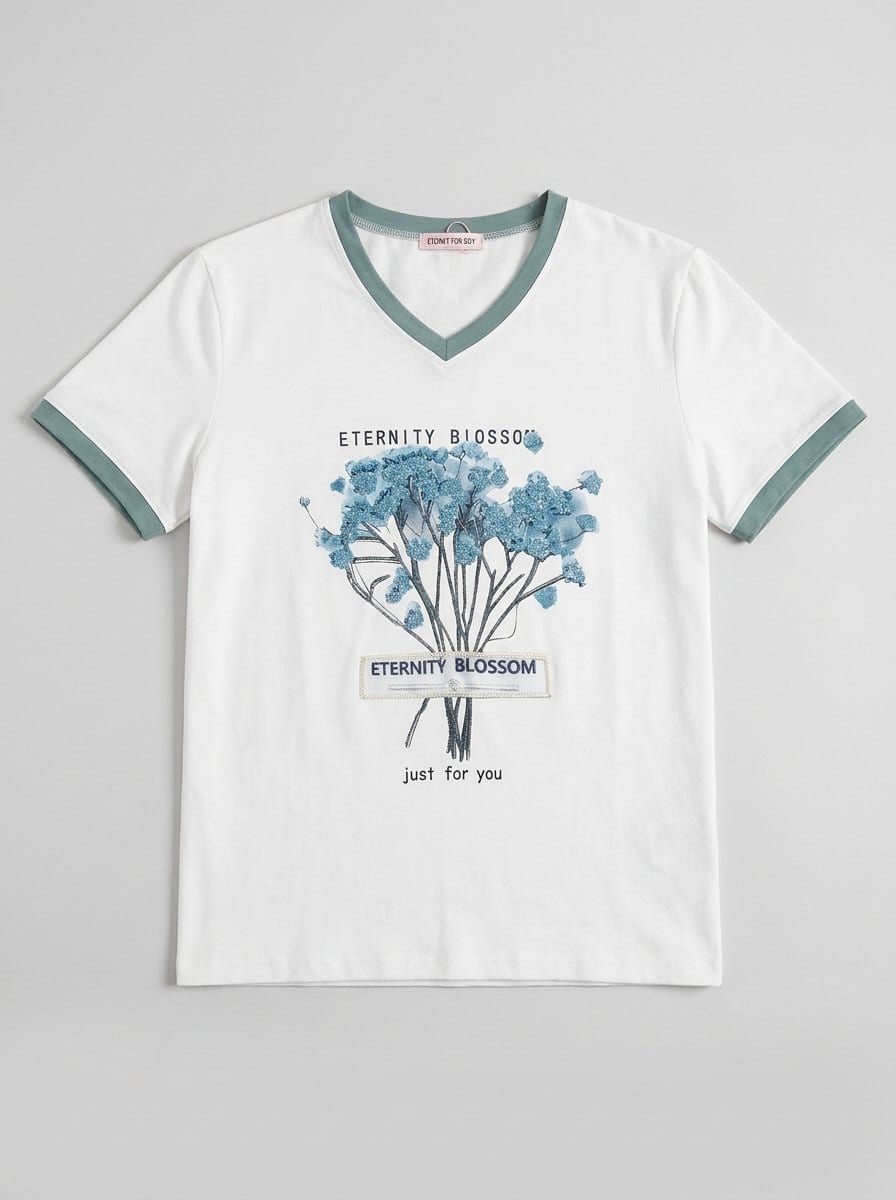
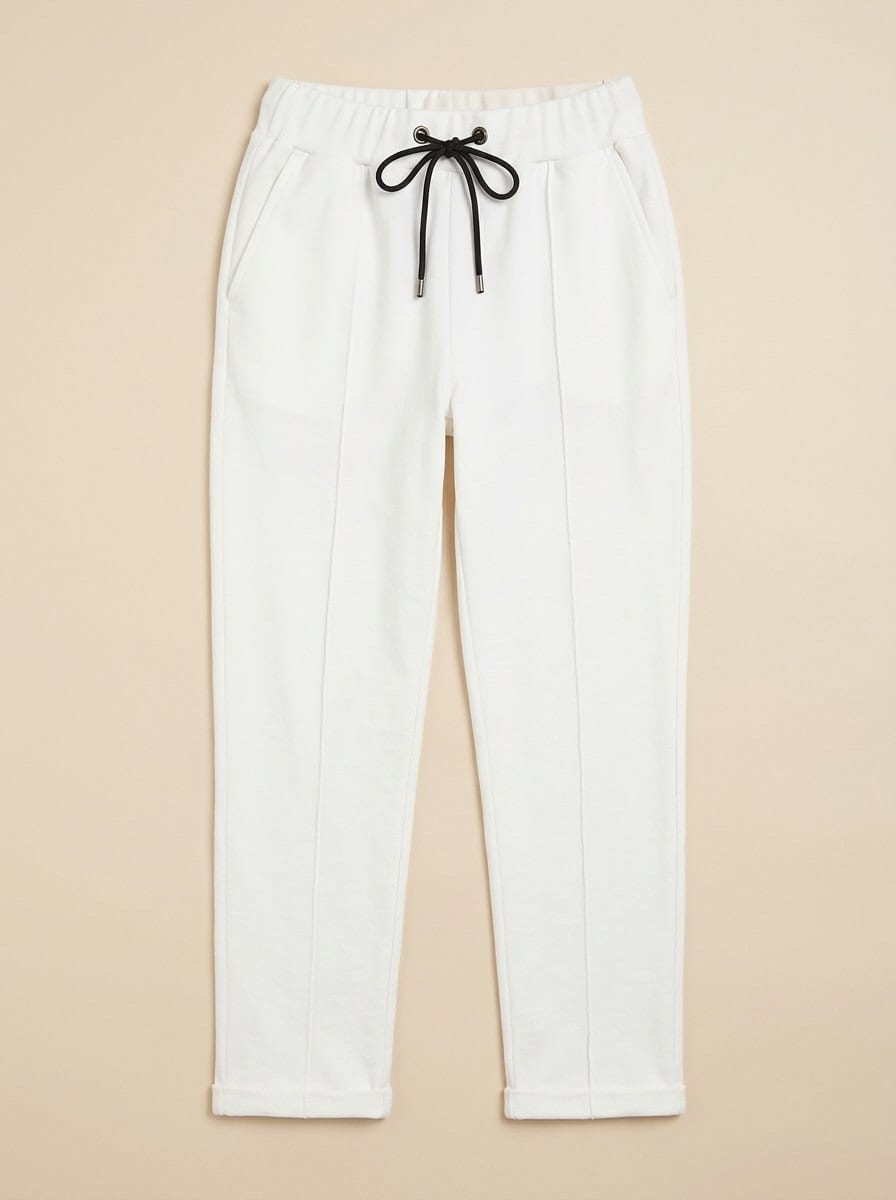
A flat lay (or lay flat) photo shows a garment laid out flat and shot straight from above. Shoppers see the whole silhouette, the length and the print at once — with no model's pose to change the proportions. Traditional flat lay clothing photography means ironing, arranging the garment on the floor, shooting from a ladder and retouching every crease. In aiModelka, flat lay photos come from any photo of the garment you already have — even one taken on a hanger or on a person. And if you already have a photo of the garment lying on the floor, that works too.
- Product listings
- Marketplaces
- Classified ads
- Social media
Before → after
Flat lay photo examples
Every one of these flat lay clothing photos was made in aiModelka from an ordinary snapshot. In the corner of each one is the original photo of the garment: on a hanger, on a mannequin, on the floor or on a person.
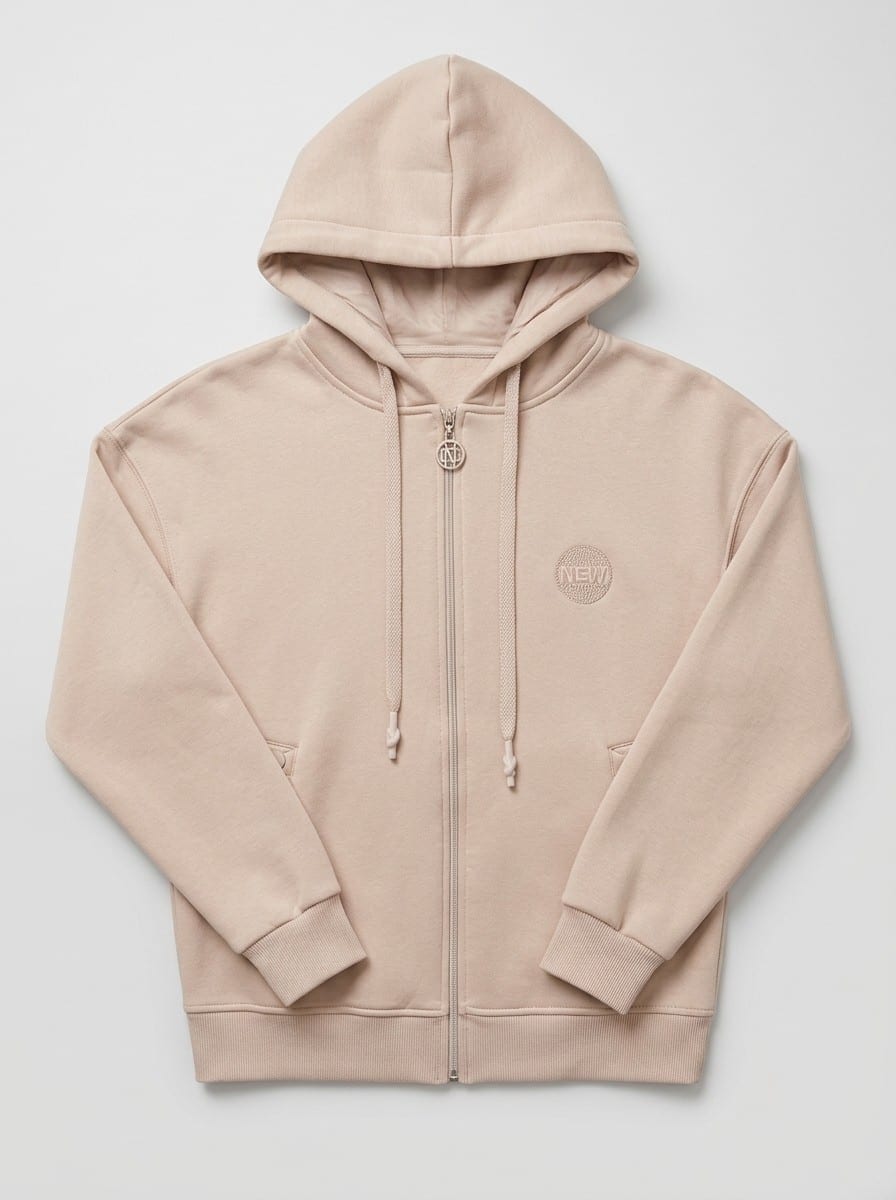
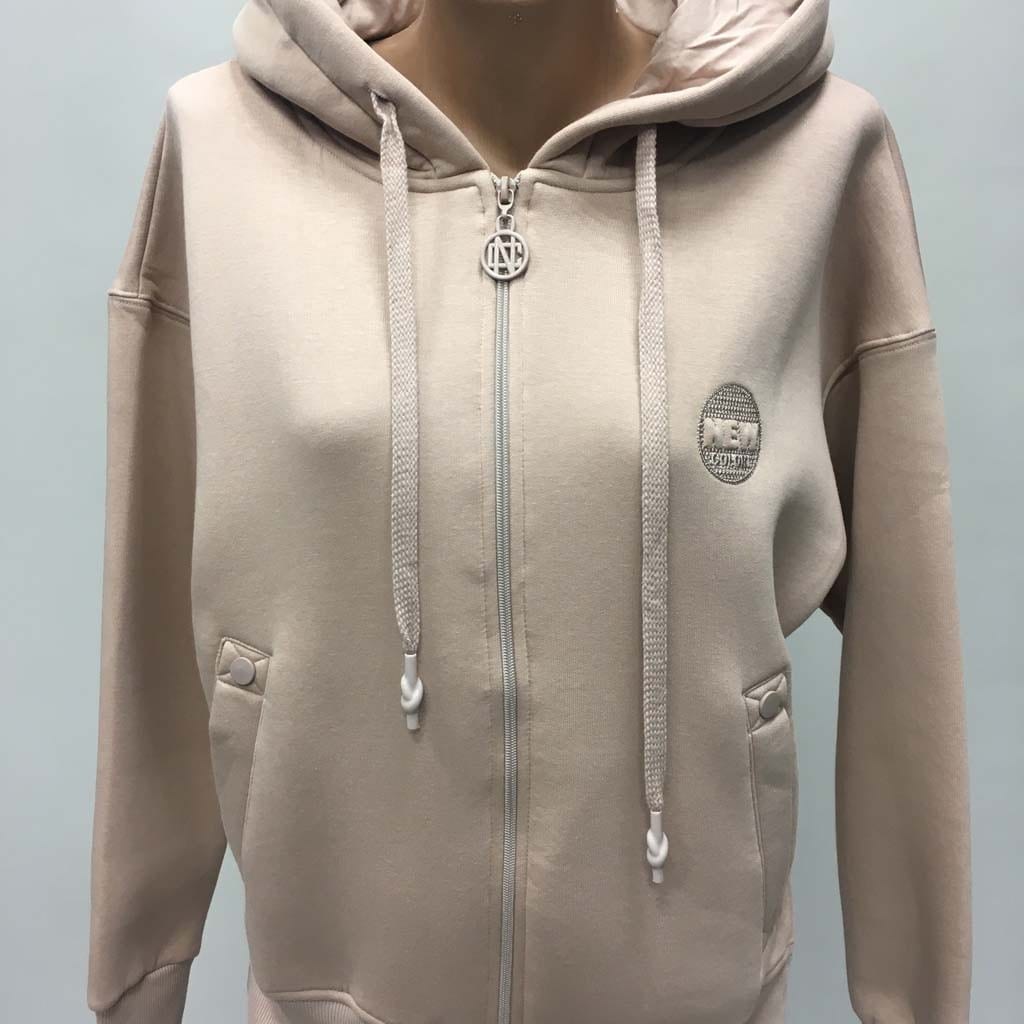
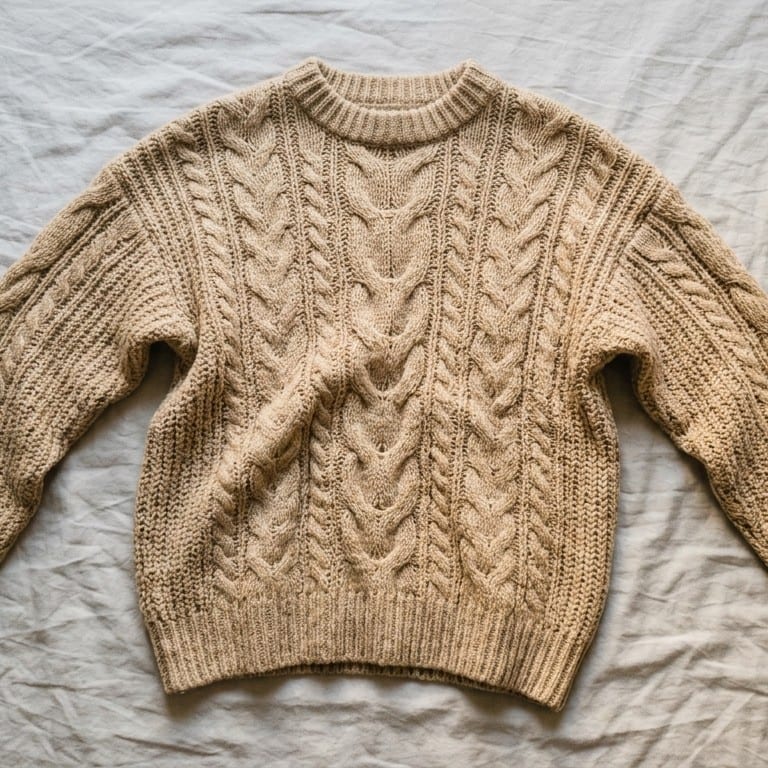
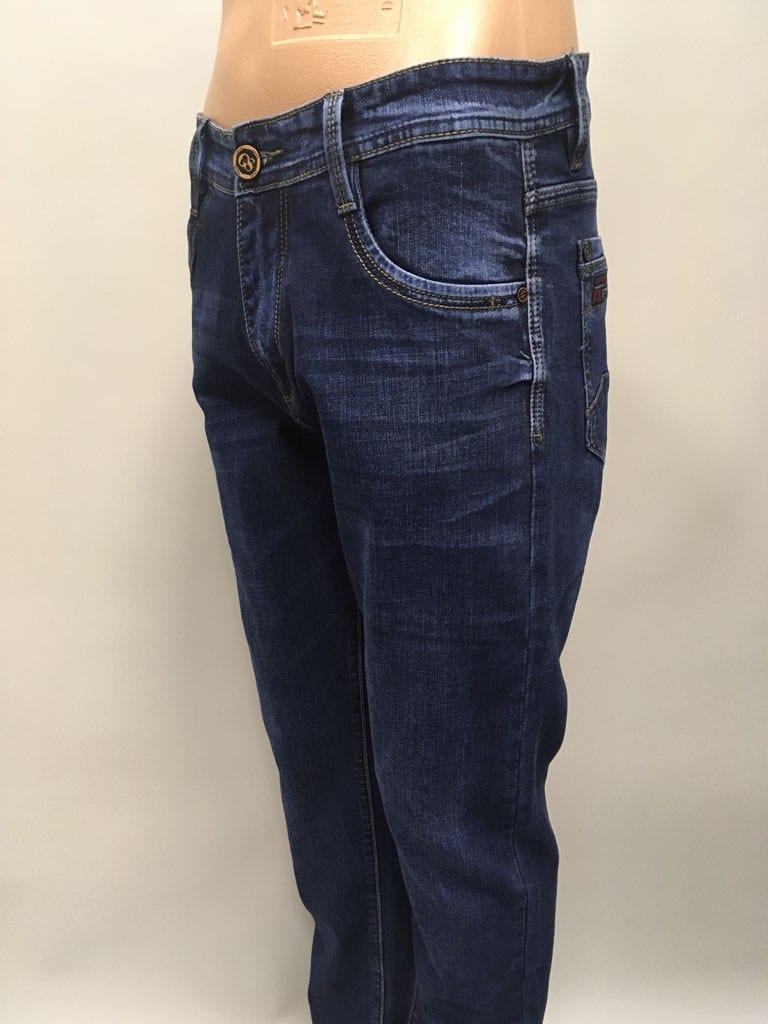
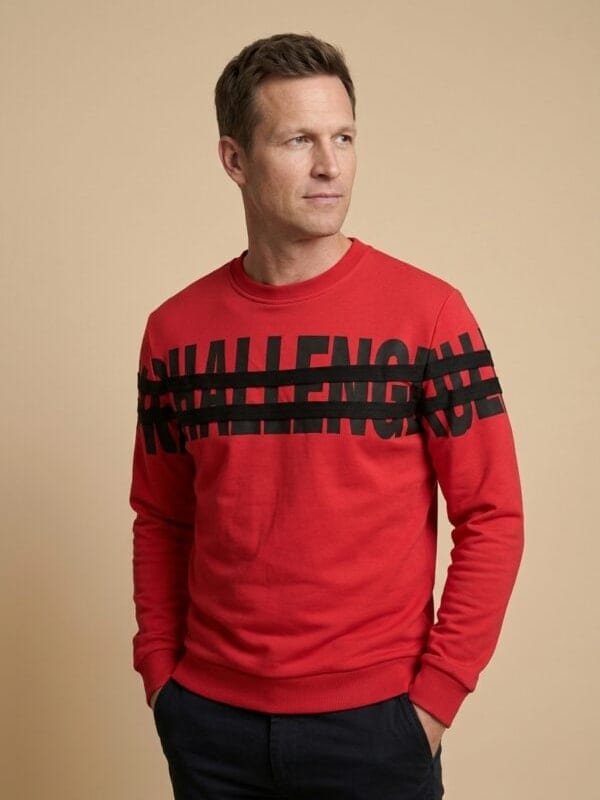
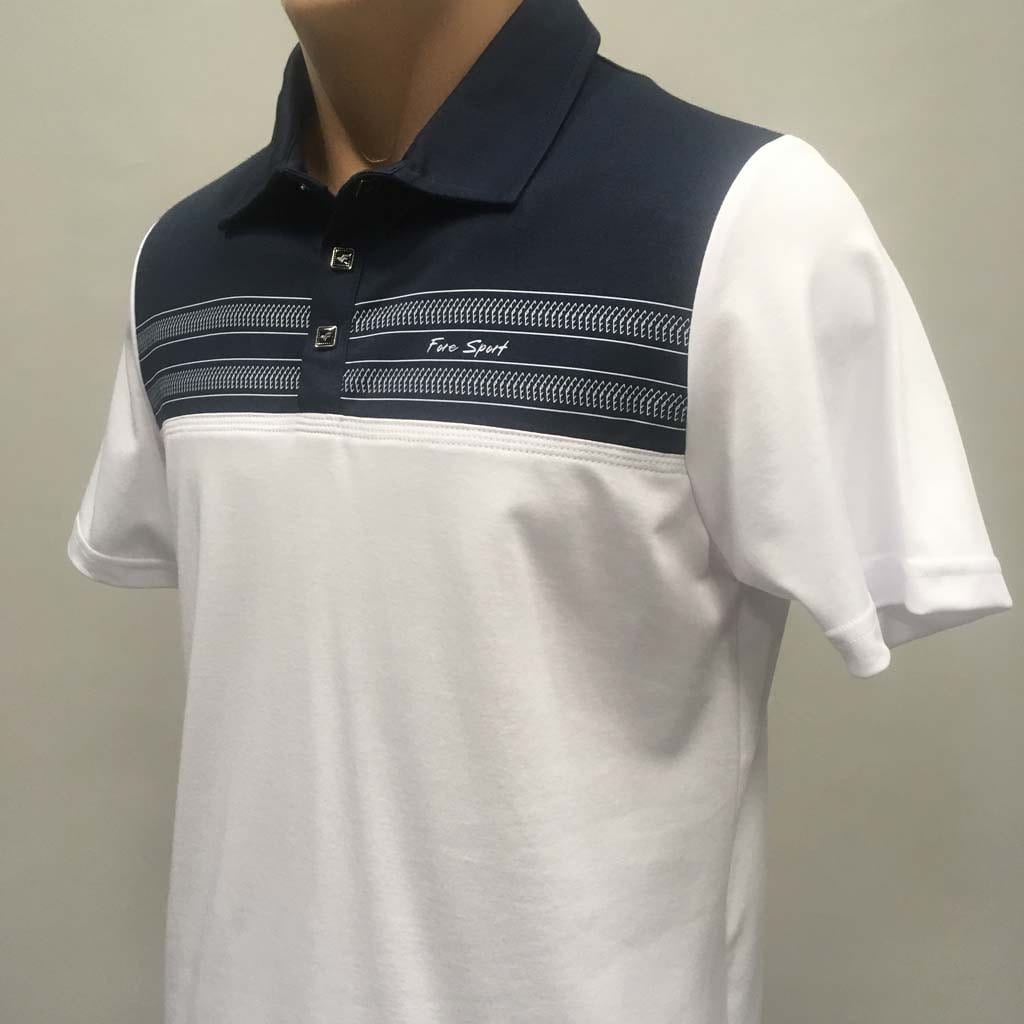
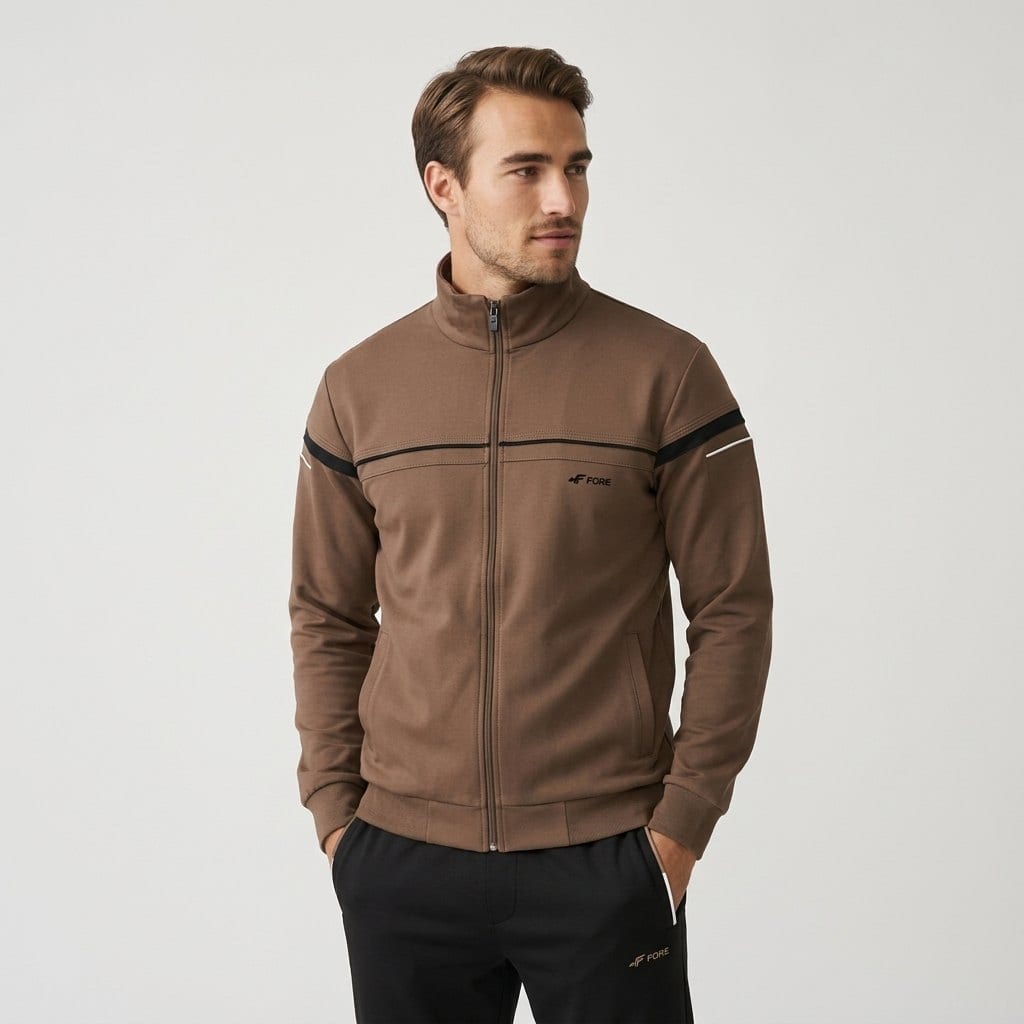
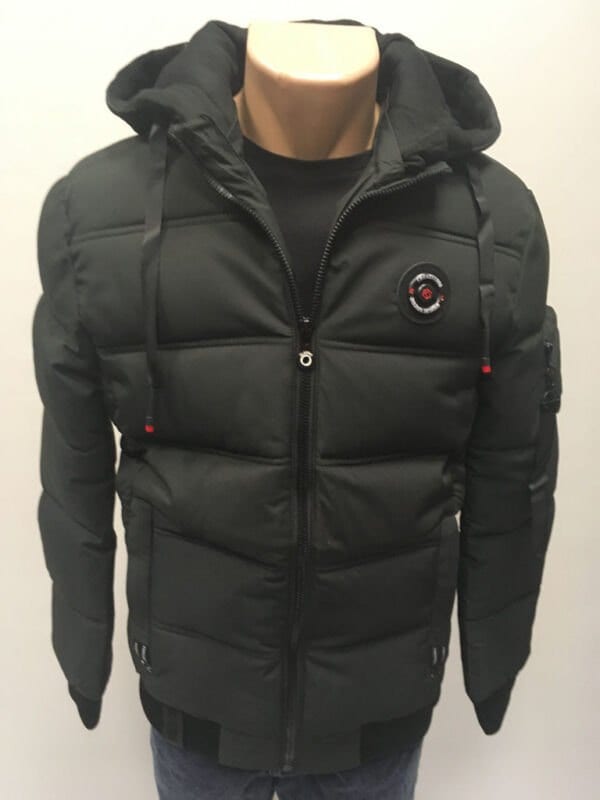
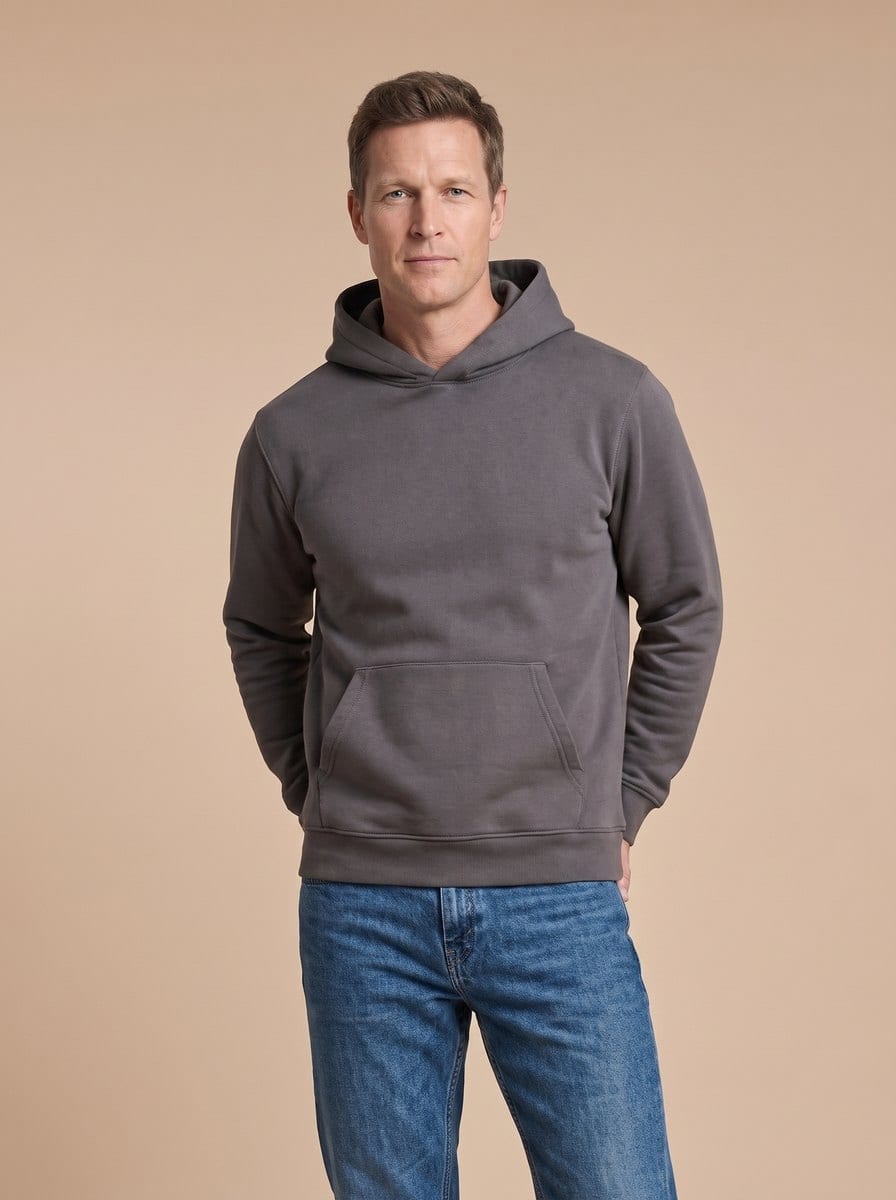
Photos from this gallery are free to use — in articles, social media, presentations — under the CC BY 4.0 license: credit aimodelka.com with a link.
Layouts
Four layouts to choose from
Straight and symmetrical — for catalogs and marketplaces. Relaxed, with soft folds — for social media. Folded, as on a store shelf. And the back. Pick several at once and you get a set of flat lay clothing photos in one consistent style. The back layout needs a separate photo of the back.
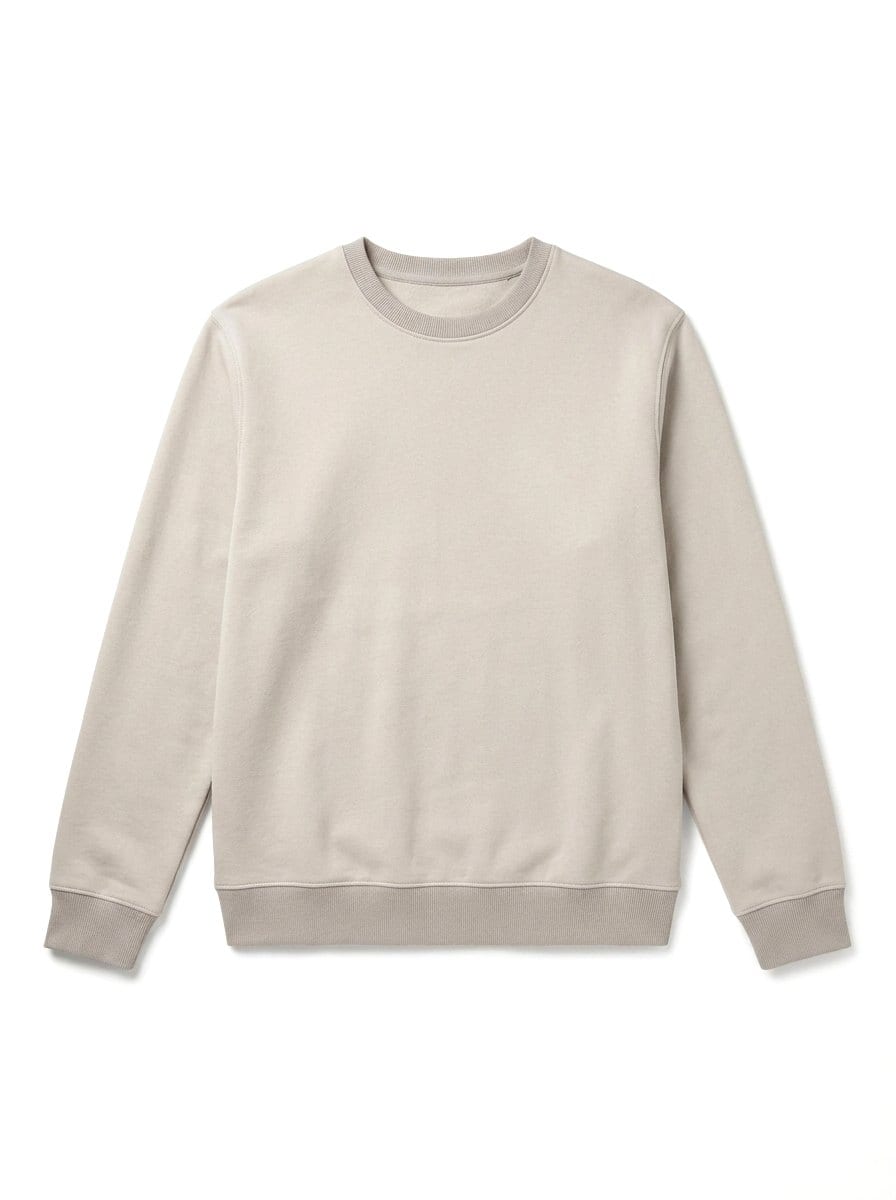
Front · straight
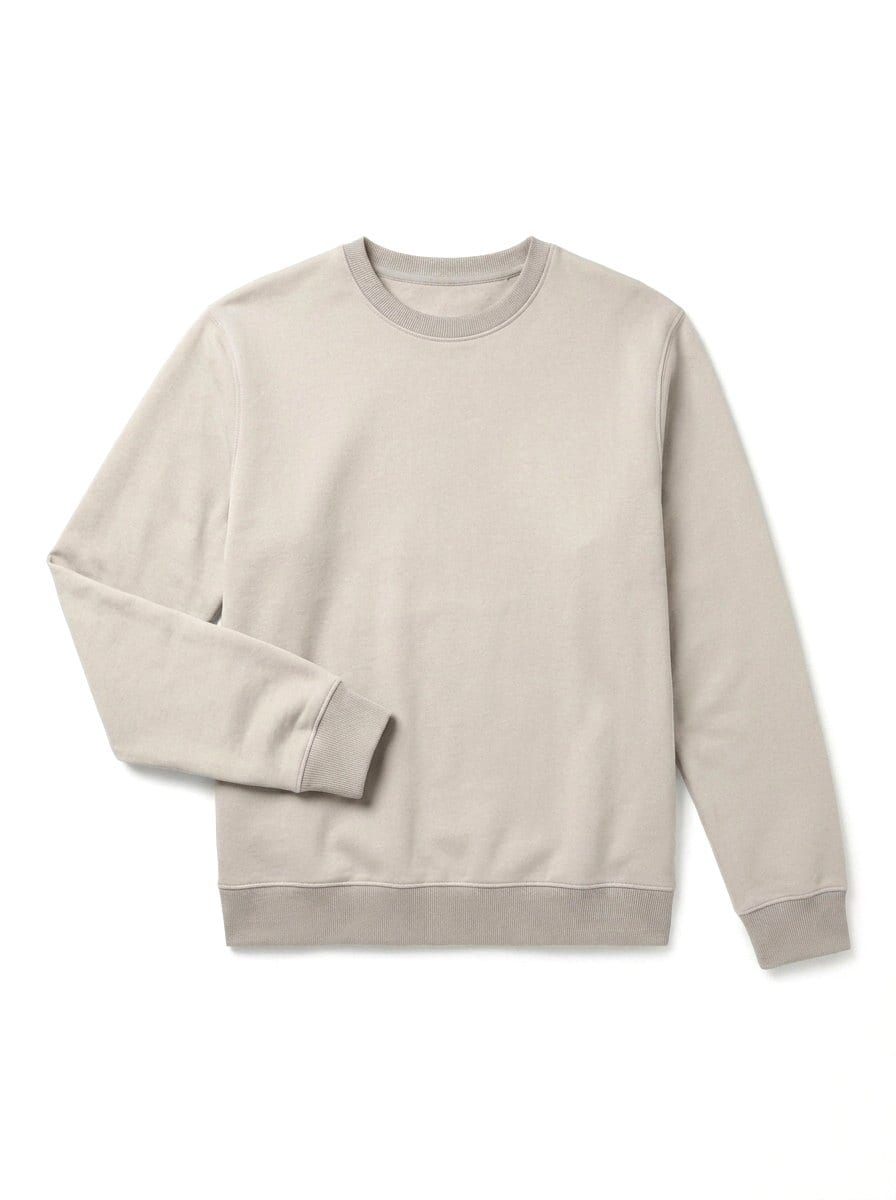
Front · relaxed
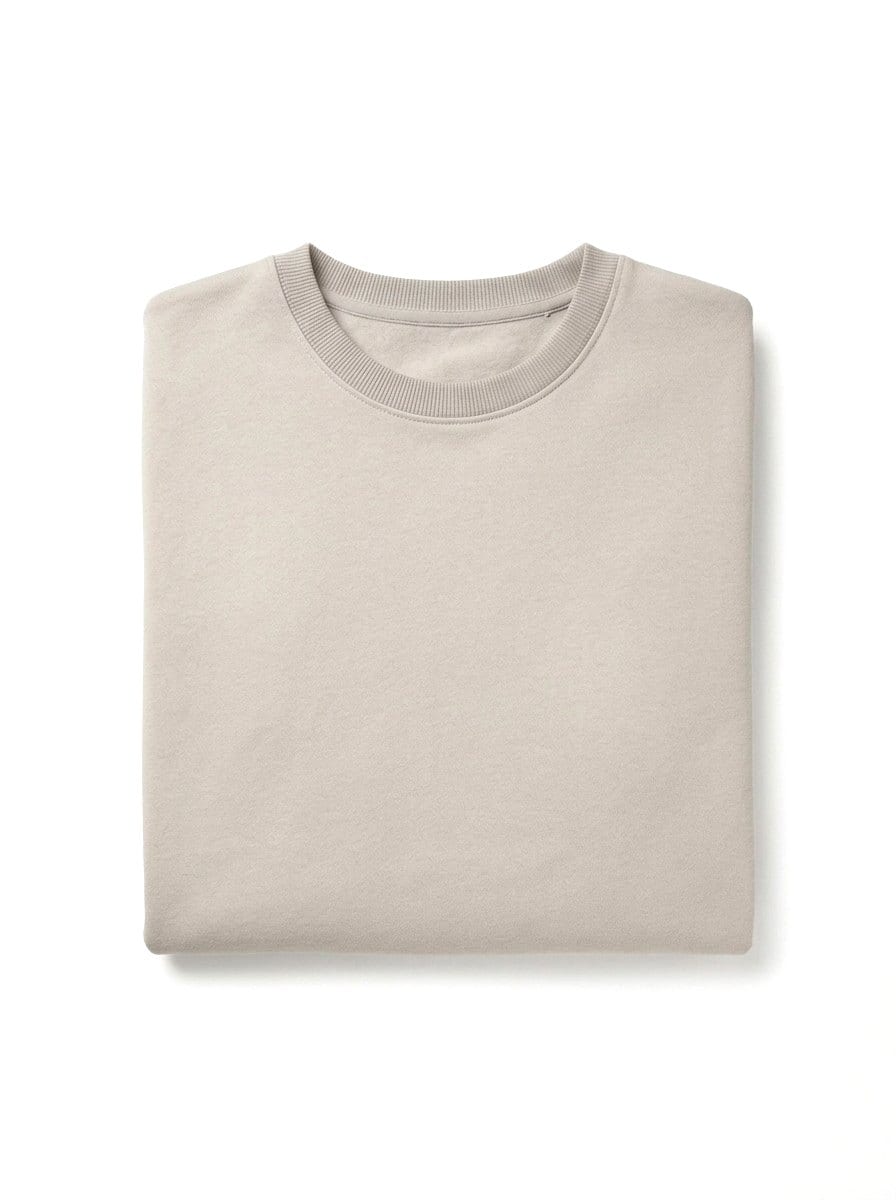
Folded
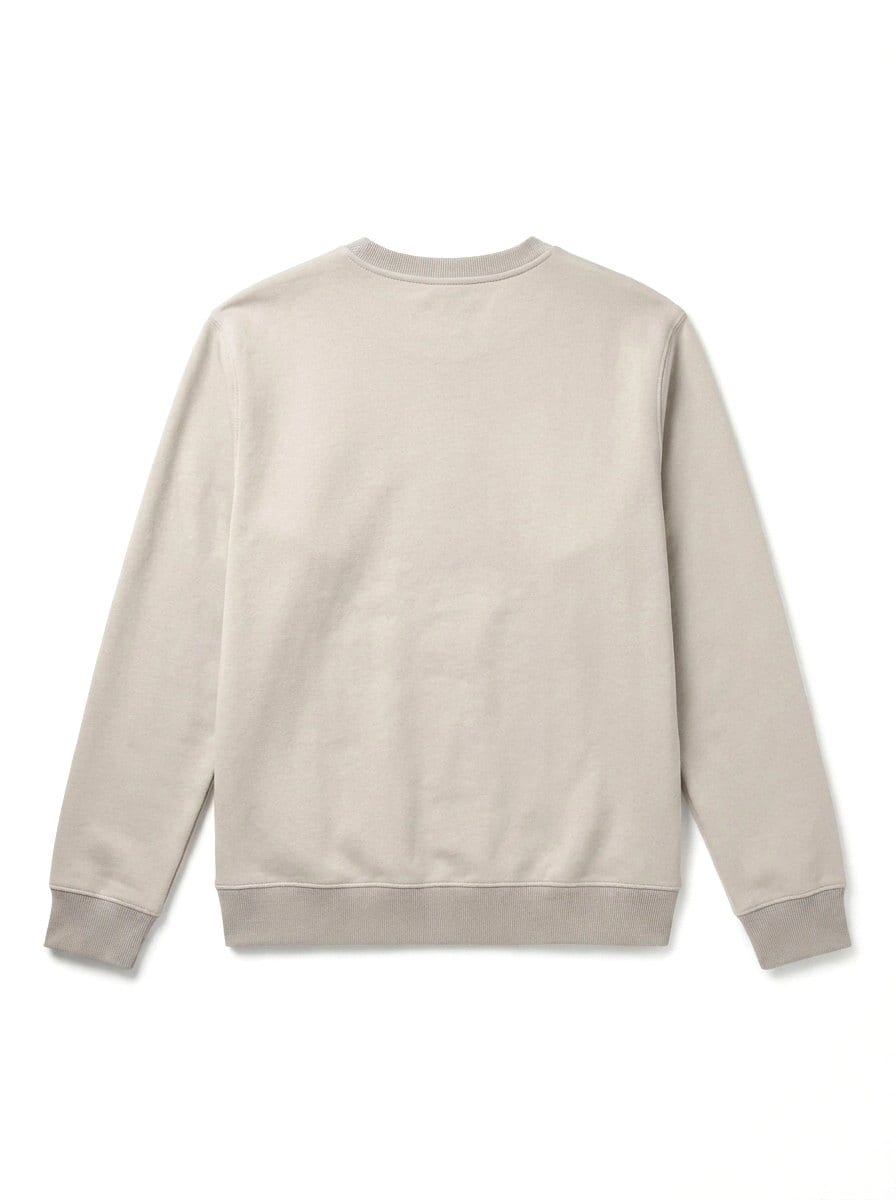
Back
Background
A background to match your catalog
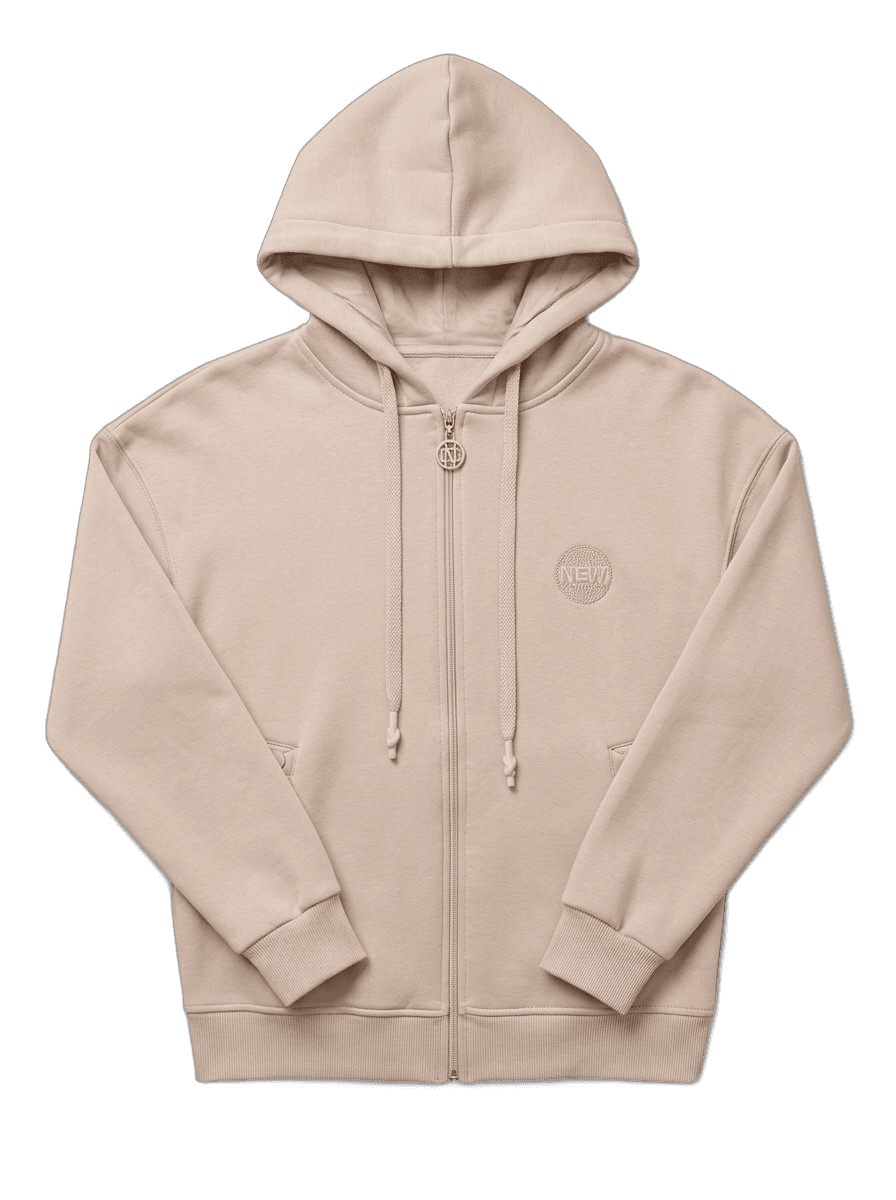
Three plain backgrounds: white for marketplaces, grey or beige for a calmer catalog. Or create your own background — a surface with your store logo, say — and shoot your whole catalog on it, so all your flat lay product photography looks like one brand.
White
Grey
Beige
Your background, with or without a logo
How to photograph the garment
A phone and daylight are enough — six rules for a good photo
aiModelka builds the flat lay from your photo: the clearer the garment, the more accurate the result.
 DoDon’t
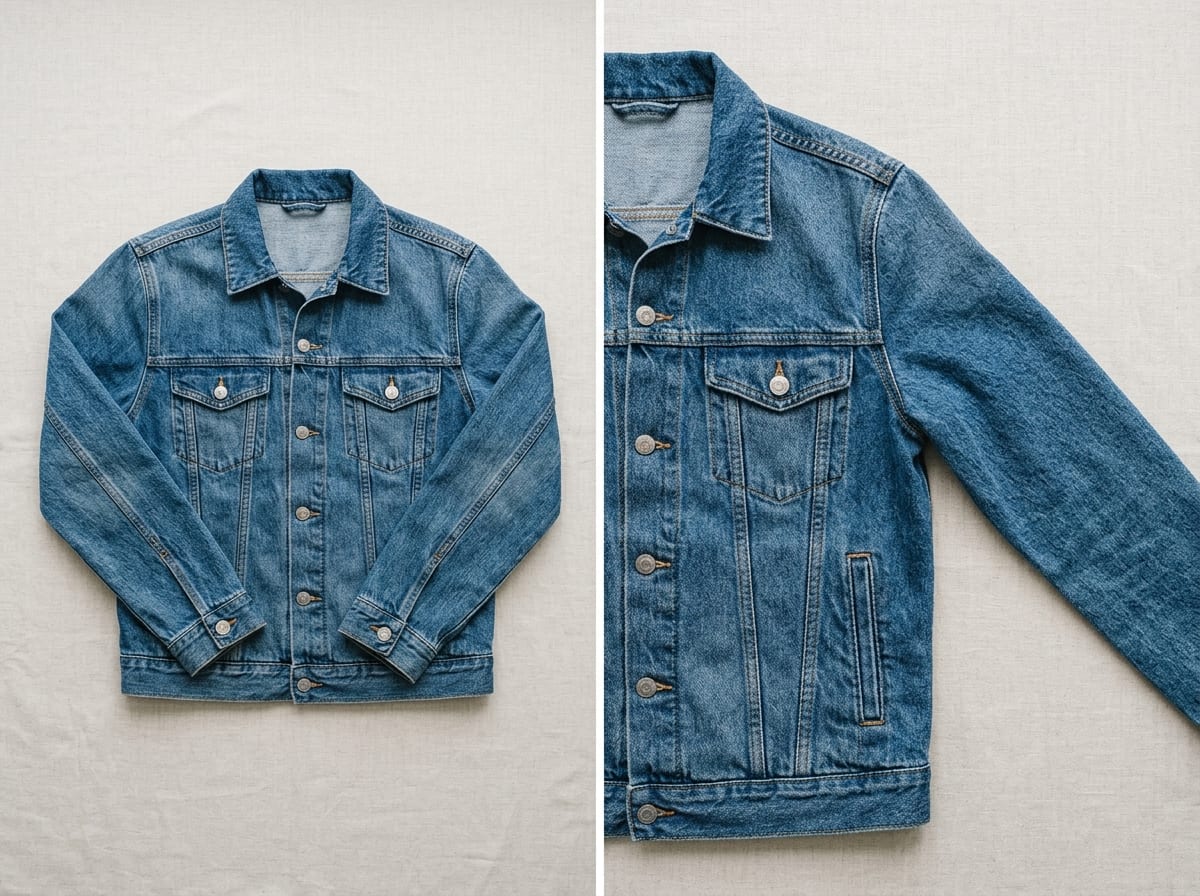
The whole item in the frame
Leave some room around the edges. If a sleeve or trouser leg is cut off in your photo, the service has to guess what it looks like.
 DoDon’t
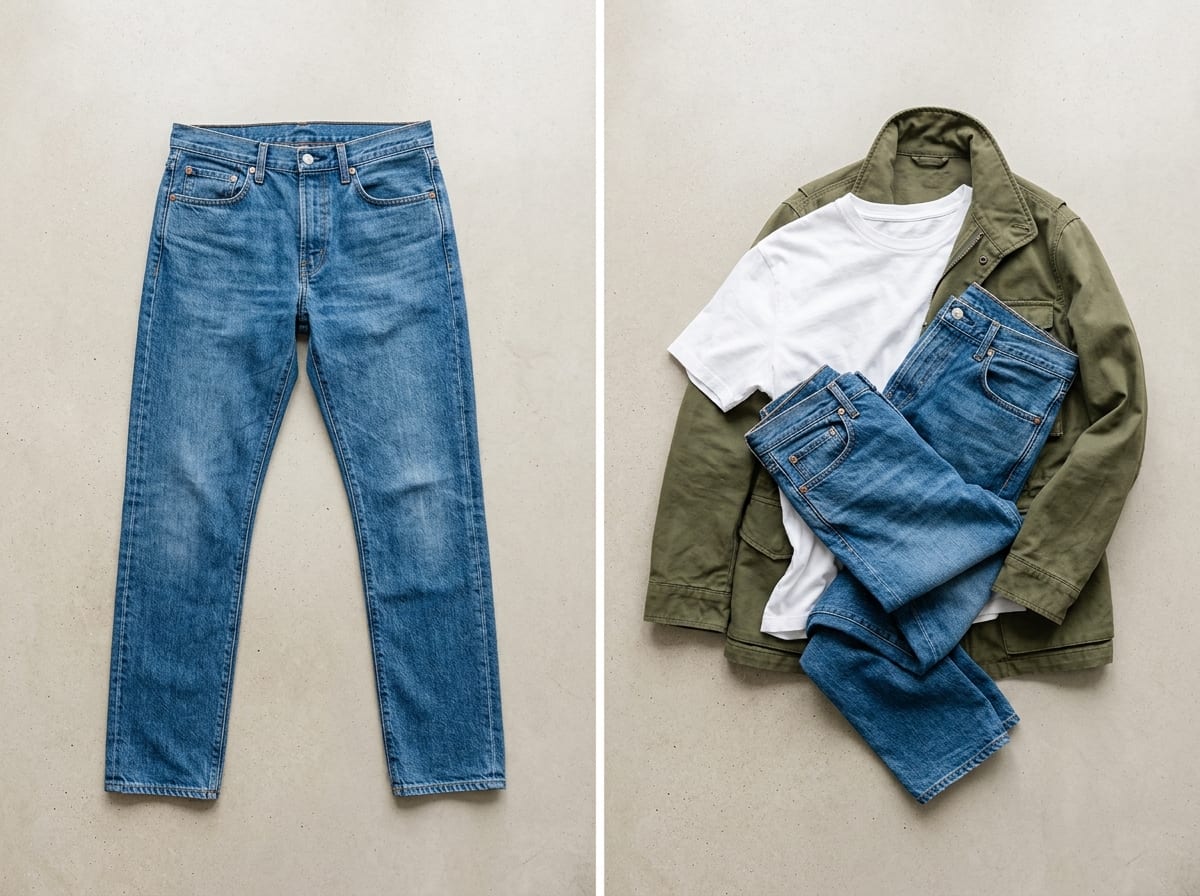
One item per photo
No piles and no full outfits. If the garment is on a person, keep the rest of the outfit plain and single-colored. After uploading, you'll mark which garment to shoot.
 DoDon’t
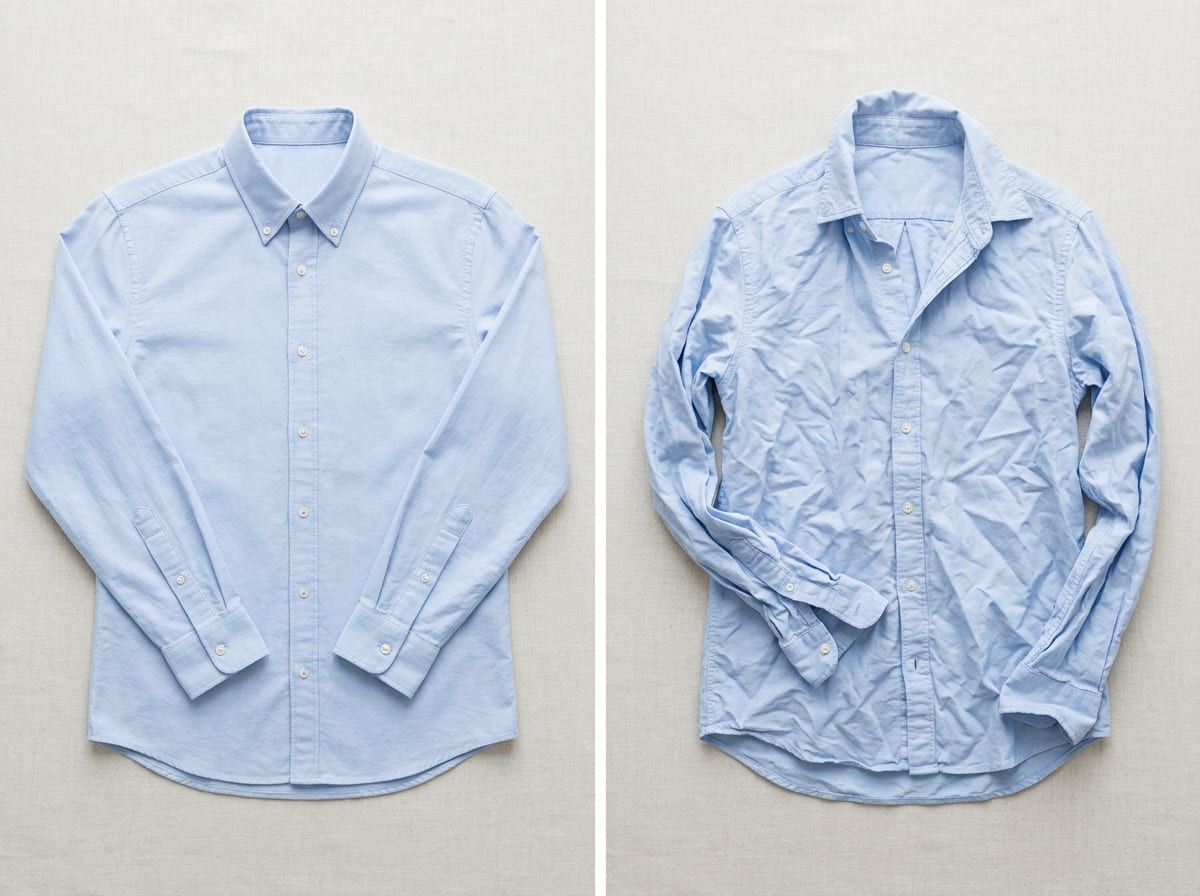
Smoothed out and fastened
Button it up, zip it up and smooth it out: a deep crease in your snapshot may be read as part of the cut. The hood will lie the way it does in your photo.
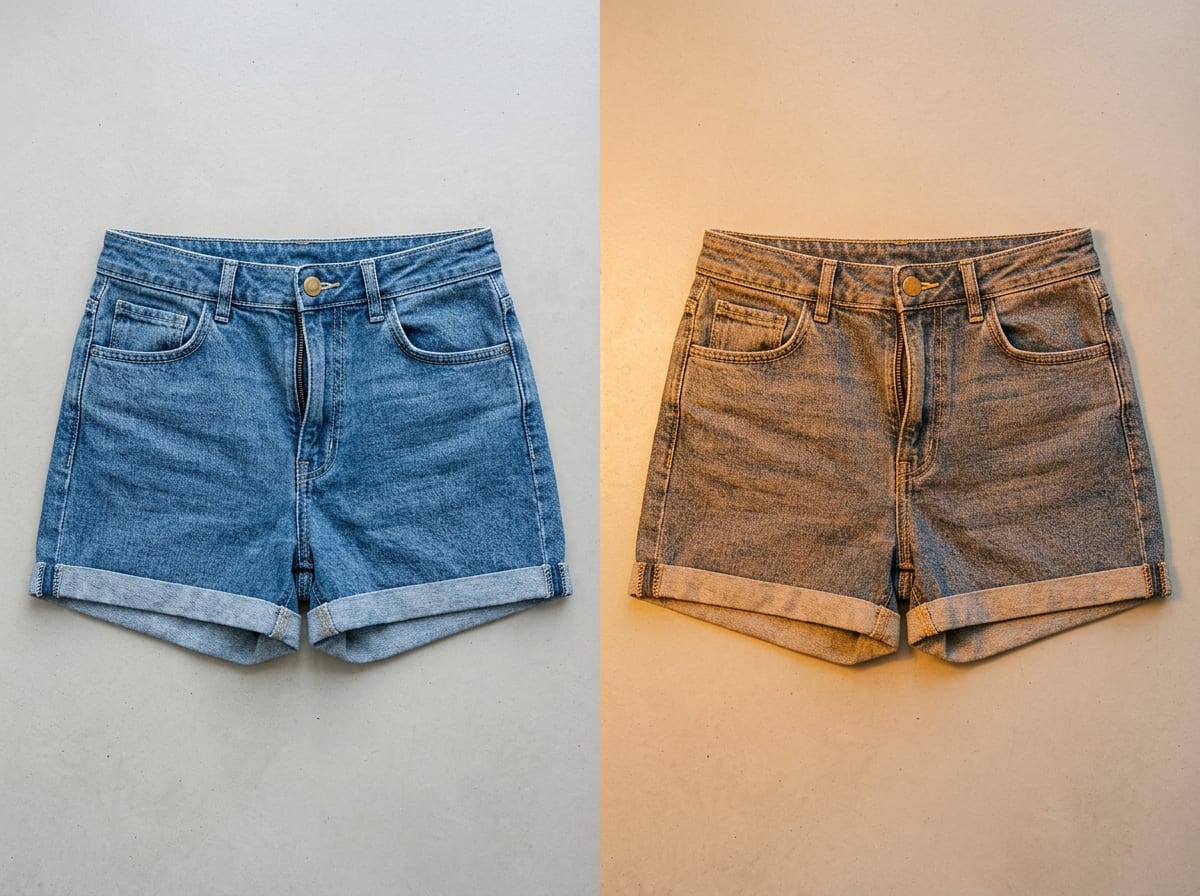 DoDon’t
Daylight, no flash
Shoot by a window, away from yellow lamps: the color is taken from your photo.
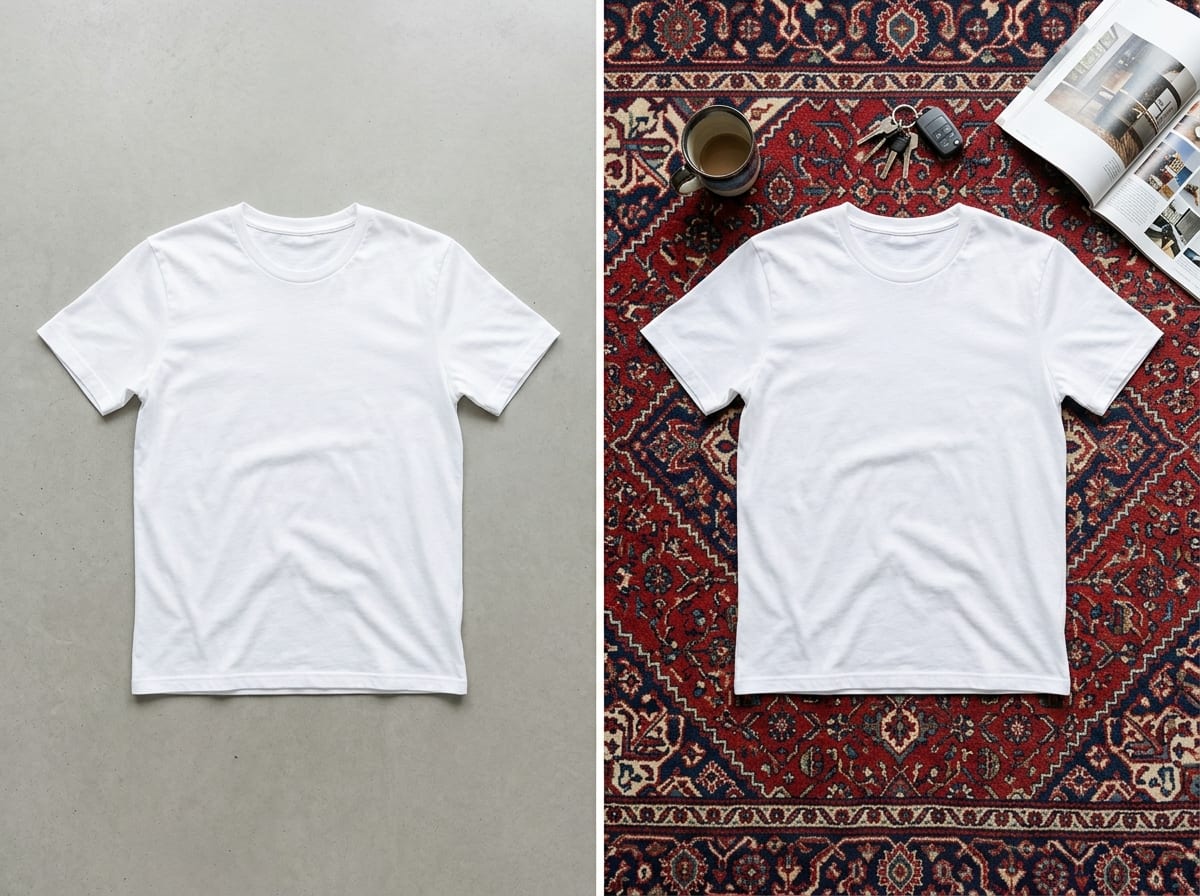 DoDon’t
A plain background
Shoot against a plain wall or floor. Patterns and objects around the garment make it harder for the service to separate it from the background.
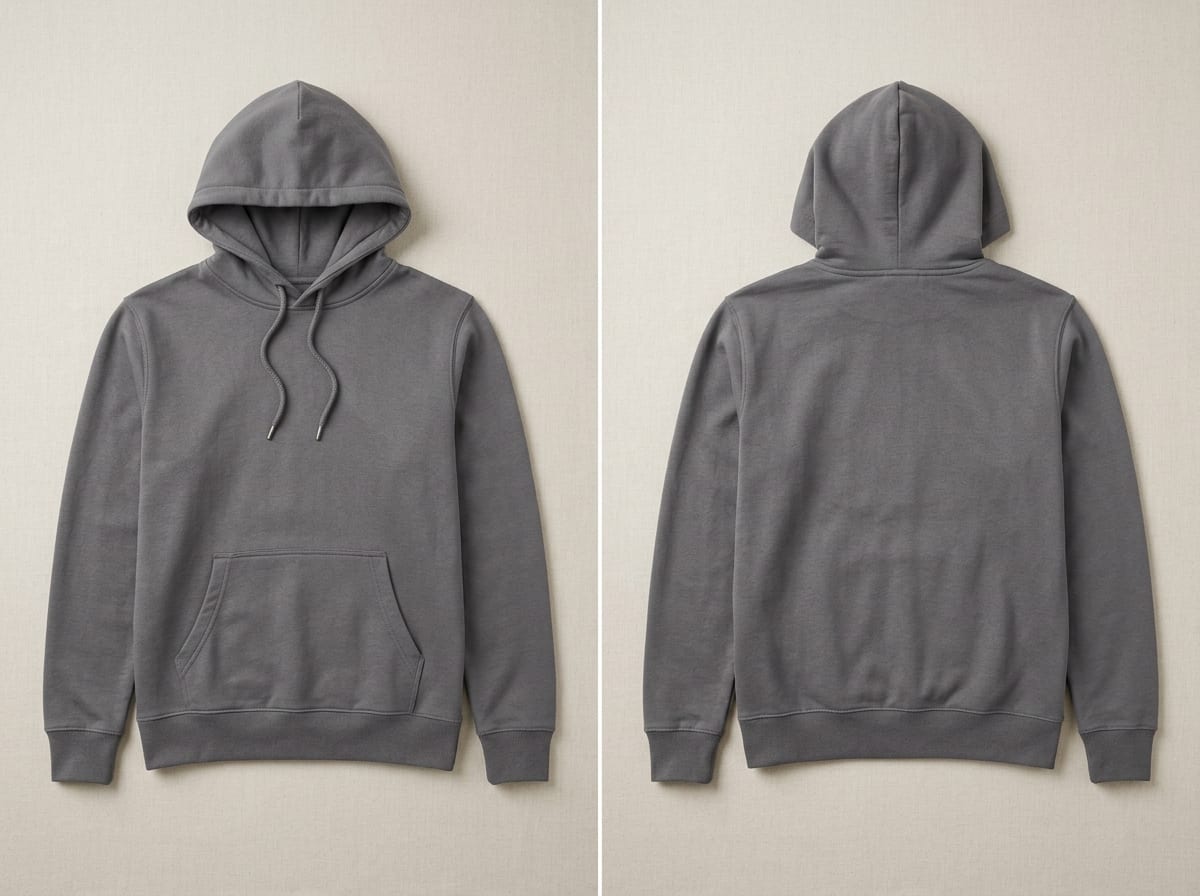 FrontBack
The back as a separate photo
Needed for the back layout. Without it you get the front layouts and the folded one — the service doesn't invent the back.
How an AI photoshoot works
Three steps — exactly what you do inside the service.
- Step 1
Upload the item
One photo of the front or back. A second photo and a close-up of details are optional.
Step 1Upload the item
One photo of the front or back. A second photo and a close-up of details are optional.
- Step 2
Choose a scene
Layout, background and aspect ratio. You can tick several layouts at once.
Step 2Choose a scene
Layout, background and aspect ratio. You can tick several layouts at once.
- Step 3
Get the photos
A few minutes later you get several ready variants. Download the one you like — or order it in 2K or 4K — or send it straight to your WooCommerce product.
Step 3Get the photos
A few minutes later you get several ready variants. Download the one you like — or order it in 2K or 4K — or send it straight to your WooCommerce product.
What to lay out
For knitwear and everyday basics
A flat lay shows the cut and the print whole, with nothing distorted. That makes flat lay photography a good fit for everyday clothing that shoppers buy for its shape and pattern.
- T-shirts
- Long sleeves
- Hoodies and sweatshirts
- Sweaters
- Shirts
- Jeans and trousers
- Skirts and shorts
- Items with a print
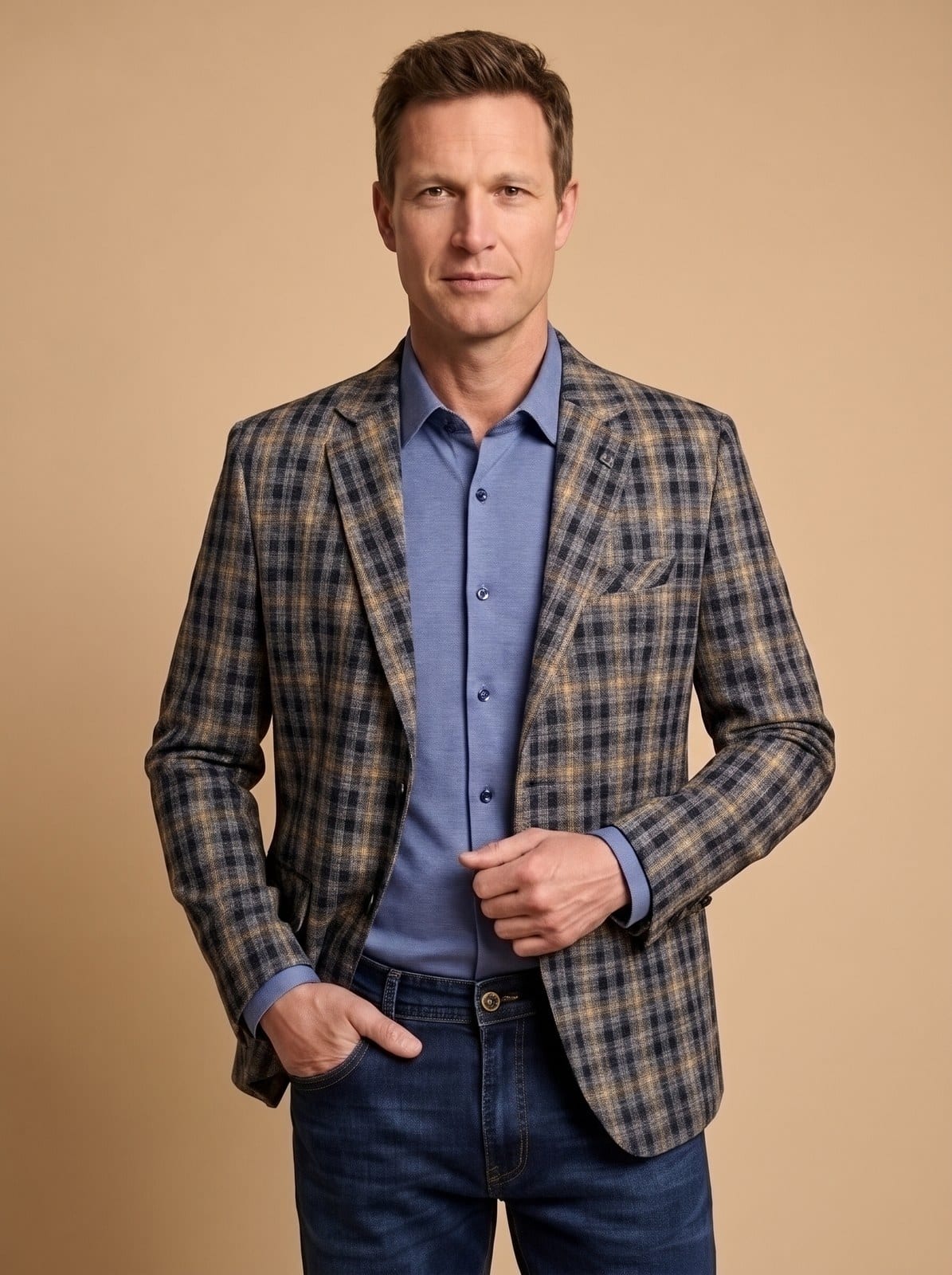
Other items call for other photo types
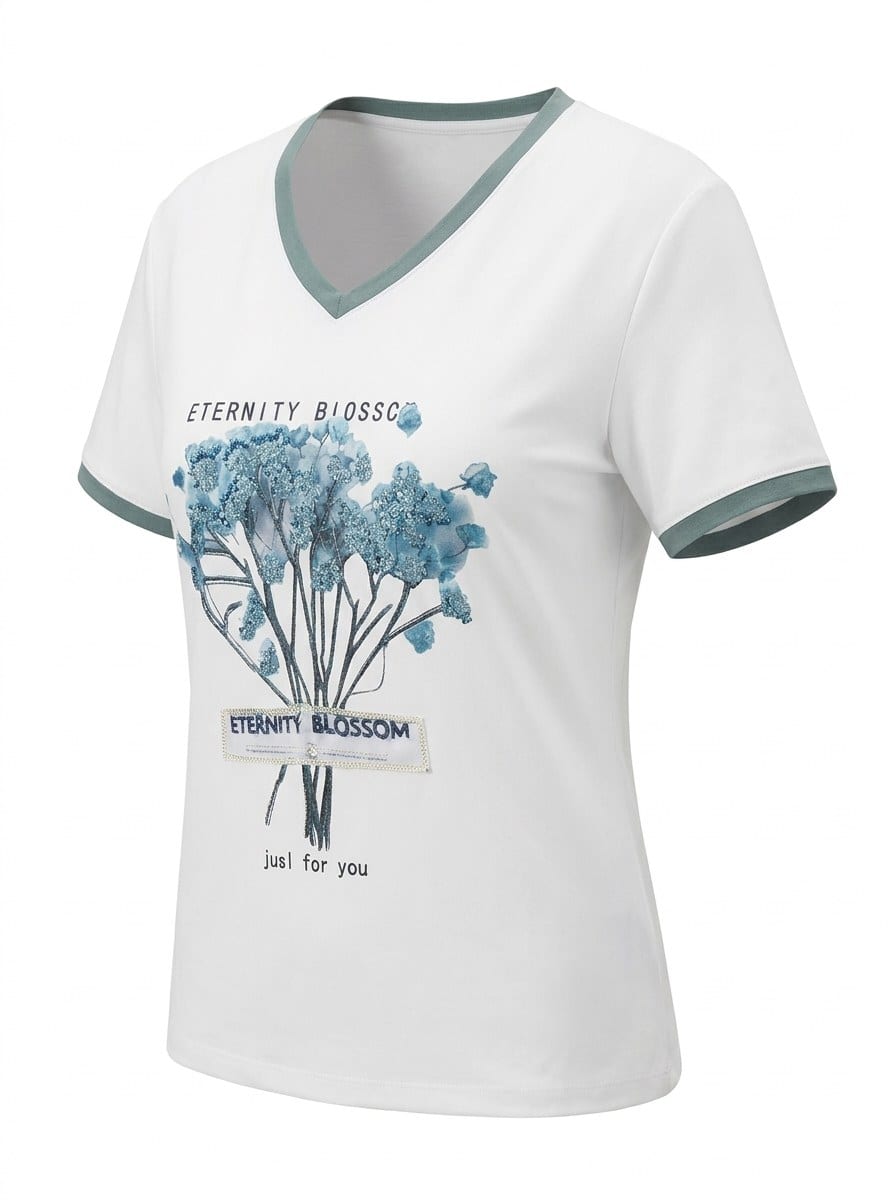
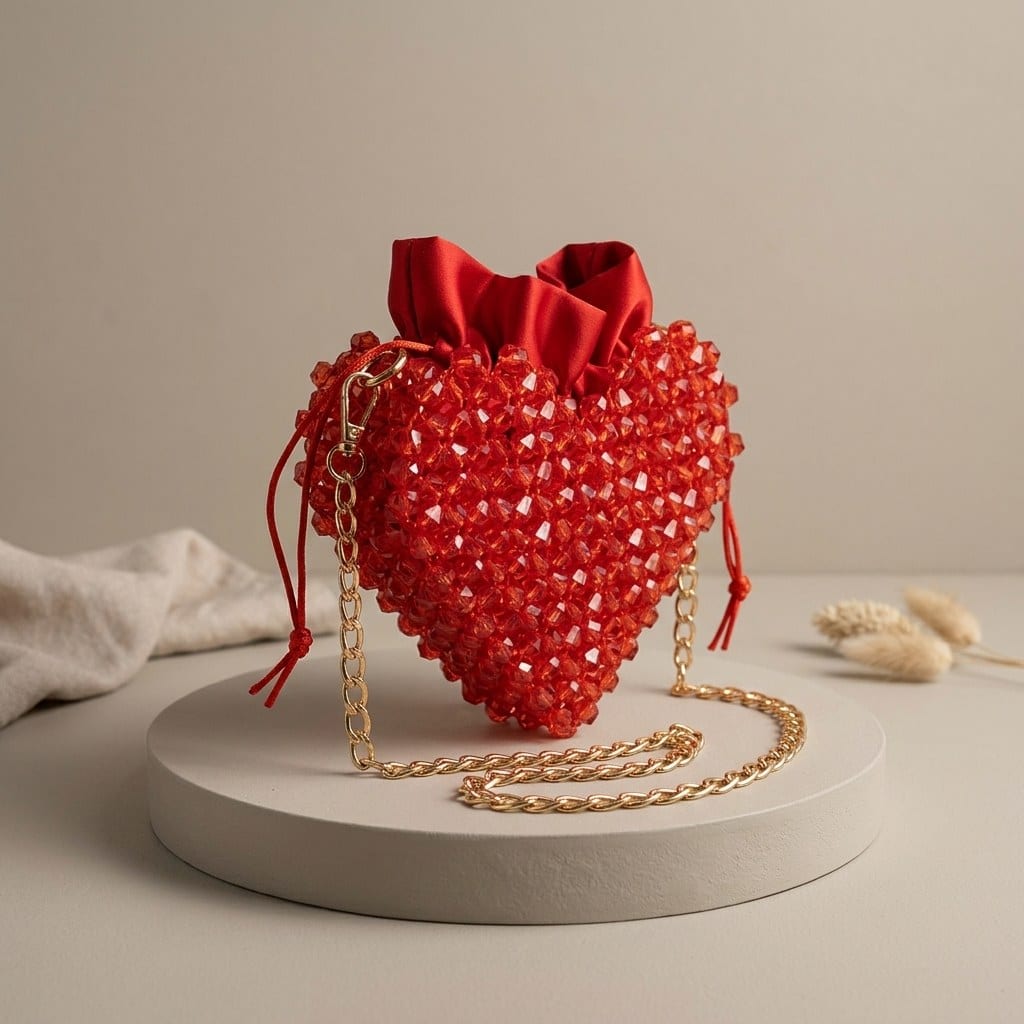
Free plugin · WooCommerce
Flat lay photos straight from your WooCommerce product page
If your store runs on WordPress, install the free aiModelka plugin. Open a product, upload a photo of the garment — and the finished flat lay goes straight into the product gallery or becomes the main image. No need to leave your store admin.
Price
Same price as every other photo type
From $0.13 per photo. A plan from $12 a month, or a $10 credit pack with no subscription. A larger size, 2K or 4K, is ordered separately and only for the photo you choose.
10 free sessions (10 photos) at sign-up · no card required
Flat lay questions
What is a flat lay photo?
A flat lay photo (lay flat clothing photography) shows a garment laid out on a flat surface and shot straight from above. It shows the whole silhouette — length, width, sleeves and the full print — with no pose or camera angle to change the proportions. In flat lay product photography, sellers usually show the flat lay next to the photo of the garment on a model.
How does aiModelka make flat lay photos?
You upload a photo of the garment — on a hanger, on a mannequin, on the floor or on a person. The service finds the garment, removes everything around it, lays it out neatly and shoots it from above on the background you chose. The photo is ready in a few minutes.
Which photos can be turned into a flat lay?
Any photo of a single garment: on a hanger, on a mannequin, on the floor or on a person. One photo of the front or back is required; a second photo and a close-up of details are optional — with them the result is more accurate.
Which layouts are available?
Four: front straight, front relaxed with soft folds, folded as on a store shelf, and the back. You can pick several at once — each layout becomes a separate photo in the same style.
Do I need a photo of the back?
Only for the back layout. Without it you get the two front layouts and the folded one. The service doesn't invent the back.
How is a flat lay different from a ghost mannequin?
A flat lay shows the garment laid out on a flat surface and shot from above. A ghost mannequin photo shows it in shape, as on a person. Both are made from the same photo of the garment — and a finished flat lay can itself be uploaded as the source photo for an on-model shot.
Can I lay out a set — a T-shirt and jeans together?
Not yet: one session handles one garment. Shoot each garment separately. If there are several garments in the photo, you'll mark which one to lay out — the top or the bottom.
How much does a flat lay photo cost?
The same as any other photo type in aiModelka. Each finished variant costs credits — you choose how many variants to generate; a larger size, 2K or 4K, is ordered separately and only for the photo you choose. The free sessions you get at sign-up work for flat lay photos too.
No photographer, no studio
Your first flat lay session is free
Try it free10 free sessions (10 photos) at sign-up · no card required